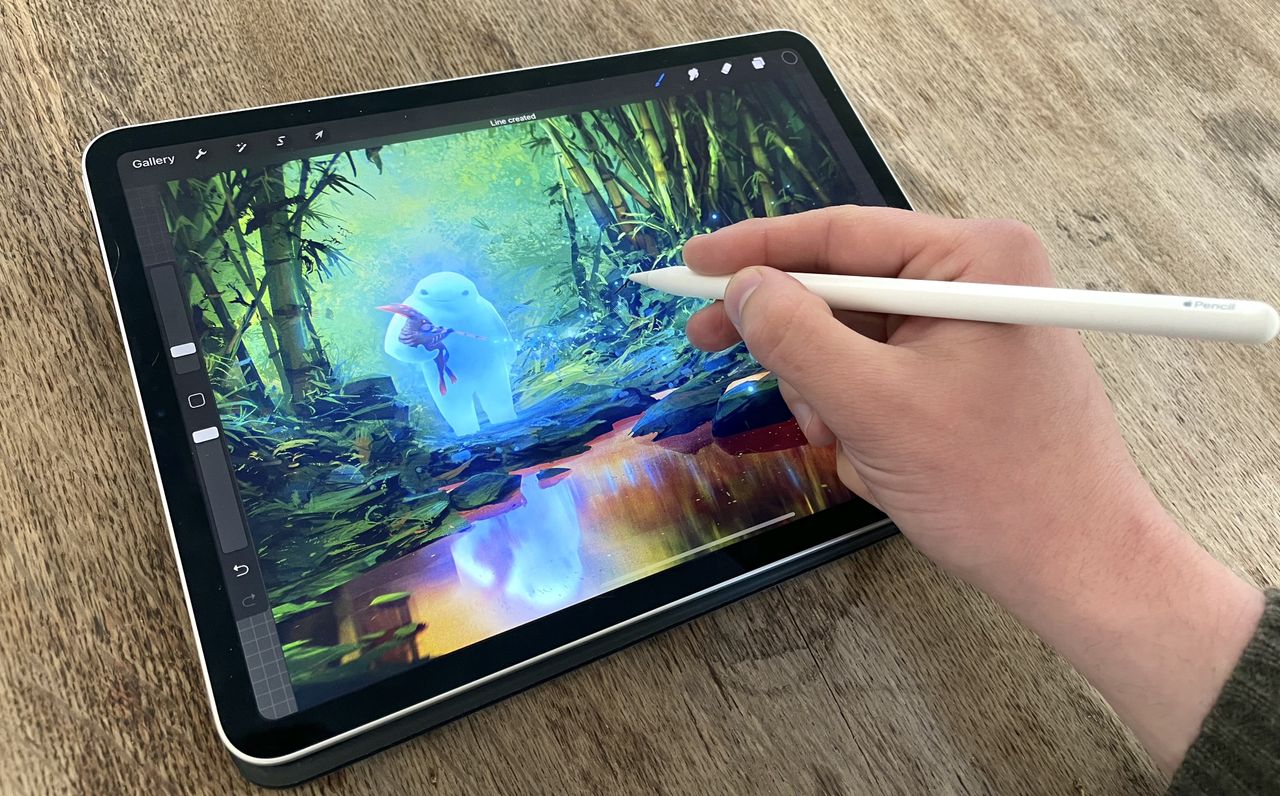
I’ve been drawing on iPad for years, but the Apple Pencil Pro immediately felt different. It looks minimal and understated, but small gestures, squeeze, tilt, and roll-start to change the way you interact with the screen. For anyone hunting for the best iPad for drawing, this stylus turns a good setup into something far more tactile and responsive.
At first, I wasn’t sure if all the features were more gimmick than genuinely useful. After a few days of testing across Procreate, Clip Studio Paint, and Photoshop on iPad, the kind of titles I consider the best drawing apps for iPad, I quickly realised the Pencil Pro is designed for artists who care about flow. Every tweak feels natural, from subtle haptic feedback to tilting for texture and dynamic brush control.