What you need to know
- Samsung's new Screenshot Analyzer automatically sorts screenshots into smart categories.
- The feature can take you back to the original source of a screenshot with one tap.
- Screenshot Analyzer works directly inside the Gallery app, not as a separate app.
If you've been jealous of the Pixel Screenshots app on newer Google Pixel phones, Samsung has introduced something arguably better on the new Galaxy S26 phones.
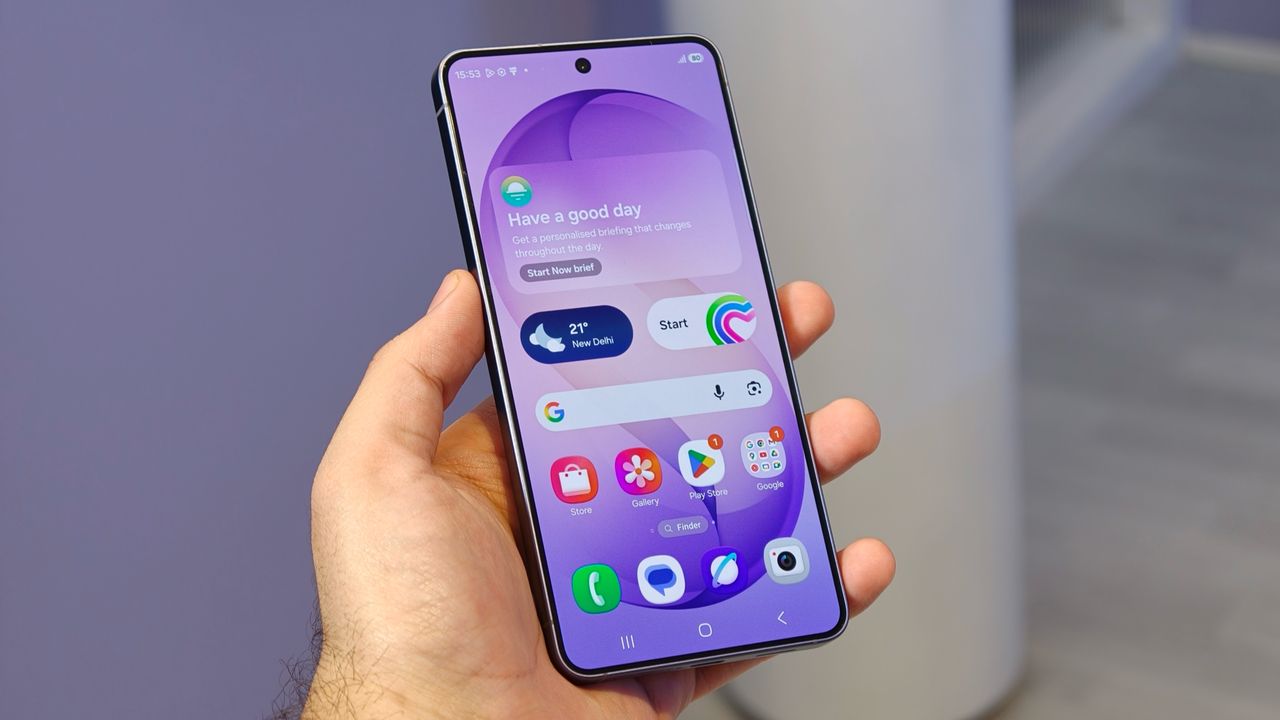
The Samsung Galaxy S26 series is finally official, and as always, Samsung has packed the new Galaxy phones with a flood of AI features. In fact, Samsung is branding the Galaxy S26 as an "Agentic AI" phone and is even allowing Gemini to perform tasks directly on your device. We also saw the debut of the new Bixby with One UI 8.5 on the Galaxy S26 series.
However, one of the more underrated Galaxy AI upgrades is how Samsung now handles screenshots inside the Gallery app.
The company has introduced a new Screenshot Analyzer feature on the Galaxy S26 series that automatically scans and sorts your screenshots into categories such as boarding passes, chats, web pages, QR codes, social media posts, and more (via Android Authority).
But it doesn't stop there. Screenshot Analyzer not only categorizes screenshots, but it also allows you to return to the original source from which the screenshot was taken.
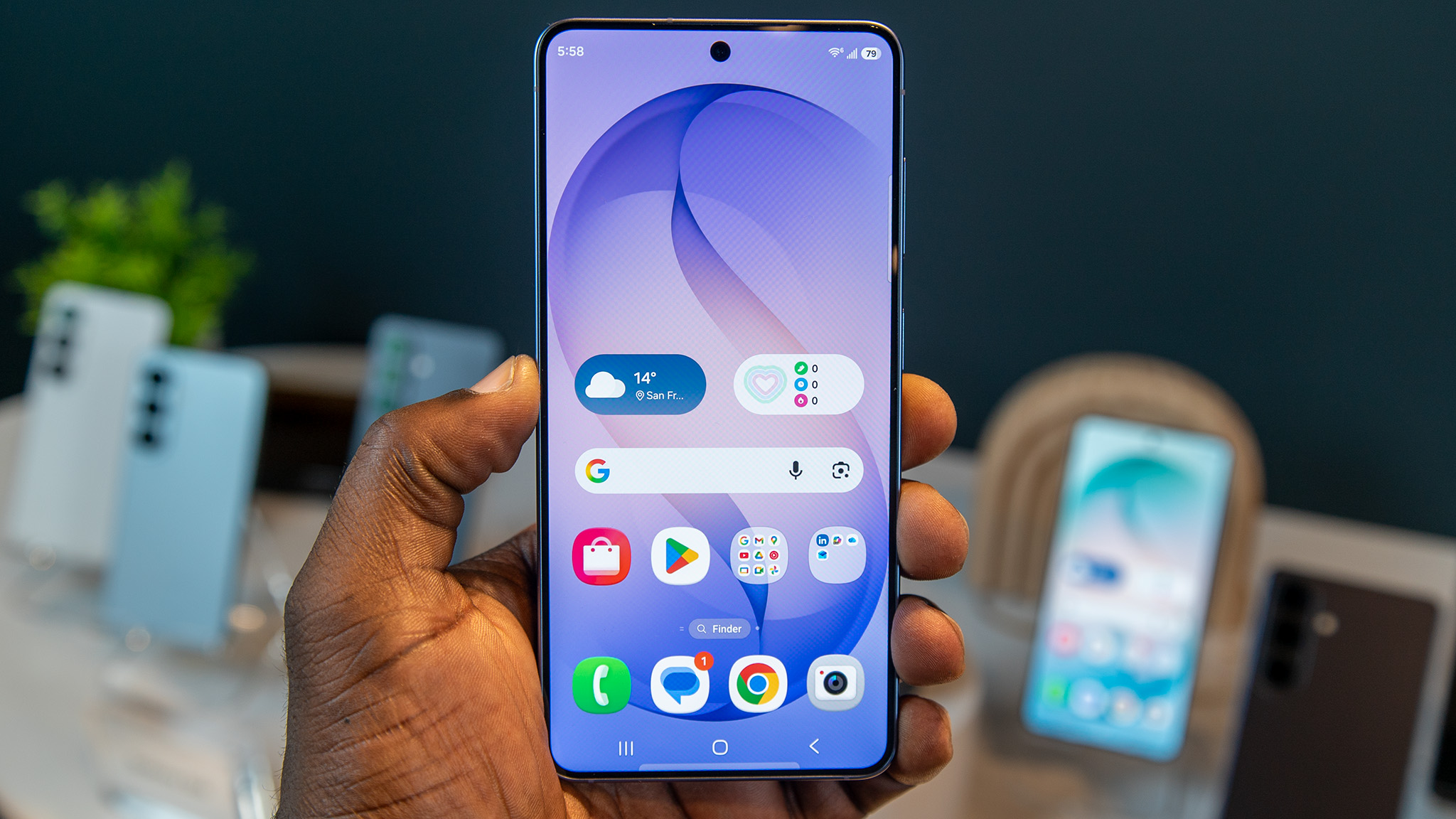
For example, if you took a screenshot of a boarding pass from your email, you can tap Go to source on the Galaxy S26, and it will take you back to the original email. Samsung says the feature will also work within chat apps, although it has not clarified whether it'll jump to the exact message in a thread or simply open the app.
That said, this feature arguably one-ups Pixel Screenshots since it works directly inside the Gallery app. Samsung hasn't relied on using a separate app for it, as Google did.
We have not gone hands-on with the feature yet, but expect us to dive deeper into One UI 8.5 and even more new Galaxy AI features in the coming days.
Android Central's Take
If you're anything like me, you probably have thousands of screenshots on your phone just sitting there unsorted. Finding the right one can be frustrating, especially on non-Pixel devices.
The Galaxy S26 feature looks genuinely useful, particularly if the "Go to source" feature works seamlessly. That is something most other tools, including Pixel Screenshots, cannot fully replicate.