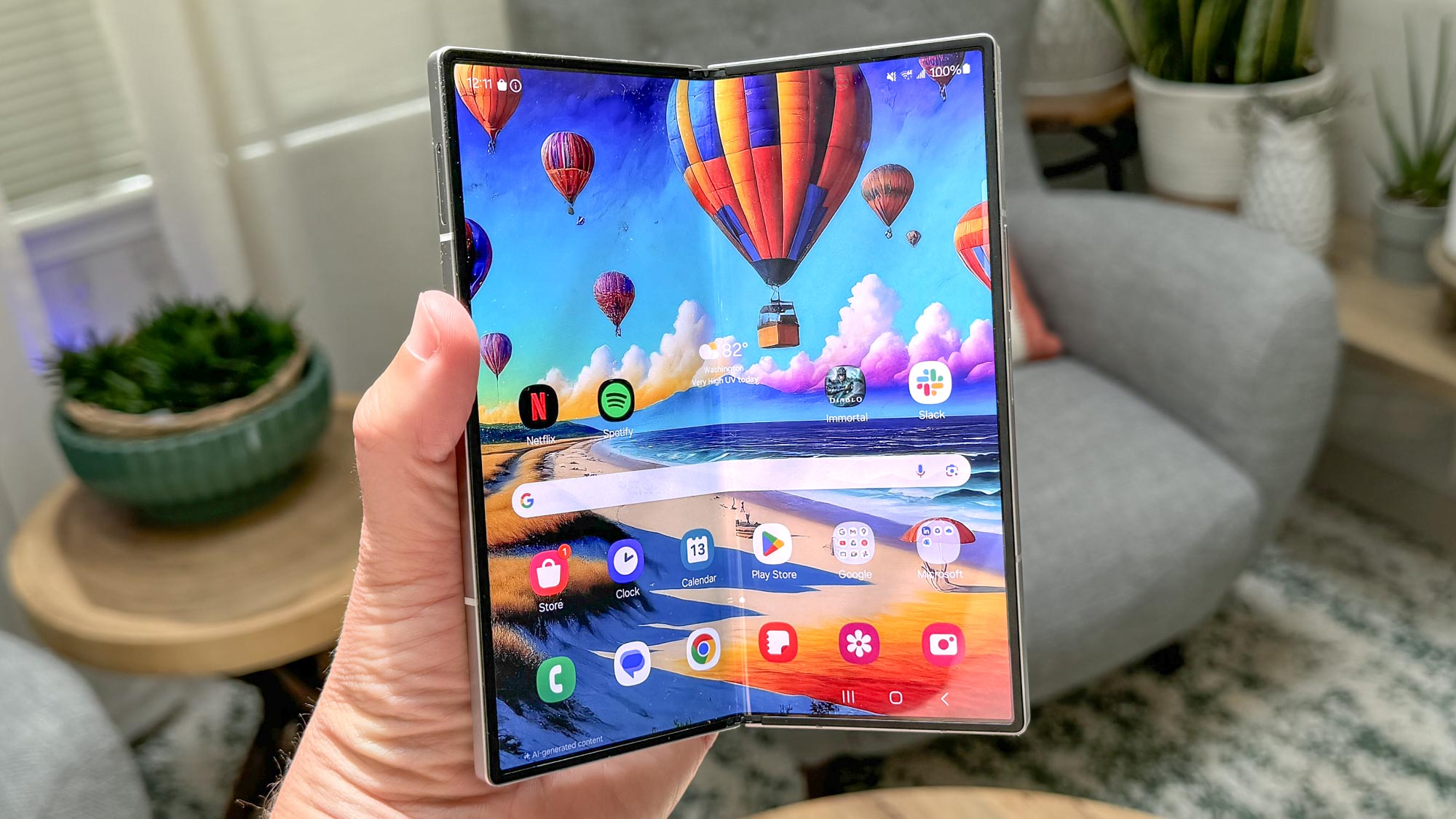
One of the great things about Android is that you’re not always bound by whatever apps are available in Google Play or other app stores. Sideloading can potentially be quite risky if you’re not careful, but it’s an option and typically quite easy to do. But some devices do impose extra restrictions, including the new Samsung Galaxy Z Fold 6 and Galaxy Z Flip 6.
On a typical Android phone, sideloading is blocked by default, and you have to enable the “Install apps from unknown sources” toggle in settings. Samsung’s OneUI 6.1.1, which is what powers the new foldables, also comes with an “Auto Blocker” feature that will block all third-party app installations — even if you enabled the Install from unknown sources toggle first.