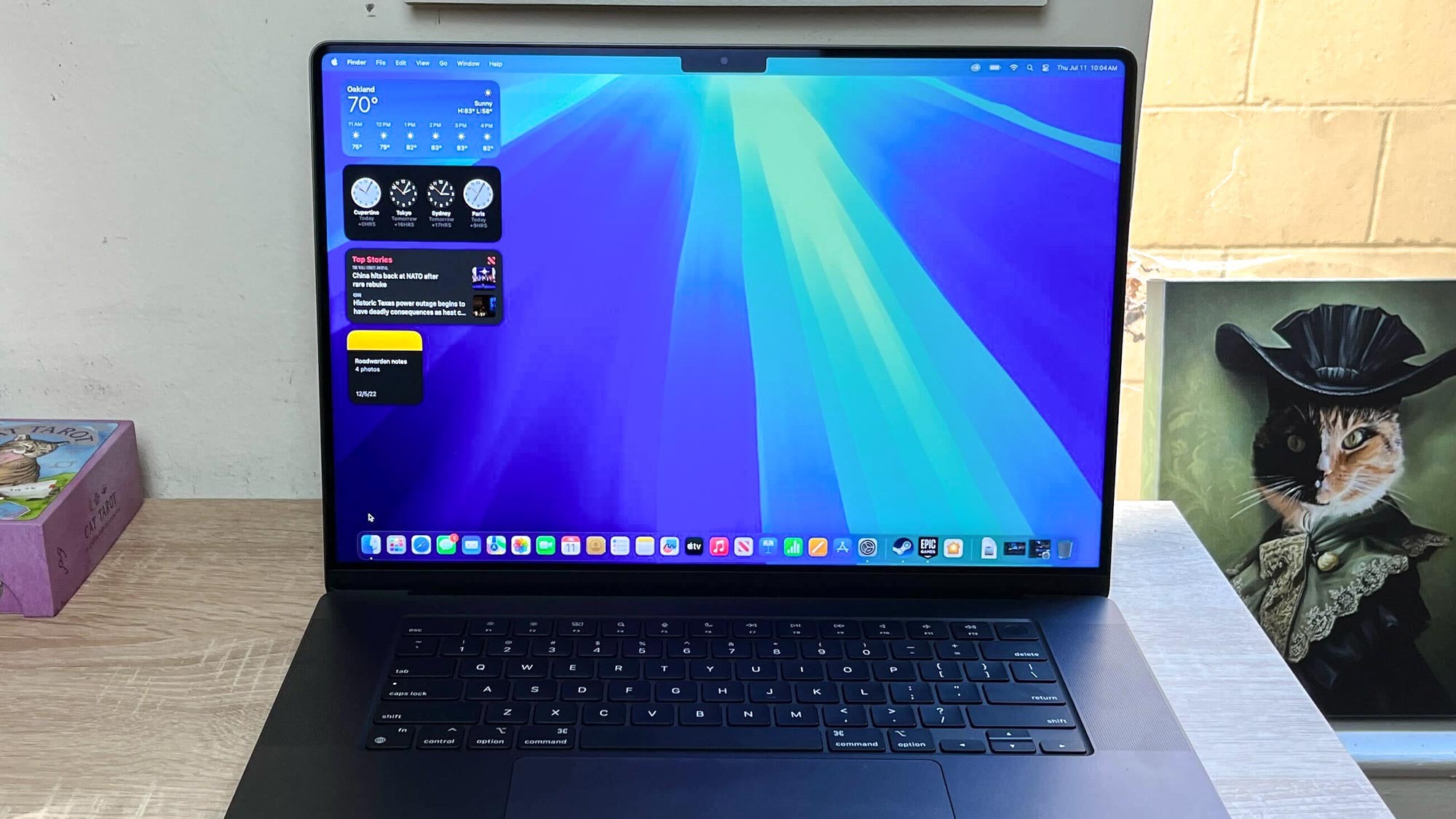
Apple has launched the fifth macOS Sequoia developer beta, which lets people test features coming to the best MacBooks and Macs this fall. This update introduces a handy new feature called Distraction Control for Safari, which is also available for the latest developer betas of iPadOS 18 and iOS 18.
What’s special about Distraction Control? It temporarily removes distracting elements from websites, such as pop-up ads. This isn’t an ad blocker, so you don’t have to feel guilty about taking away a website’s ad views. Distraction Control lets you manually select what items you want to hide on a website, and the changes last through page refreshes/reloads so long as the item you hid hasn’t changed. This way, you can have a more pleasant web browsing experience with less distractions.