Get all your news in one place.
100’s of premium titles.
One app.
Start reading
Android Central
Android Central
Technology
Jay Bonggolto

One UI 8.5 beta 3 lands on Galaxy S25 with bug fixes and January security patch

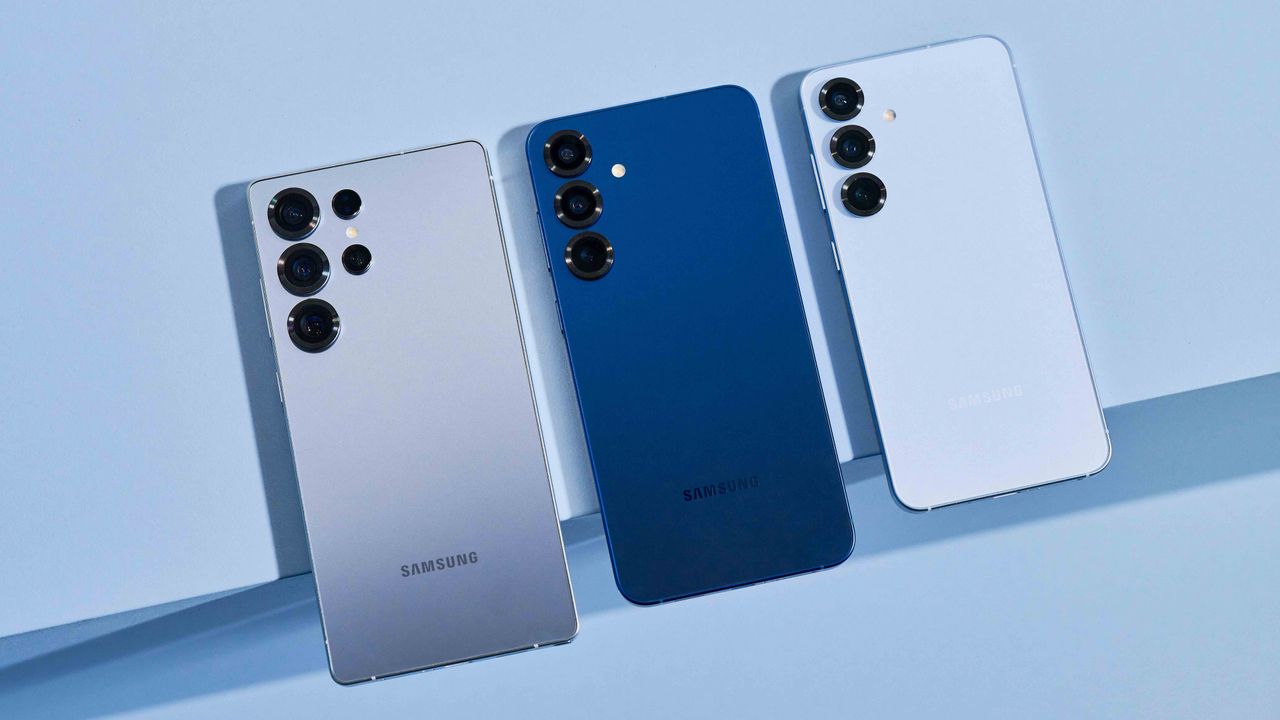
The Samsung Galaxy S25 Ultra, Galaxy S25 Plus, and Galaxy S25, next to each other.

What you need to know

  • One UI 8.5 Beta 3 is a 1.2GB update that fixes a bunch of annoyances, including lock screen glitches, gallery lag, widget bugs, and inconsistent UI behavior.
  • Samsung has also tackled excessive power drain from certain apps.
  • This beta also smooths out the stuttering performance previously seen in the Gallery’s Live Effects.

Samsung is starting 2026 strong by releasing the third beta of One UI 8.5. This update is not just a small fix — it’s a major 1.2GB release that addresses some of the most annoying issues early users faced in previous versions.

The new firmware, with a version number ending in ZZA3, is now available in the U.S., South Korea, Germany, and the UK (via Tarun Vats). In these countries, it’s called Beta 3, but in India and Poland, it may appear as Beta 2.

The different beta numbers can be confusing, but it’s the same build with the same improvements. Users in some regions are just joining the same release cycle a bit later.

Along with bug fixes, this update includes the January 1, 2026 security patch. The Galaxy S25 series is the first to receive this update, surprisingly beating even Google’s own Pixel lineup to the punch.

(Image credit: Tarun Vats / X)

This update mainly focuses on stability. Samsung has fixed lock-screen clock issues, reduced gallery lag related to Live Effects, and improved widget reliability.

A key improvement is the fix for battery life. The update addresses high power use from certain apps, so your battery should last longer throughout the day.

The visual glitches that were making the UI feel unfinished have also been tackled. If you noticed the clock display error that was messing up your lock screen aesthetics, you will be happy to know that it has been patched.

The Now Briefing feature, which wasn’t showing up for some users, is working again. Your speed dial favorites in the Phone app should now stay in place. Samsung also made the search button easier to see on the widget addition screen.

If you are part of the beta program, go to Settings, then Software update, and select Download and install to get the update.

Sign up to read this article
Read news from 100’s of titles, curated specifically for you.
Already a member? Sign in here
Related Stories
Top stories on inkl right now
Our Picks
Fourteen days free
Download the app
One app. One membership.
100+ trusted global sources.