Get all your news in one place.
100's of premium titles.
One app.
Start reading
Windows Central
Windows Central
Technology
Richard Devine

Ollama on Windows 11 vs WSL: two brilliant ways to use local LLMs

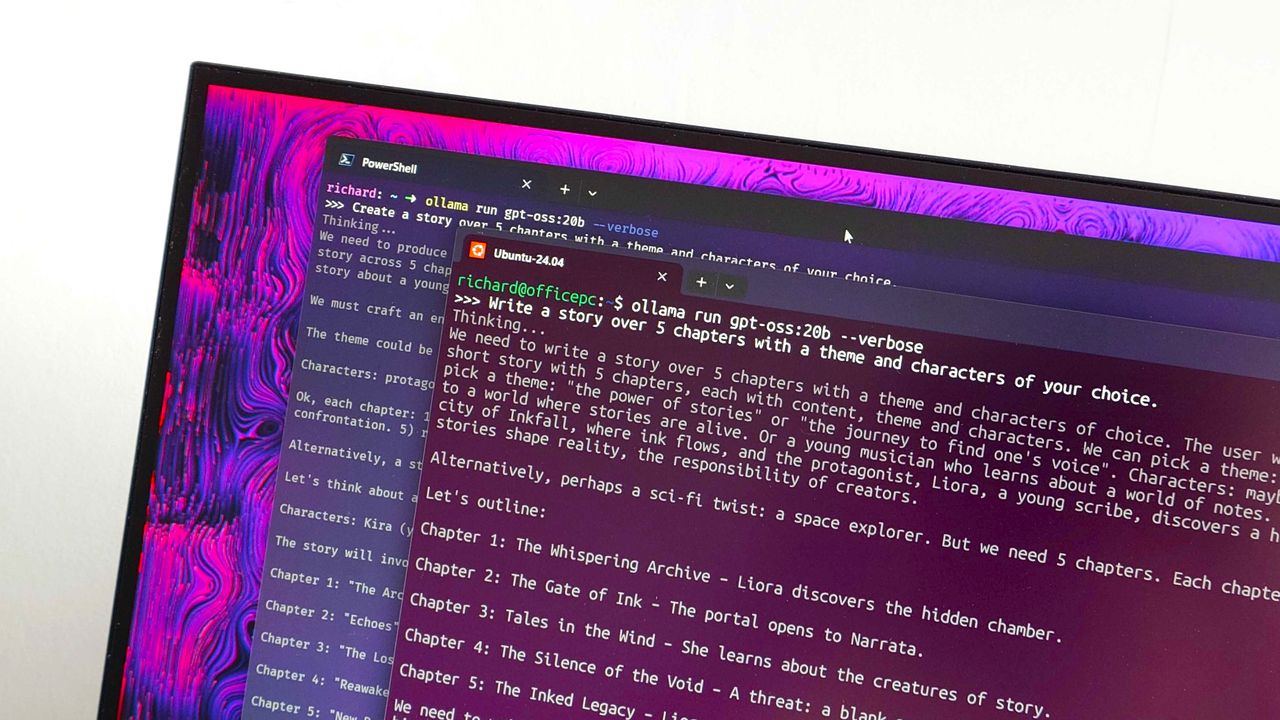
Ollama running in PowerShell and Ubuntu on WSL.

If you're looking at using Ollama on your PC to run local LLMs (Large Language Models), with Windows PCs at least, you have two options. The first is to just use the Windows app and run it natively. The second is to run the Linux version through WSL.

The first is definitely easier. For one, you don't need to have WSL installed, and the actual process of getting up and running is simpler. You just downloaded the Windows installer, run it, and you're up and running.

Sign up to read this article
Read news from 100's of titles, curated specifically for you.
Already a member? Sign in here
Related Stories
Top stories on inkl right now
One subscription that gives you access to news from hundreds of sites
Already a member? Sign in here
Our Picks
Fourteen days free
Download the app
One app. One membership.
100+ trusted global sources.