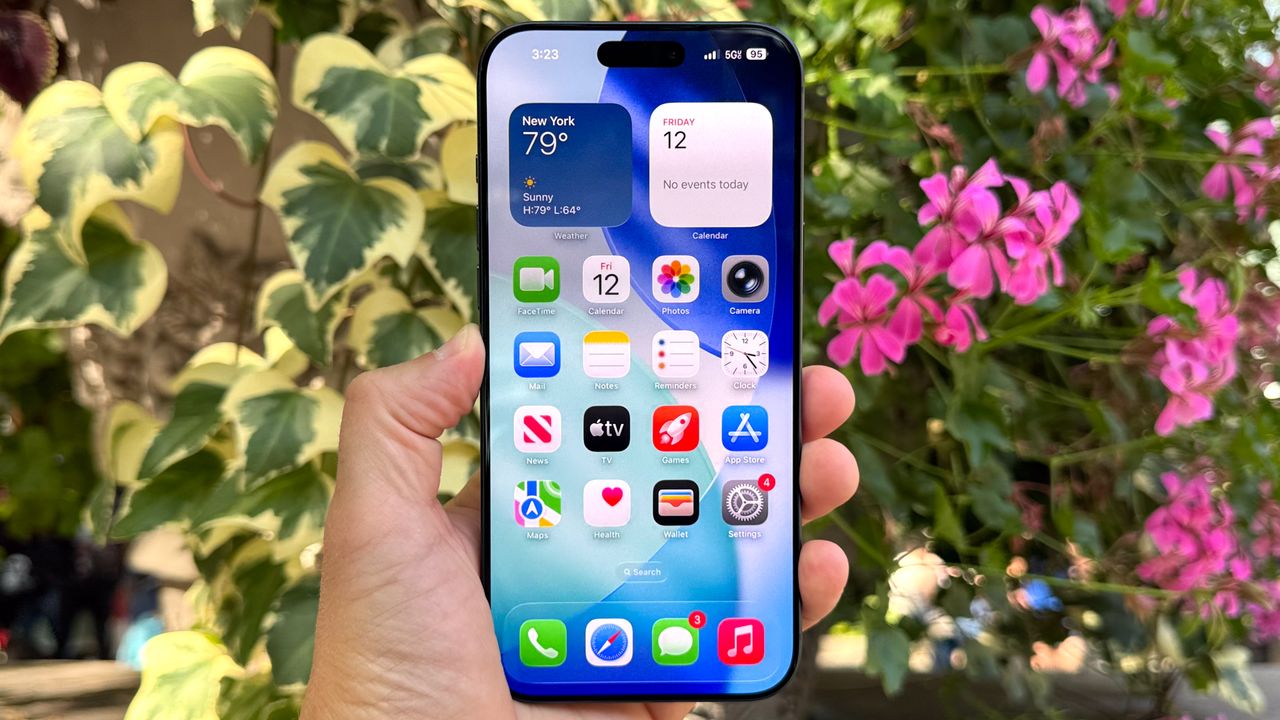
If you're not rushing to install iOS 26, you might be making a smart move. While Apple works out the kinks in their newest update, your current iOS 18 system has plenty of hidden gems worth exploring. I've been digging through the settings menus and found several features that genuinely changed how I use my iPhone.
These aren't the flashy features Apple showcases, they're practical improvements tucked away in settings menus. Each takes less than a minute to adjust but can make your phone feel more personal, private, and easier to use every day. Here's how you can make iOS 18 feel fresh again.