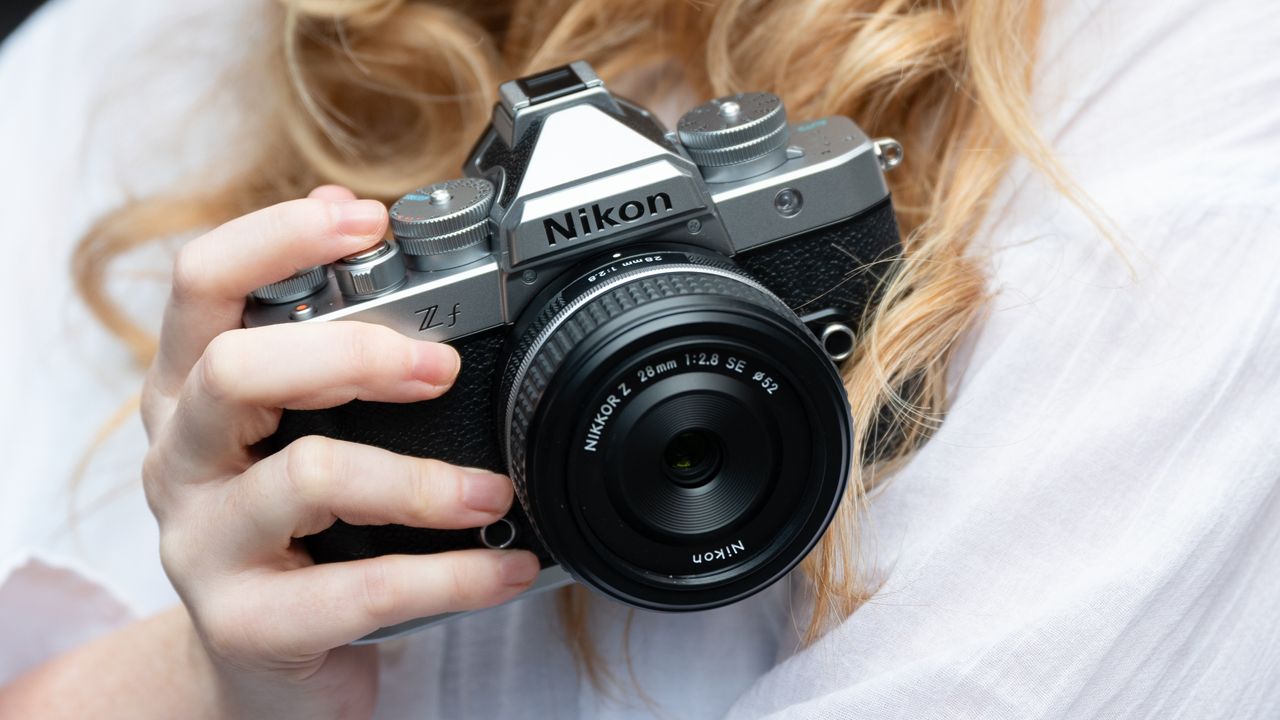
Nikon has added Film Grain to the Nikon Zf in the free firmware update 3.00. This trendy new feature looks set to make the ‘Big Ns’ finest retro camera even more retro chic. It’s said to deliver a “natural-looking grain effect to photos and videos with image processing in the camera,” and you can see the results for yourself, via the sample imagery (below).






The Film Grain feature is customizable in-camera, whereby you can choose between three sizes of grain and six types of intensities. Nikon says that the grain is not applied as a uniformed pattern, meaning it’s unique, changing from image to image. Film Grain can also be combined with in-camera Picture Controls and Imaging Recipes from Nikon Imaging Cloud for even more customizability.
The grain in the sample imagery (above) is quite pronounced, which I’m sure was an intentional decision to highlight the feature, so I’ll reserve any real judgement until I’ve tried it out for myself. However, I think this is a great inclusion from Nikon, given the Nikon Zf’s retro looks and appointments, such as its dedicated, physical black-and-white switch.
Nikon Zf Firmware 3.00
Film Grain might be the headline upgrade in Firmware 3.00, but there are plenty more additions and fixes. Something I’m very happy to see is an ‘Only during zoom’ option in focus peaking. This means that the focus peaking overlay only appears when “enlarging the view”, presumably this means zooming into live view. I think this is a great inclusion, because focus peaking can be extremely distracting when composing your image, and is mostly used when refining critical focus.
Nikon has also added ‘Maximum aperture Lv’, which is said to make “it easier to determine the focus peak with manual focusing”. New grid type options have been added, too, with 4:3 for stills and 9:16 for video. What sounds like a great quality-of-life upgrade is ‘Automatic monitor display switch’, when turned on this is designed to prevent unintentional activation of the EVF, when the “vari-angle monitor is open”.
Nikon Zf users can now turn off the electronic shutter sound during high-speed frame capture and Pixel Shift shooting, while ‘Record camera orientation’ now has a video option, so portrait-orientation video footage can be played back and edited in portrait orientation via the importing device.
For a full list of Firmware 3.00 features, make sure you visit the Nikon Download Center. If you don’t know how to upgrade your Nikon camera’s firmware, I’ve got you covered.
You might also like...
Check out the best Nikon cameras and the best Nikon Z lenses. Also, like the Nikon Zf but want a budget or APS-C option? Take a look at the Digital Camera World Nikon Z fc review.