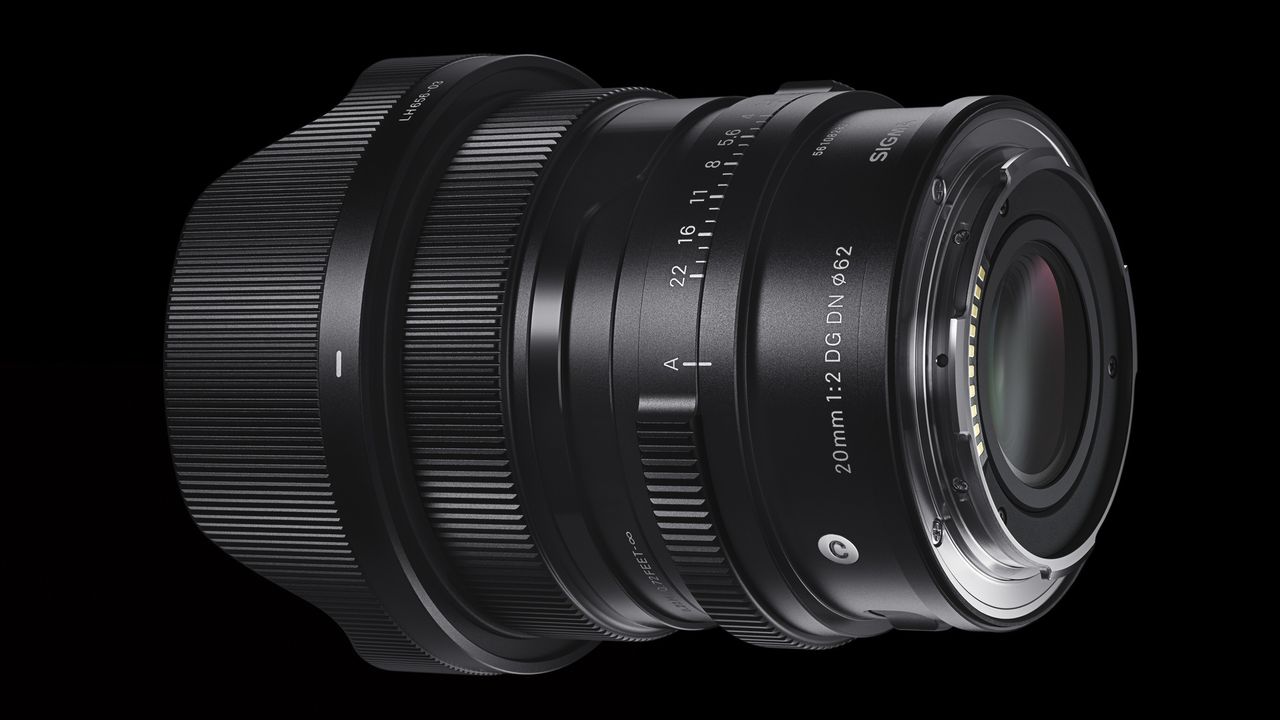
Sigma has released free firmware updates for 13 Sony E-mount lenses, bringing compatibility improvements for photographers using the new Sony A7 V.
The rollout covers a range of Contemporary and Art primes, including six of the company's premium I Series lenses.

While the firmware versions vary between Version 3 and Version 7 depending on the lens, they all deliver the same fix: resolving a rare issue that could cause the camera's monitor to black out and freeze during shooting when paired with the Sony A7 V.
Firmware
Updates: 17mm, 20mm and 24mm
1. Sigma 17mm F4 DG DN | Contemporary Sony E-mount – Ver.03
Download link for Windows and Mac OS
2. Sigma 17mm F4 DG | Contemporary Sony E-mount – Ver.03
Download link for Windows and Mac OS
3. Sigma 20mm F2 DG DN | Contemporary Sony E-mount – Ver.04
Download link for Windows and Mac OS
4. Sigma 20mm F2 DG | Contemporary Sony E-mount – Ver.04
Download link for Windows and Mac OS
5. Sigma 24mm F2 DG DN | Contemporary Sony E-mount – Ver.04
Download link for Windows and Mac OS
6. Sigma 24mm F2 DG | Contemporary Sony E-mount – Ver.04
Download link for Windows and Mac OS
Updates: 35mm, 45mm, 65 and 90mm
7. Sigma 35mm F1.4 DG DN | Art Sony E-mount – Ver.05
Download link for Windows and Mac OS
8. Sigma 45mm F2.8 DG DN | Contemporary Sony E-mount – Ver.07
Download link for Windows and Mac OS
9. Sigma 45mm F2.8 DG | Contemporary Sony E-mount – Ver.07
Download link for Windows and Mac OS
10. Sigma 65mm F2 DG DN | Contemporary Sony E-mount – Ver.04
Download link for Windows and Mac OS
11. Sigma 65mm F2 DG | Contemporary Sony E-mount – Ver.04
Download link for Windows and Mac OS
12. Sigma 90mm F2.8 DG DN | Contemporary Sony E-mount – Ver.04
Download link for Windows and Mac OS
13. Sigma 90mm F2.8 DG | Contemporary Sony E-mount – Ver.04
Download link for Windows and Mac OS
Pro Advice
If you caught Episode 4 of Bokeh Face: Digital Camera World podcast, above, we discussed the best time to install firmware updates, why they matter, and what issues they can cause. It's a helpful listen if you're unsure when – or whenever – you should update.
It's smart to wait a week or two after release to see if any users hit snags. In the past, brands have had a few hiccups with major updates – for instance, introducing memory-setting bugs or minor interface glitches before being reissued.
You might like...
Browse the best lenses for the Sony A7 V