Get all your news in one place.
100's of premium titles.
One app.
Start reading
Tom’s Guide
Tom’s Guide
Technology
Kaycee Hill

You can record your iPhone screen — here's how

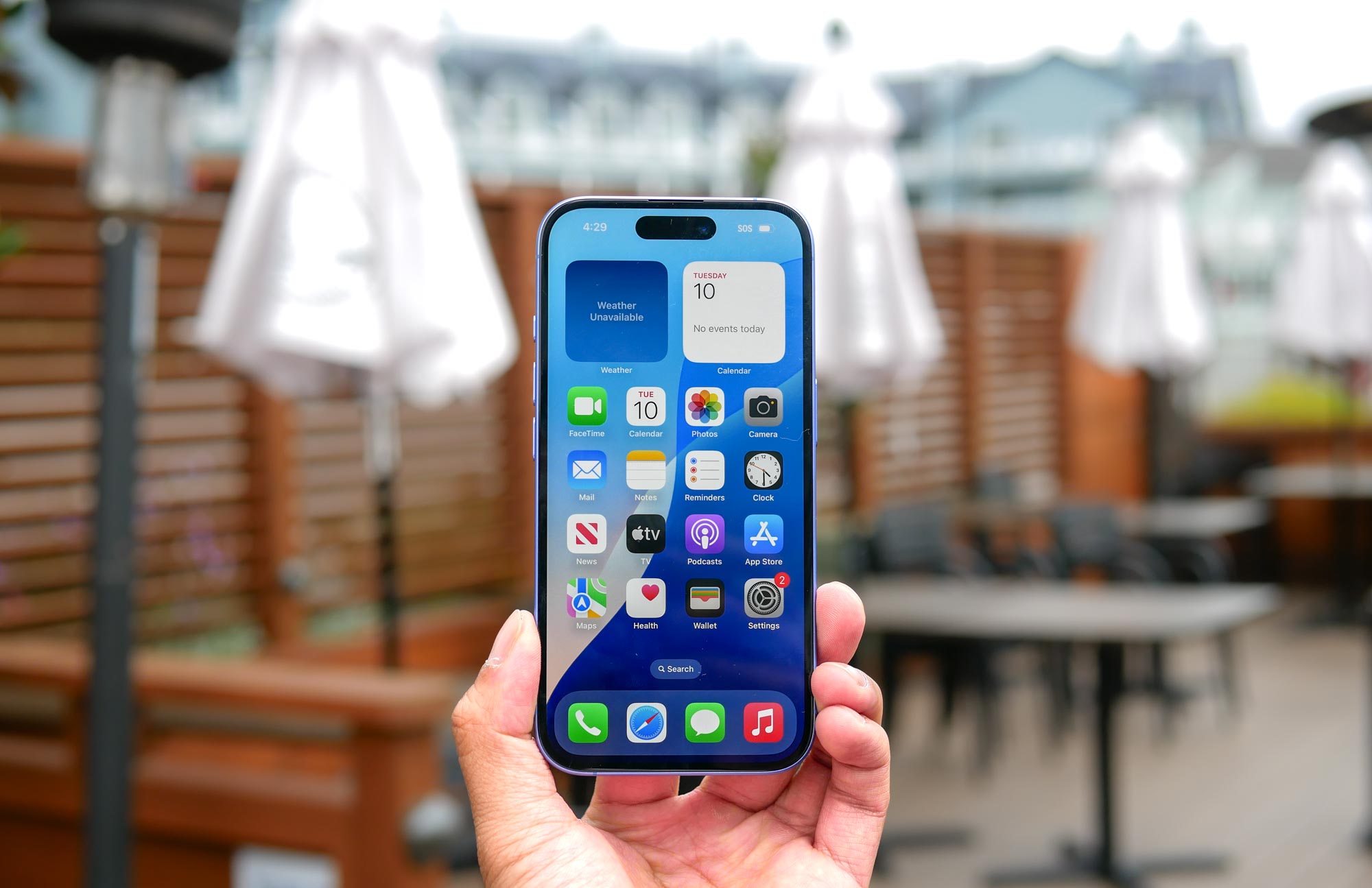
Apple iPhone 16 held in the hand.

Have you ever wanted to show someone exactly how to do something on their iPhone? I find myself constantly recording my screen to create quick tutorials for family members who are a little less tech-savvy.

Whether you're teaching someone how to take a screenshot, scan a QR code, or force restart their device, screen recording is much clearer than trying to explain steps through messaging. While this process straightforward, you'll first need to check the the feature is properly set up in your Control Center.

Sign up to read this article
Read news from 100's of titles, curated specifically for you.
Already a member? Sign in here
Related Stories
Top stories on inkl right now
One subscription that gives you access to news from hundreds of sites
Already a member? Sign in here
Our Picks
Fourteen days free
Download the app
One app. One membership.
100+ trusted global sources.