Get all your news in one place.
100's of premium titles.
One app.
Start reading
GamesRadar
GamesRadar
Technology
Dustin Bailey

Nearly a year later, Nintendo has finally fixed the Switch 2 GameCube emulator's terrible analog stick mapping

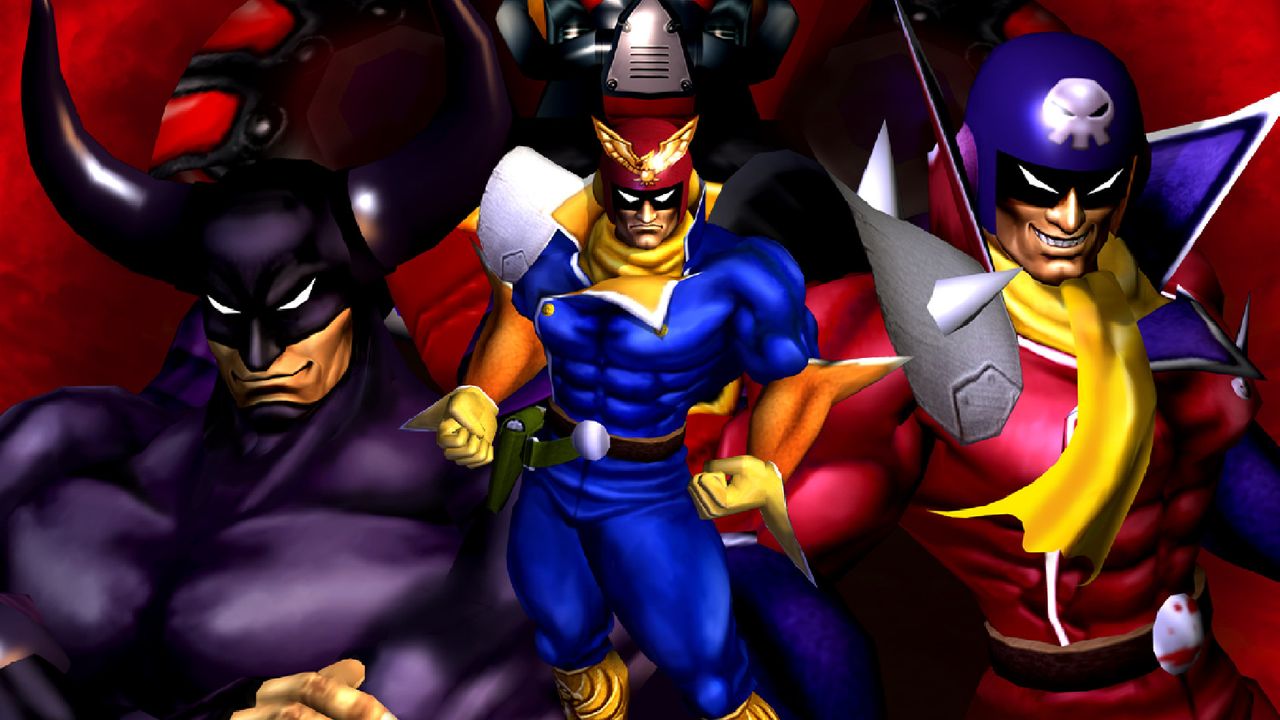
Character art from F-Zero GX.

At long last, Nintendo has finally fixed one of the biggest issues plaguing the Switch 2's selection of GameCube games: analog stick mapping. That might sound like a niche problem to some of you, but it ultimately makes using the control stick far more sensitive than it should be, and the issue has persisted since launch. Until now, when a quiet update seems to have corrected it.

The analogue stick issue has been there since the GameCube Classics app was released through Nintendo Switch Online. Users were able to thoroughly test it thanks to the calibration screen in F-Zero GX, and those tests revealed that the emulator creates, essentially, an inverted dead zone for analog sticks. That means that the games think you're shoving the stick all the way to the side when you're actually only pressing it partway, making games feel oversensitive to your inputs.

That's a particular problem in a difficult, fast-paced racing game like F-Zero GX, especially when combined with the substantial input lag – around six frames, or a tenth of a second – that the emulator also introduced. The issue was there no matter what controller you chose to use, whether it be a Joy-Con, a Pro Controller, or even a GameCube controller.

But the same update that added Pokemon XD: Gale of Darkness this week has also eliminated the analog mapping issue, according to a new test from Madao Joestar on YouTube. "finally, there is a change in one of the tests," they explain. "the stick range has been improved and is now much closer to how it is on a real Gamecube." Unfortunately, the input lag issue is still there, but at least we're no longer getting hit with a double whammy.

It seems there's been another quiet update in this patch, too: HDR support for the CRT shader. Like all CRT shaders, the one included in the GameCube app has the side effect of darkening your screen a bit as a result of the scanlines. HDR should help simulate the glow of a real CRT in a way that bypasses that issue, at least on a TV with proper support for the feature.

The Switch 2 emulator still ain't perfect, but it's becoming a better way to play some of the best GameCube games of all time.

Sign up to read this article
Read news from 100's of titles, curated specifically for you.
Already a member? Sign in here
Related Stories
Top stories on inkl right now
One subscription that gives you access to news from hundreds of sites
Already a member? Sign in here
Our Picks
Fourteen days free
Download the app
One app. One membership.
100+ trusted global sources.