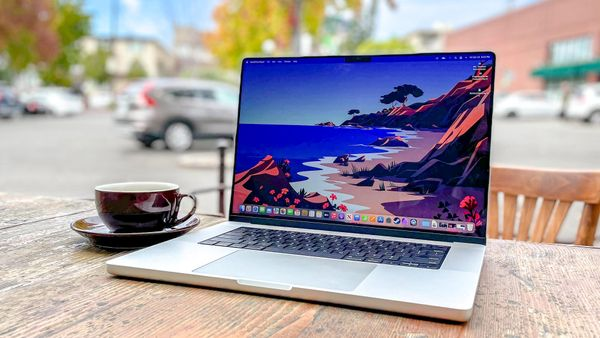
Loud laptop fan noise is distracting and often signals your laptop is working harder than it should be. Fans spin faster and louder when you're laptop overheats, struggles with demanding programs, or accumulates dust that blocks airflow. What starts as an occasional noise can escalate into constant whirring that makes working, watching videos, or focusing nearly impossible.
Most loud fan problems stem from fixable issues rather than hardware failure. Before assuming your laptop is on its way out, here's three straightforward adjustments that reduce fan noise significantly. Plus, these fixes work regardless of what brand of laptop you're using, or model.