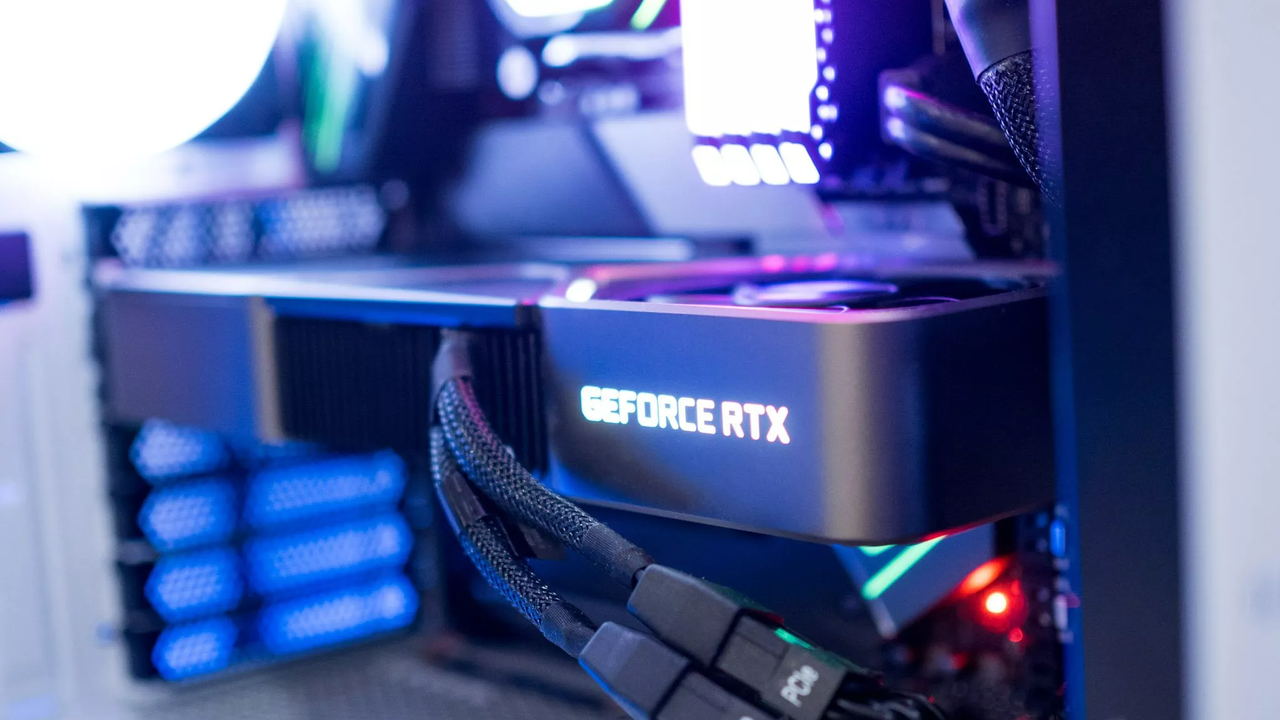
Microsoft and NVIDIA have together turned me into someone I no longer recognize. Months of chaotic Windows 11 patches and NVIDIA GPU driver issues have resulted in me disabling automatic updates and ignoring new patches on my gaming PC.
I know, I know; it's not exactly a controversial take. Despite some security concerns, many PC users do the same, and have done so for a very long time. Why fix something that isn't broken?
What's really getting under my skin lately is the fact that the companies that are supposed to be improving the products they sold me are consistently introducing problems that get in the way of a smooth experience.
I'm talking about two of the most valuable companies in the world: Microsoft and NVIDIA. I should be able to leave automatic updates enabled and not worry about what they're going to do to my PC.
Why has the quality of Windows and NVIDIA updates declined so rapidly?
Is the decline in update quality due to AI taking over coding duties? No idea, but Microsoft CEO Satya Nadella has boasted that up to 30% of Microsoft code is written by AI. Is it because NVIDIA's RTX drivers have become way more complicated with all of the new features? I honestly can't say.
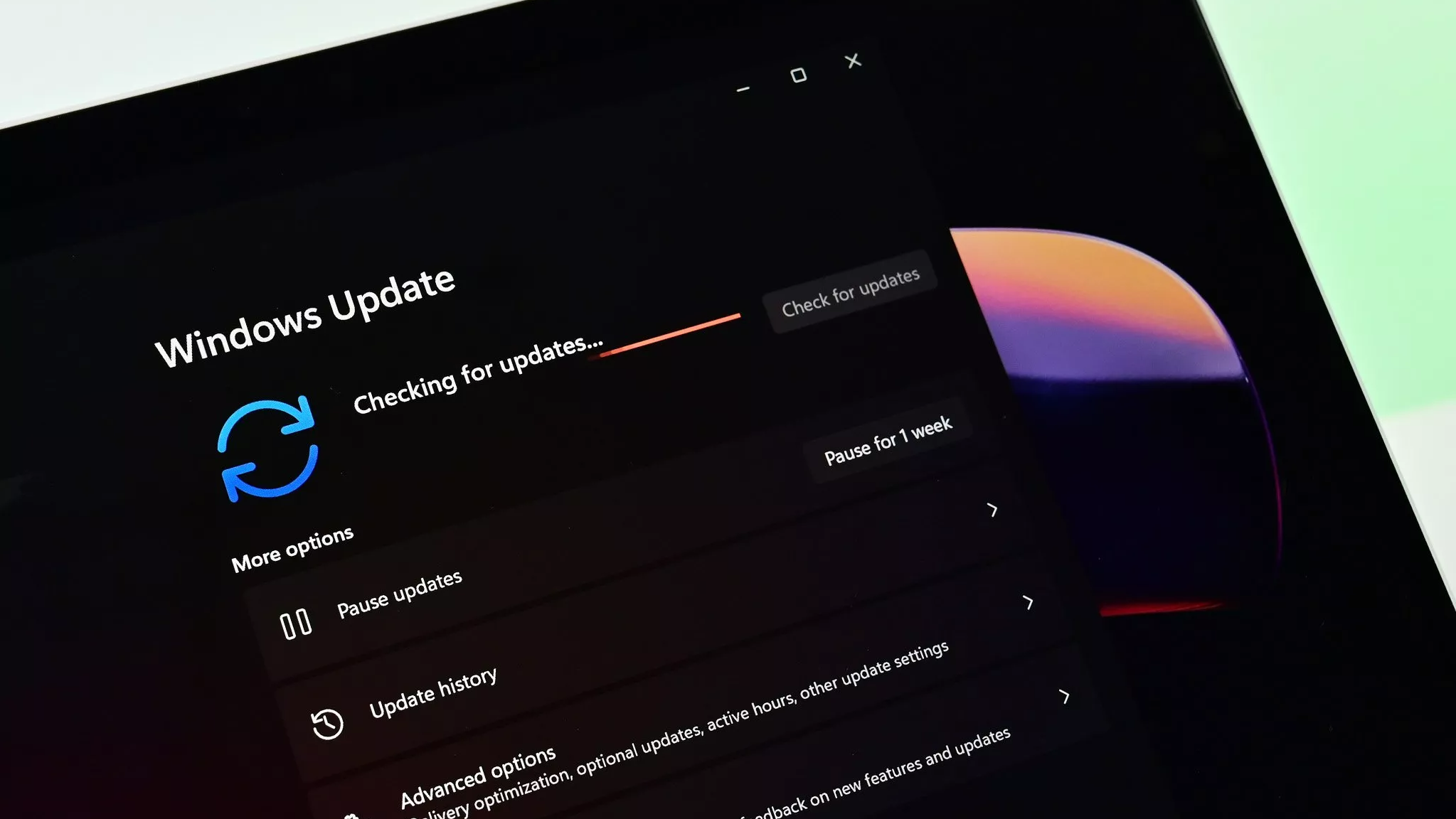
What I do know is that trust in these companies to deliver a stable update is eroding quickly. In the past year or so, Windows 11 has received several broken updates that required an emergency patch.
Most recently on the Windows frontier, there was Windows 11's KB5077181 February update that caused installation failures and several other issues, including those related to NVIDIA GPUs. In January, Windows 11 update KB5078127 was introduced in an emergency out-of-band capacity to address issues with cloud services. I could go on.
On NVIDIA's side, GeForce driver 595.71, released just a couple of days ago, introduced GPU overclocking issues. Right before that, GeForce driver 595.59 broke hardware monitoring, which resulted in GPU fans not spinning properly. Again, I could go on.
How am I handling Windows and NVIDIA updates on my gaming PC?
In my case, NVIDIA driver updates were the first to be disabled on my gaming PC. Sure, I might miss out on some launch drivers for specific games, but I can handle those on a per-game basis. I don't play that many games right when they launch, anyway.
For Windows 11, I've kept updates enabled, but they're on a two-week delay so that I can ensure there's not going to be any unforeseen problems right after they go out.
Until Microsoft and NVIDIA can once again prove that the updates they're pushing out can be trusted, I'll be keeping new versions at arm's length from my gaming PC.
How are you handling updates on your gaming PC?
I know my move to stop allowing automatic updates on my gaming PC isn't exactly controversial. I know a lot of gamers do the same already; please speak up if that's you.
Are you also frustrated that it's basically the only option now that upgrade quality has declined so much? Do you disagree with my take? Please let me know in the comments section!

Join us on Reddit at r/WindowsCentral to share your insights and discuss our latest news, reviews, and more.