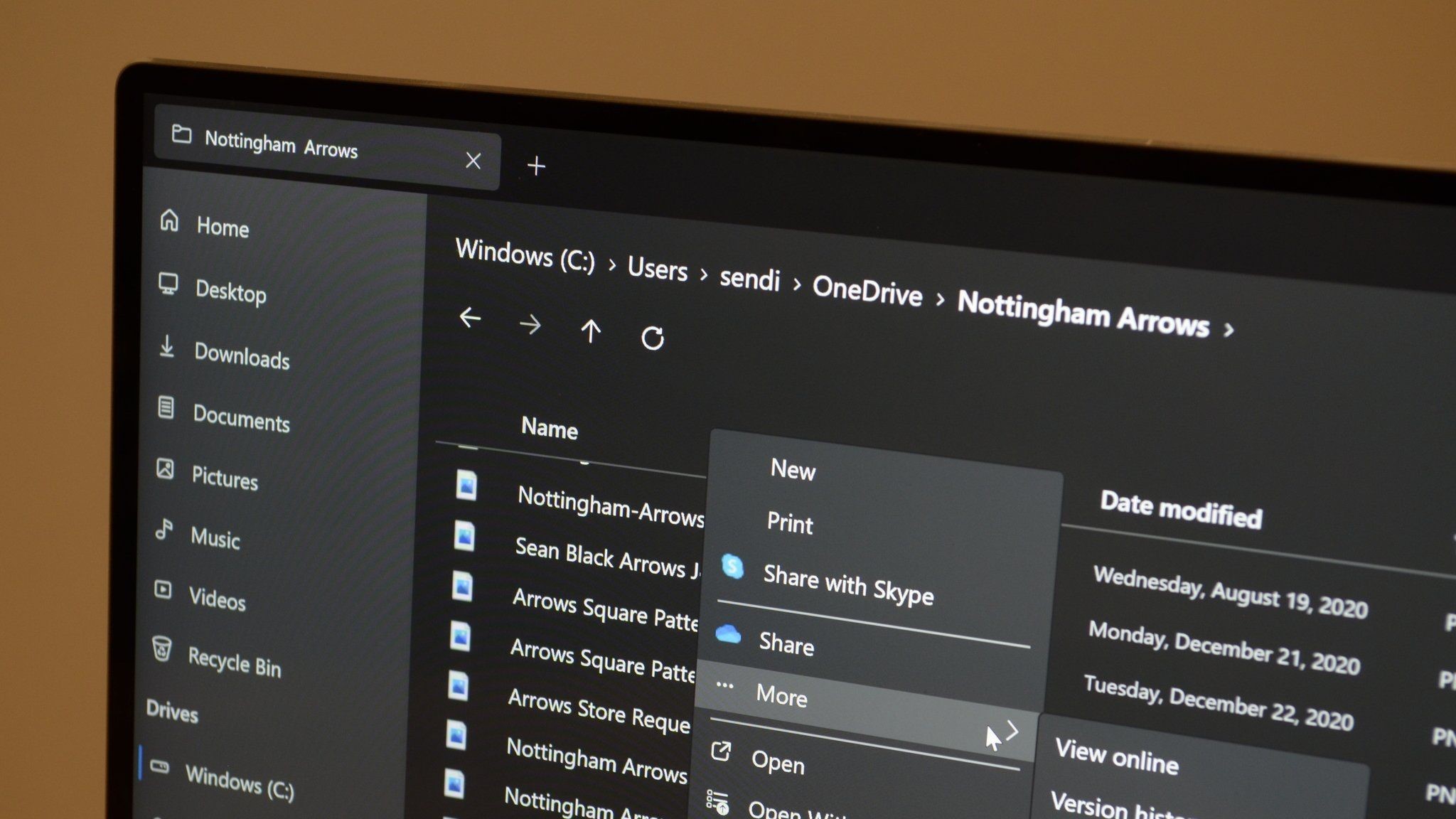
Windows 11's built-in File Explorer is functional and quick, but it lacks the modern design I crave in apps. It's also missing some features and options that you usually only get from apps built from the ground up within the last few years. That's where "Files" comes in. The third-party app is my favorite File Explorer alternative, and it just got a significant update to version 3.9. That update is the largest the app has seen in years and includes several improvements and changes that I'm excited to try out.
Files version 3.9 introduces a Cards View layout that shows metadata for files. When I upload images to Windows Central, I need to make sure they're below a certain size threshold. The new layout within Files shows me the size of a file without me having to right-click or click on the item. The view also shows tag icons and the sync status of files.