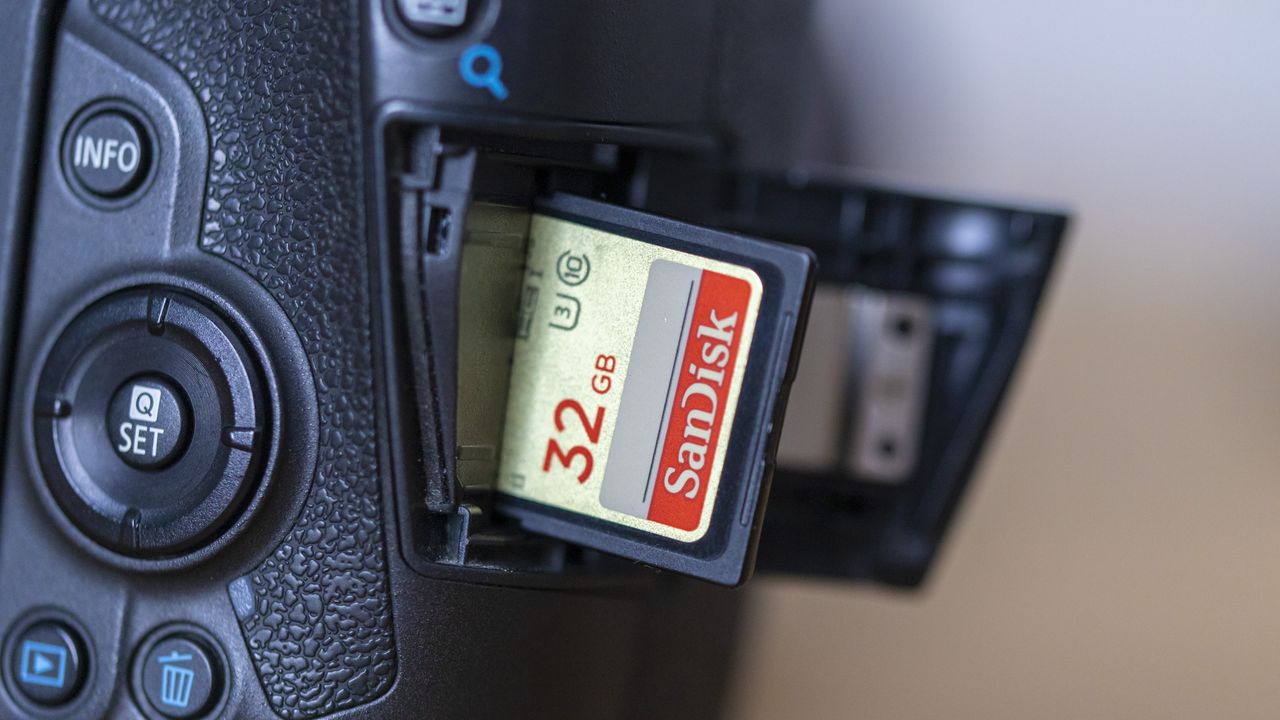
I’m currently working on a review of the crown jewel in OM System’s extensive lens line-up, the M.Zuiko 150-400mm F4.5 TC1.25x IS PRO. One of the places where I decided to test the lens was WWT Slimbridge Wetland Centre. So, the night before, I cleaned the camera and optics, packed my camera bag, charged my batteries and formatted my memory cards. Heck, I even went so far as to separate my batteries from the OM System OM-1 Mark II to prevent any drainage (not that they would be left in there nearly long enough for that to happen). My point is, the preparation was meticulous.
When I got to Slimbridge, I popped a battery in the camera, switched it on and received an error message for memory card slot 1. Occasionally, I’ll end up talking to a photographer who will proudly announce that they’ve never experienced any trouble with SD cards, and I can’t help but wonder, have you only taken, like, 10 photos in your entire life or something!?