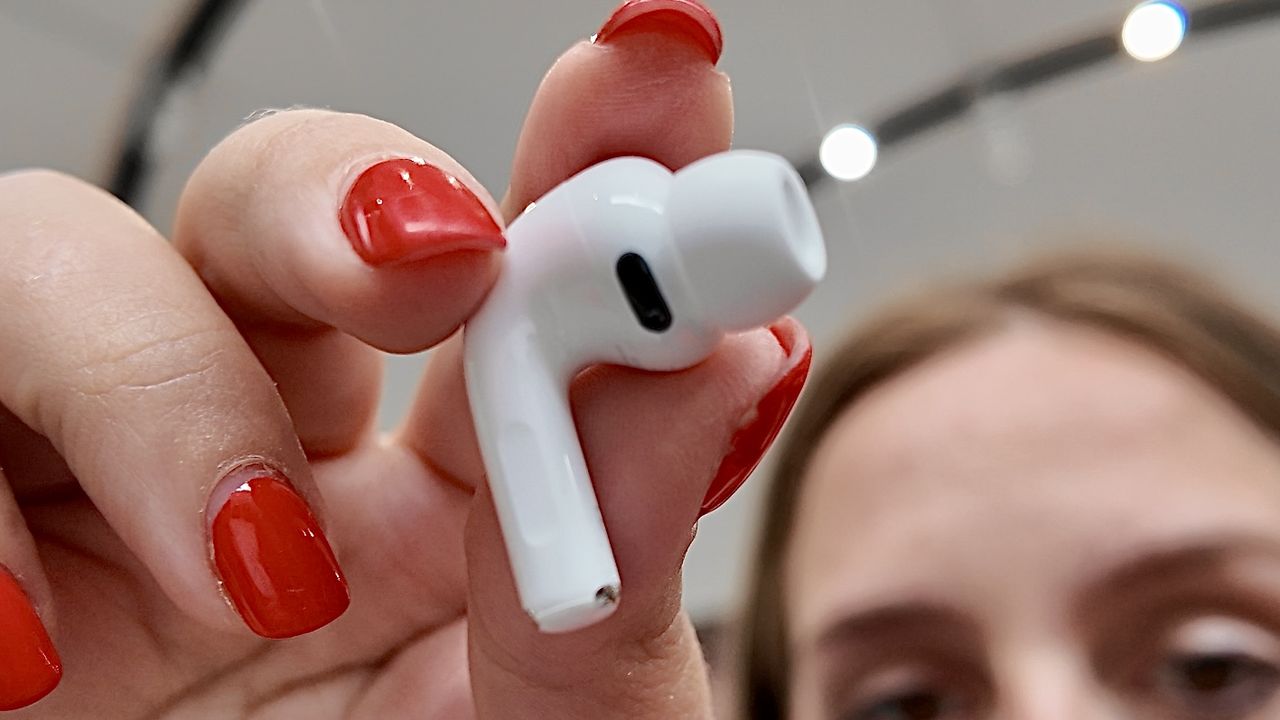
In a matter of months, my AirPods Pro 3 have become my go-to running headphones, and it’s not because they have the ability to track my heart rate. The fit and sound quality is far superior to their predecessors, and they don’t budge, even on really sweaty workouts (nice). However, over the holidays, my AirPods started making a weird clicking, mainly whenever Apple’s Workout Buddy paused my music or podcast with Active Noise Cancellation enabled, but click they did, and it drove me mad.
Luckily, this story has a happy ending, and a rather simple fix, so if you find your AirPods start clicking during your workouts, here’s what to try before you head to a Genius bar.
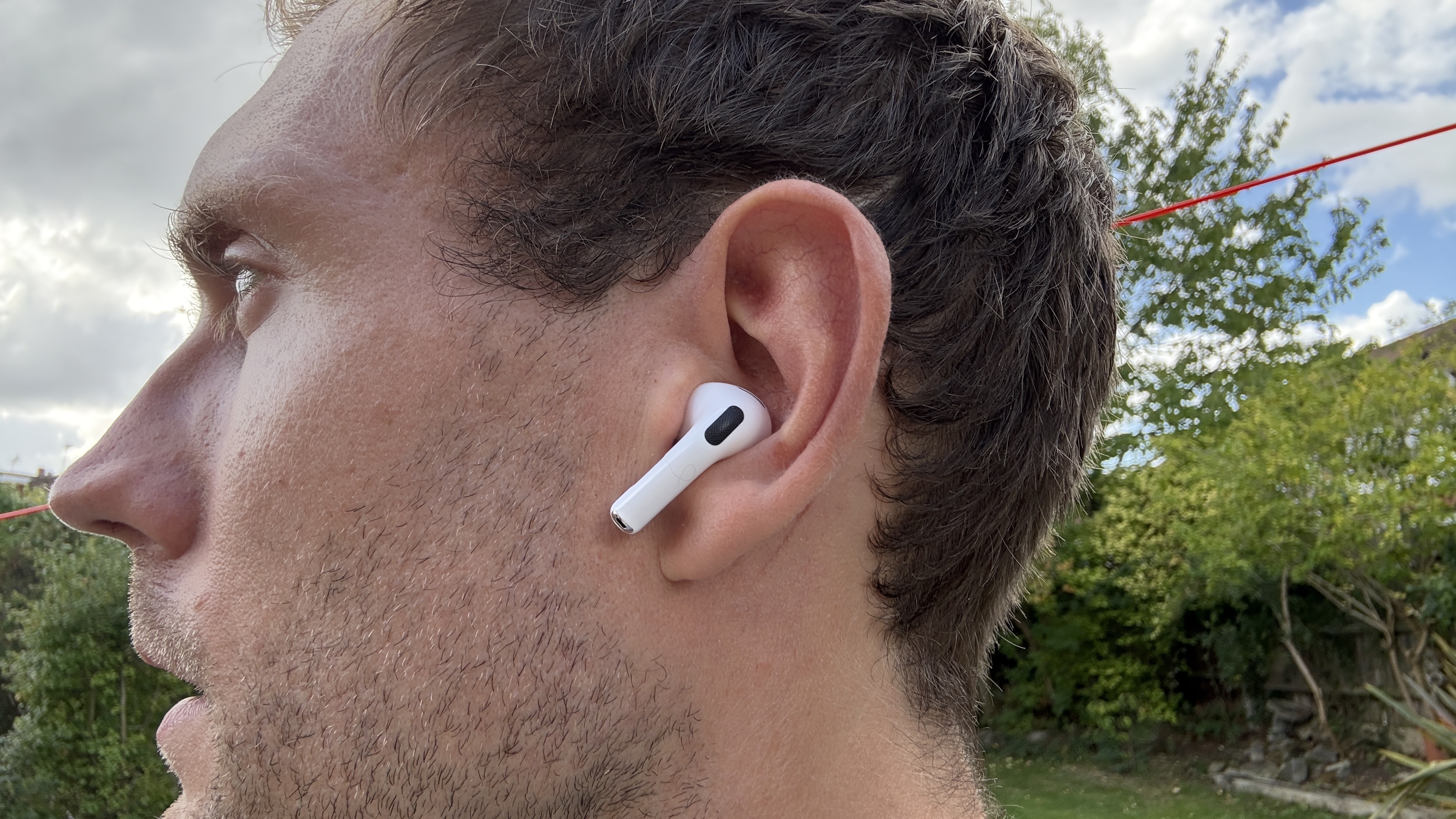
My AirPods Pro 3 started clicking — here’s the simple fix that saved me having to replace them
When I first googled the problem, I saw that the clicking noise can stem from firmware bugs or hardware issues, or a far simpler alternative — a buildup of dirt causing friction in the ear tip.
I often leave the case for my AirPods at home, and chuck my pods themselves in my jacket pocket when I finish a run, and after a few months of wear, I had yet to clean them. Here are the steps I took:
- I removed the tips of the AirPods and used a cotton bud with micellar water to remove the dust that had accumulated both in the part that sits in my ear, and the opposite side, that sits flush with the headphones themselves — there was a surprising amount hidden in the headphones.
- While they were dying, I used another dry cotton swab to clean out the speakers themselves.
- I allowed everything to dry, before putting the headphones back together and returning them to their charging case.
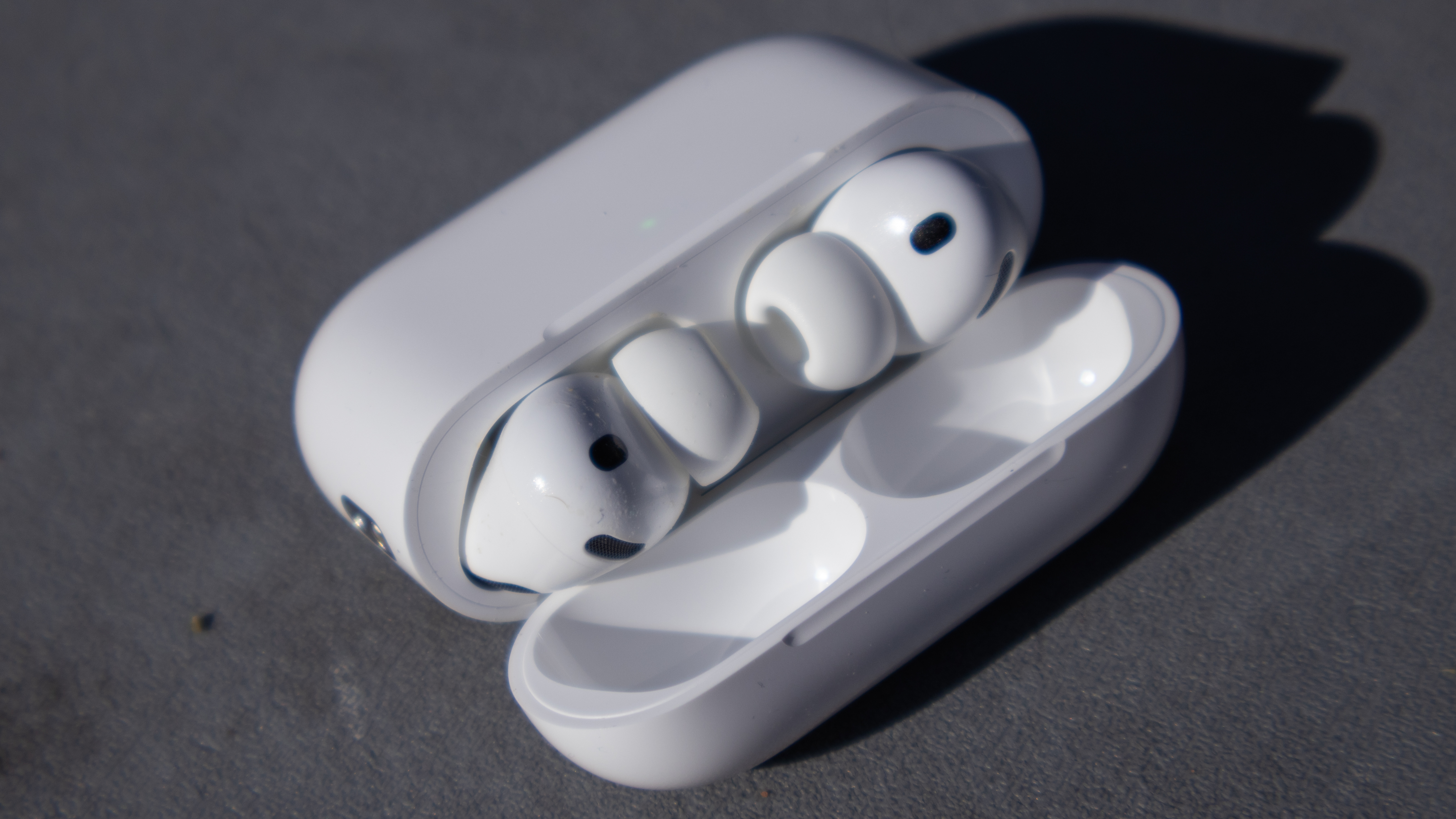
So far, so good in terms of the clicking noise, and a decent lesson that the simple fix is always a good place to start.
Of course, if this doesn’t work, it’s worth taking your headphones back to Apple to see if the popping or clicking sound is related to hardware, but keep your headphones clean, folks, especially if, like me, you carry them around without the case.

Follow Tom's Guide on Google News and add us as a preferred source to get our up-to-date news, analysis, and reviews in your feeds.