Get all your news in one place.
100's of premium titles.
One app.
Start reading
Windows Central
Windows Central
Technology
Zac Bowden

Microsoft wants Edge to automatically open by default every time you turn on your Windows 11 PC

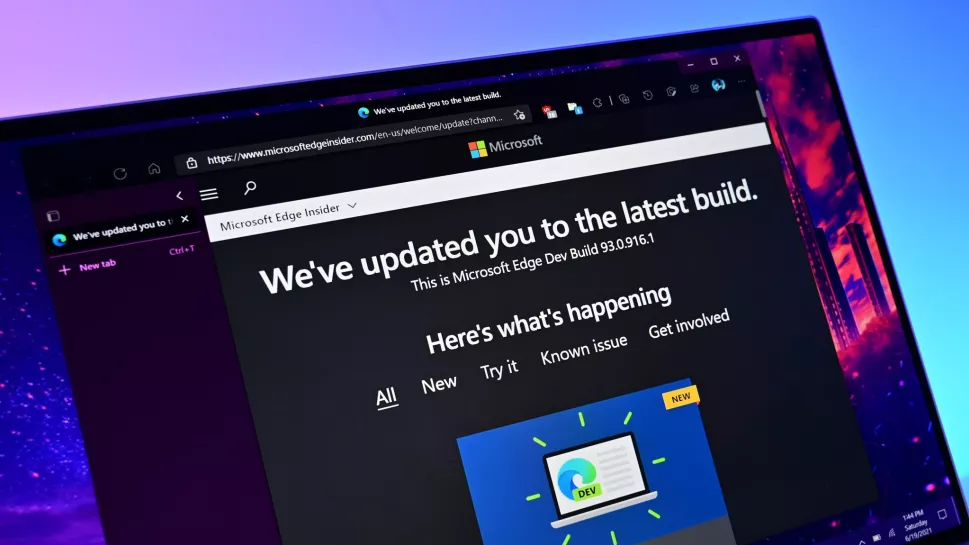
Microsoft Edge Update page.

Microsoft is trialing a new default behavior for Edge on Windows 11 that will allow the browser to automatically open upon startup. Some users are reporting that a new banner is appearing at the top of the Edge browser that says the app "now launches when you sign into Windows, so it's ready when you want to browse. Change this anytime in Settings."

Windows Central can confirm that as of the latest Microsoft Edge Beta build, this banner does appear at the top of the interface, and unless you select the "No thanks" button, the browser will automatically appear every time you start up your PC. The good news is that you can disable this, but the bad news is it appears to be opt-out rather than opt-in.

It's unclear if this behavior only enables itself if you have Edge set as your default browser. The option to set Edge to automatically open doesn't disappear or disable itself if I set Chrome as the default, but it's possible there are checks in place that will stop Edge from enabling this behavior automatically if it detects it's not the default browser.

Unless you select "No thanks," Edge will begin appearing automatically every time you log into your PC. (Image credit: Windows Central)

It probably makes sense for a lot of users to have their default browser of choice open automatically at login, as most people spend the majority of their time in a web browser. Windows already automatically preloads Edge in the background by default to increase its startup performance, so it's not a huge leap to automatically display the app itself if Windows knows you're going to open it anyway.

Given that this new default behavior is also in preview, it's possible that Microsoft may only be testing this with a small group of people, and depending on feedback, will revert the change. You've always been able to manually set Edge to open at startup, but it's never been the default behavior until now. Curiously, this change doesn't appear to be mentioned in the changelogs for the latest preview releases of Edge.

Alongside this new behavior, Microsoft is testing a new UI design for Edge that more closely resembles Copilot. Edge and Copilot are becoming one of the same, with the latest Copilot update dropping its native Windows app in favor of an Edge powered web wrapped experience.


Join us on Reddit at r/WindowsCentral to share your insights and discuss our latest news, reviews, and more.


Sign up to read this article
Read news from 100's of titles, curated specifically for you.
Already a member? Sign in here
Related Stories
Top stories on inkl right now
One subscription that gives you access to news from hundreds of sites
Already a member? Sign in here
Our Picks
Fourteen days free
Download the app
One app. One membership.
100+ trusted global sources.