Get all your news in one place.
100’s of premium titles.
One app.
Start reading
Windows Central
Windows Central
Technology
Kevin Okemwa

Microsoft kills Lens and pushes everyone to OneDrive… which still can’t save scans locally

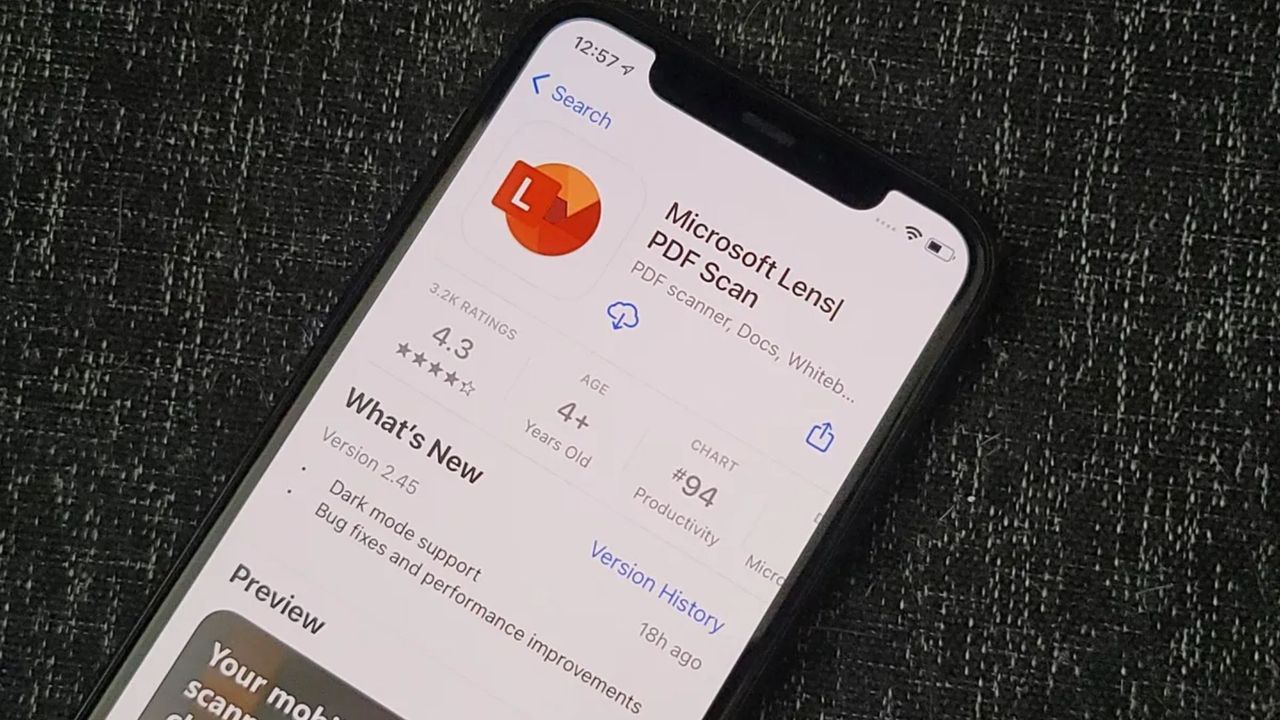
Microsoft Lens iOS App Store Hero.

Last month, Microsoft announced its plan to retire Microsoft Lens (formerly Office Lens) from iOS and Android devices.

As you may know, the app allows users to trim and enhance pictures of whiteboards and documents, making readable. What's more, you can leverage the app to convert images into PDF, Word, PowerPoint, and Excel files.

Microsoft has now confirmed that it has officially ended support for Microsoft Lens as of February 9, 2026. Consequently, the app is no longer available on the Apple App store and Google Play Store from today.

You can continue to scan documents in the app until March 9, 2026. After that, you will not be able to create new scans, but you will still be able to access your previous scans if the app remains installed on your device.

Microsoft

While it is still possible to continue using the app to scan documents through early next month, Microsoft says that you'll "need to be signed into your last active account on the Microsoft Lens app to access past scans".

As Microsoft is set to completely discontinue the app next month, the tech giant has promoted its OneDrive as a viable alternative. "To continue using scanning capabilities, we recommend the OneDrive app, which includes a built-in scanning feature," added Microsoft.

To leverage OneDrive's scanning capabilities, launch the app on your device and select the + button in the bottom corner. Then, select the Scan photo option to scan your documents. Your scanned file will be saved in your desired location in your OneDrive.

Interestingly, unlike Microsoft Lens, which would let you save your scanned files on your local device, "OneDrive does not support saving scans locally on your device".

Elsewhere, Microsoft is unleashing AI agents in its OneDrive app, transforming it into the ultimate productivity hub, and bolstering smarter file and project management. However, it's worth noting that you'll need a Microsoft 365 Copilot license to create your own OneDrive AI agent.


Follow Windows Central on Google News to keep our latest news, insights, and features at the top of your feeds!


Sign up to read this article
Read news from 100’s of titles, curated specifically for you.
Already a member? Sign in here
Related Stories
Top stories on inkl right now
One subscription that gives you access to news from hundreds of sites
Already a member? Sign in here
Our Picks
Fourteen days free
Download the app
One app. One membership.
100+ trusted global sources.