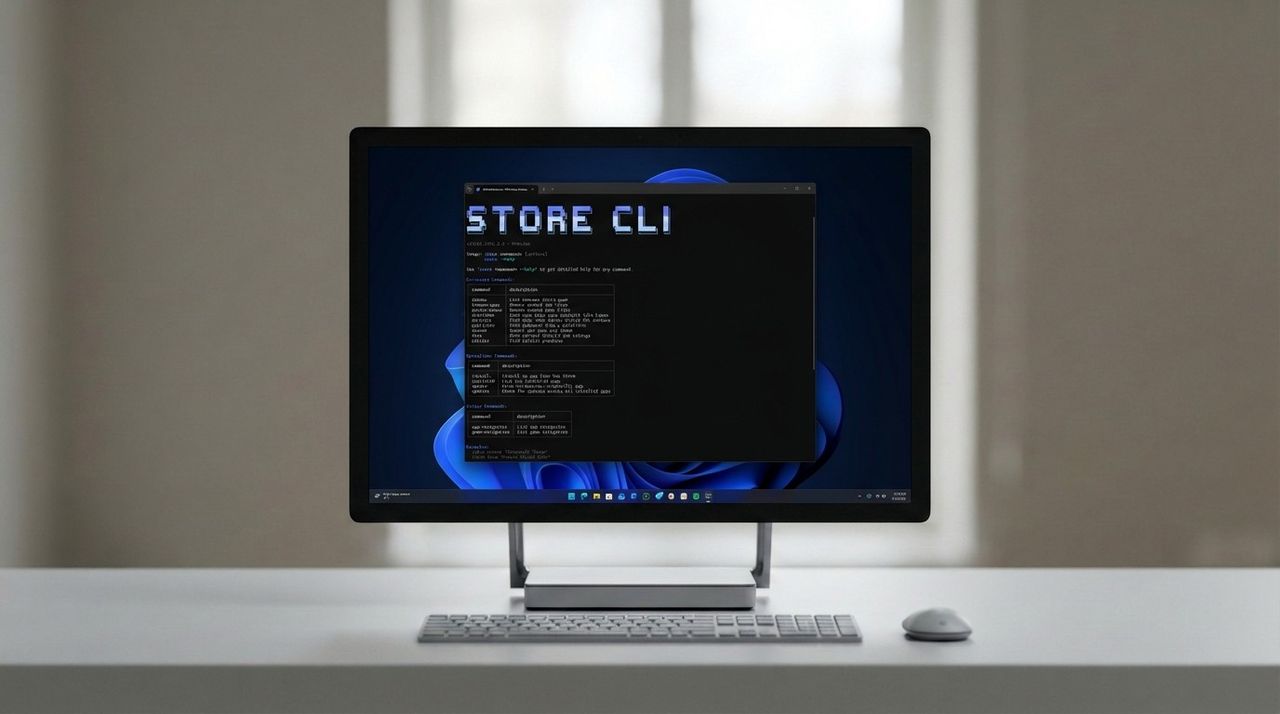
Microsoft has announced the Store CLI, a command-line interface for managing and installing Windows apps from the Microsoft Store. It's similar to WinGet, except the Store CLI only works for apps that are available in the Microsoft Store. It's part of a larger set of features being rolled out for developers and power users designed to make using the Microsoft Store better.
"A new command-line interface for the Microsoft Store brings app discovery, installation and update management directly to your terminal. This enables developers and users with a new way to discover and install Store apps, without needing the GUI," Vice President of the Microsoft Store, Giorgio Sardo says.