
Get all your news in one place.
100's of premium titles.
One app.
Start reading
Windows Central
Windows Central
Technology
Sean Endicott

Windows 11 is finally giving you real control over updates with new options to skip releases, pause longer, and stop forced restarts

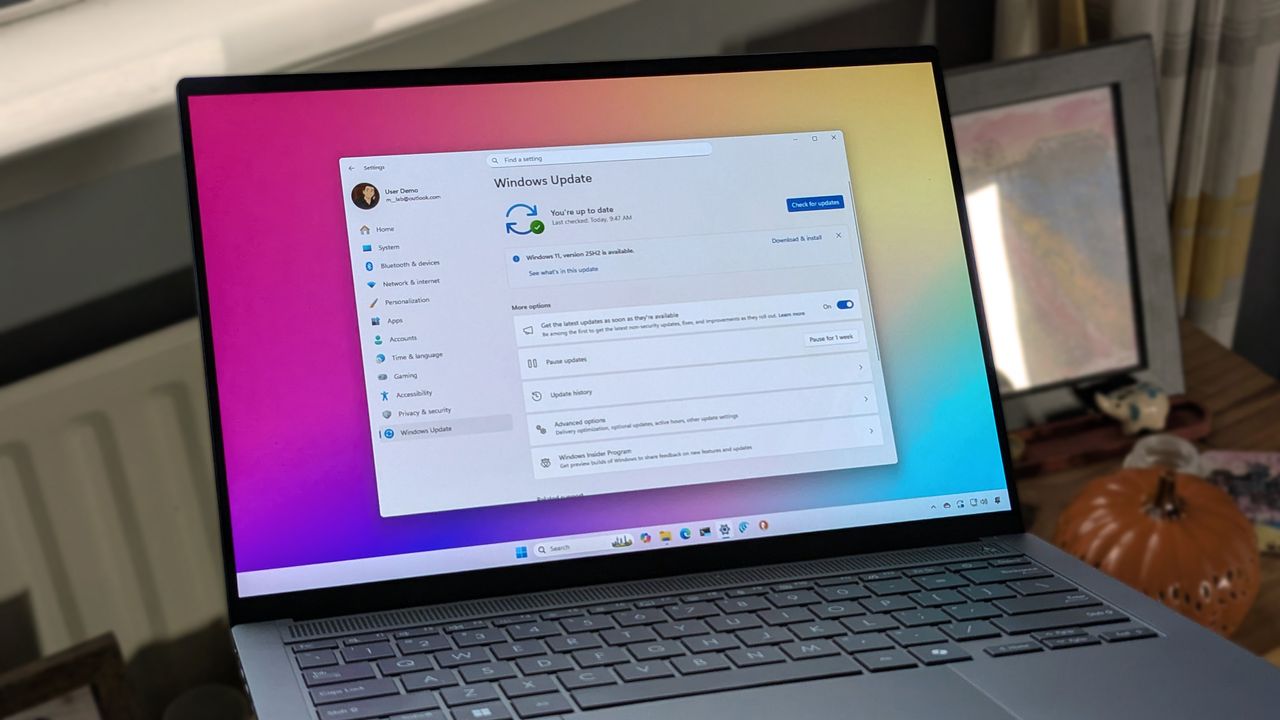
ASUS Zenbook 14 OLED laptop displaying Windows 11 with Windows Update screen.

Sitting down at your PC and realizing it needs an update is at least bothersome. At worst, it can derail your plans by requiring you to set aside time for the system to do its thing. But soon, Windows Update will be easier to control.

When you set up your PC, you'll be able to skip updates during the out-of-box experience (OOBE). There will also be the option to extend update pauses for as long as you'd like.

Windows 11 PCs will always present options to shut down or restart without updating, which is in contrast to current behavior where those options disappear.

Lastly, Windows 11 will provide more insights about updates, helping you stay informed on what's new and giving you the information you need to make an informed plan for updating your PC.

Windows 11 will let you re-pause updates in 35-day intervals or select a specific end date for the pause. (Image credit: Microsoft)

Microsoft's Aria Hanson detailed the changes in a Windows blog post. Hanson read 7,621 pieces of feedback that helped shape the changes.

You'll likely hear more about feedback being listened to and actioned going forward. Microsoft is revamping the Insider program and part of that effort is a renewed dedication to checking feedback.

Hanson's blog post details the new options, such as the expanded options for extending update pauses. You'll be able to click a date on a calendar to indicate when you want updates paused until. It will also be possible to re-pause updates in 35-day intervals.

Microsoft is also starting to coordinate driver, .NET, and firmware updates, so there are fewer updates each month.

"There are few things more frustrating than sitting down to use your computer, only to find that it requires an update. Worse, is when this happens multiple times in a given month," says Hanson.

"We know this has been a major pain point for Windows users, so as of today, we’re unifying the update experience to reduce the number of reboots you see every month."

Many of the changes are already in testing among Windows Insiders in the newly formed Experimental Channel.

Join us on Reddit at r/WindowsCentral to share your insights and discuss our latest news, reviews, and more.

Sign up to read this article
Read news from 100's of titles, curated specifically for you.
Already a member? Sign in here
Related Stories
Top stories on inkl right now
One subscription that gives you access to news from hundreds of sites
Already a member? Sign in here
Our Picks
Fourteen days free
Download the app
One app. One membership.
100+ trusted global sources.


