
On Windows 11, Microsoft recently released build 26300.8289 in the new Experimental channel, and along with the overhaul to the Windows Update settings and changes, the company also quietly made available some additional improvements, including leaks for a couple of other features.
For instance, as spotted by @PhantomOfEarth, the latest preview quietly introduces the Run dialog redesign and the Storage settings add a new control to switch units when resizing a volume.
In addition, buried inside the operating system, it has been discovered that the company is already integrating an early preview of the new Taskbar with relocation support and a new login snipping animation, which are currently not available to Insiders.
Run dialog with new modern UI
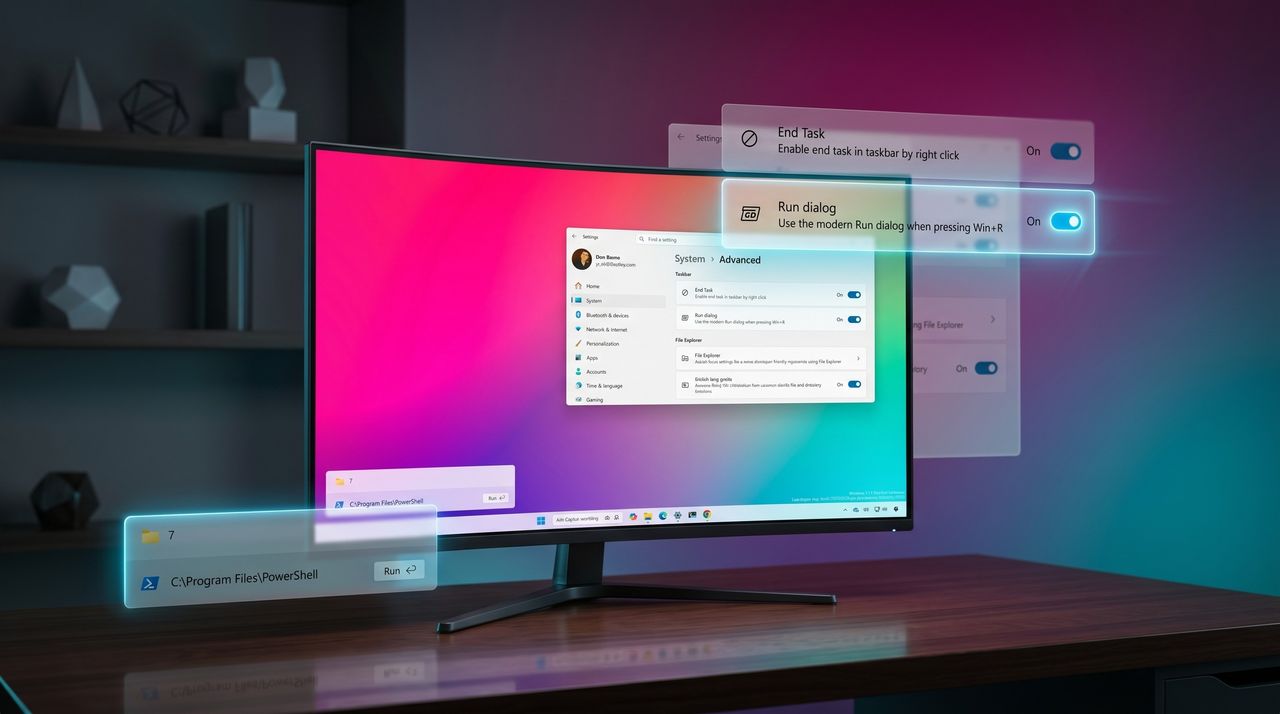
It's not a secret that Microsoft has been working on modernizing the Run dialog with a new interface. However, the new design is now available in the Experimental channel without needing to enable the setting in the operating system.

The new Run represents the major upgrade for the feature in the last three decades. The new design integrates the Fluent Design principles of Windows 11 with rounded corners, semi-transparent elements, updated spacing, and support for the light and dark color modes.
In addition, the new Run uses a much larger design with a wider text field and cleaner spacing. As you type inside the text field, you'll have access to recent commands, and as you type, the interface will surface matching apps and paths.

It's important to note that Microsoft will make this new interface optional, and you'll need to enable it manually in Settings > System > Advanced, using the "Run dialog" toggle switch.
Storage settings new unit option
Microsoft has also made a small change in the Storage settings. Starting with build 26300.8289, in Settings > Storage > Disks & volumes, on the properties page for a specific volume, the "Change size" option includes a setting to switch the unit from MB (megabytes) to GB (gigabytes), making it easier to resize the volume.

Login snipping animation redesign
In the latest preview build, the company is also replacing the snipping dots animation during sign-in, sign-out, shutdown, and restart with a new solid spinning animation, similar to the one during the boot process.

@PhatomOfEarth posted the new change on X, and Marcus Ash, Leading Design and Research for Windows and Devices at Microsoft, responded: "You will see more consistency across the majority of use cases with spinning dots."
Taskbar with relocation options
As part of a broader effort to improve the operating system by addressing user pain points, Microsoft is working on a redesigned Taskbar that brings back long-requested features, including the ability to reposition it at the top of the screen.

While earlier glimpses of this experience were limited to images from internal builds, Windows 11 build 26300.8289 introduces the first (almost) functional integration of the updated Taskbar.
In this early implementation, new options appear in the Taskbar context menu, allowing you to move the bar to the top of the screen or either side of the screen. However, the current integration is still very buggy, and trying to dock the Taskbar to the side of the screen won't work.
Also, note that the context menu options are for debugging purposes only. The final product will include the settings on the "Taskbar" page.
Windows Central's Take
This build offers a clear look at where the company is heading with Windows 11, even if many of the most significant improvements are still in early stages.
The redesigned Run dialog and updated Storage controls signal steady progress on improving long-standing parts of the operating system. These changes focus on usability and refinement, showing that Microsoft is paying attention to everyday interactions.
At the same time, the early Taskbar relocation support is especially noteworthy. Even in its current state, it confirms that the software giant is actively working to address one of the most requested features since the launch of Windows 11.
While some of these additions are still locked from regular users, their presence in the Experimental channel suggests the company is moving forward with a broader set of improvements behind the scenes.
What are your thoughts on these changes? We’re seeing early signs of Windows 11 shifting in response to real user feedback, but the picture is far from complete. Your experiences matter here. Drop your thoughts below and help shape what the next phase of Windows should look like.
More resources
Explore more in-depth how-to guides, troubleshooting advice, and essential tips to get the most out of Windows 11 and 10. Start browsing here:
- Windows 11 on Windows Central — All you need to know
- Windows 10 on Windows Central — All you need to know

Join us on Reddit at r/WindowsCentral to share your insights and discuss our latest news, reviews, and more.


