Get all your news in one place.
100's of premium titles.
One app.
Start reading
Windows Central
Windows Central
Technology
Kevin Okemwa

Microsoft admits forcing the floating Copilot button on Office users was a mistake—but engagement went up anyway

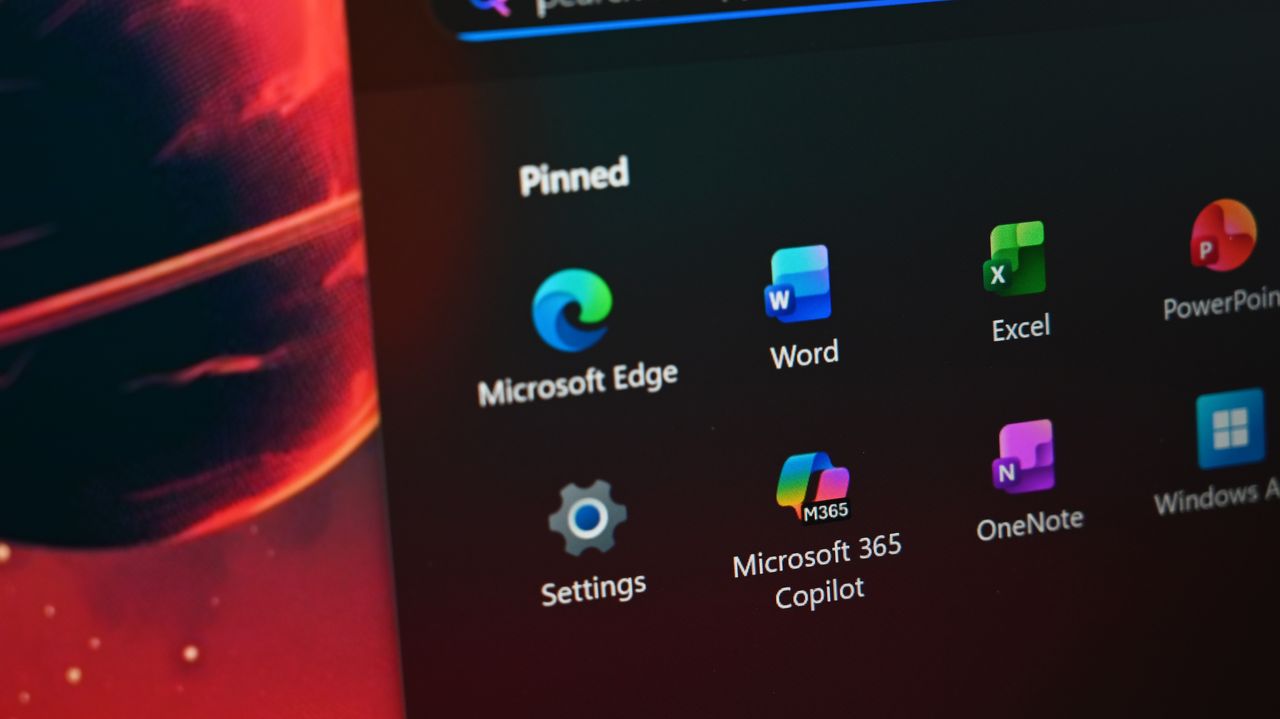
Close-up of Surface Laptop for Business 8th Edition desktop with pinned applications, including Microsoft Edge, Word, Excel, and Microsoft 365 Copilot. .

Earlier this week, I reported that Microsoft disrupted Excel’s user experience by introducing an un-dismissable floating Copilot button that obstructs data on the screen. "This is atrocious implementation," a user lamented. "I capture screenshots for validation, and this is inserting itself over the data, which already has limited space on my screen.

I reached out to Microsoft about the issue. While the company responded, it offered little beyond two resources: one explaining how to disable Copilot in Excel and Word, and another outlining its broader strategy of integrating Copilot into Office apps as part of an effort to "build an AI‑forward design system that supports work today, while carrying us into tomorrow."

Sign up to read this article
Read news from 100's of titles, curated specifically for you.
Already a member? Sign in here
Related Stories
Top stories on inkl right now
One subscription that gives you access to news from hundreds of sites
Already a member? Sign in here
Our Picks
Fourteen days free
Download the app
One app. One membership.
100+ trusted global sources.