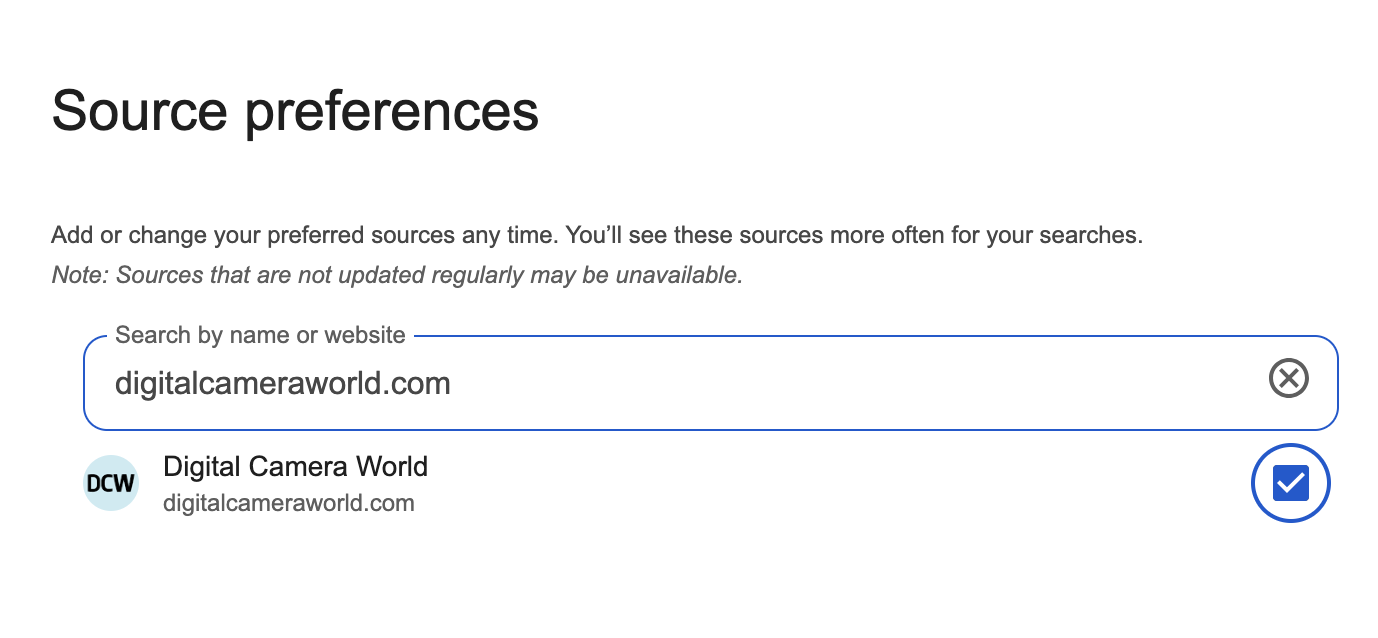
1. Tell Google who you trust

2. Look for the stars

When you search for news on Google, keep an eye out for a small star icon (a black square with a white star in it) next to the Top Stories section. This star means the Preferred Sources feature is available for your search query.
If you don't see it, try searching for a current news topic, since the star only appears on searches with news results.
3. Add your favorite news sources

4. See your results

5. Follow us on Google News
Do also make sure you sign up for our daily newsletter - so that you get the highlights from Digital Camera World straight to your inbox