Get all your news in one place.
100's of premium titles.
One app.
Start reading
Windows Central
Windows Central
Technology
Richard Devine

Just what sort of GPU do you need to run local AI with Ollama? — The answer isn't as expensive as you might think

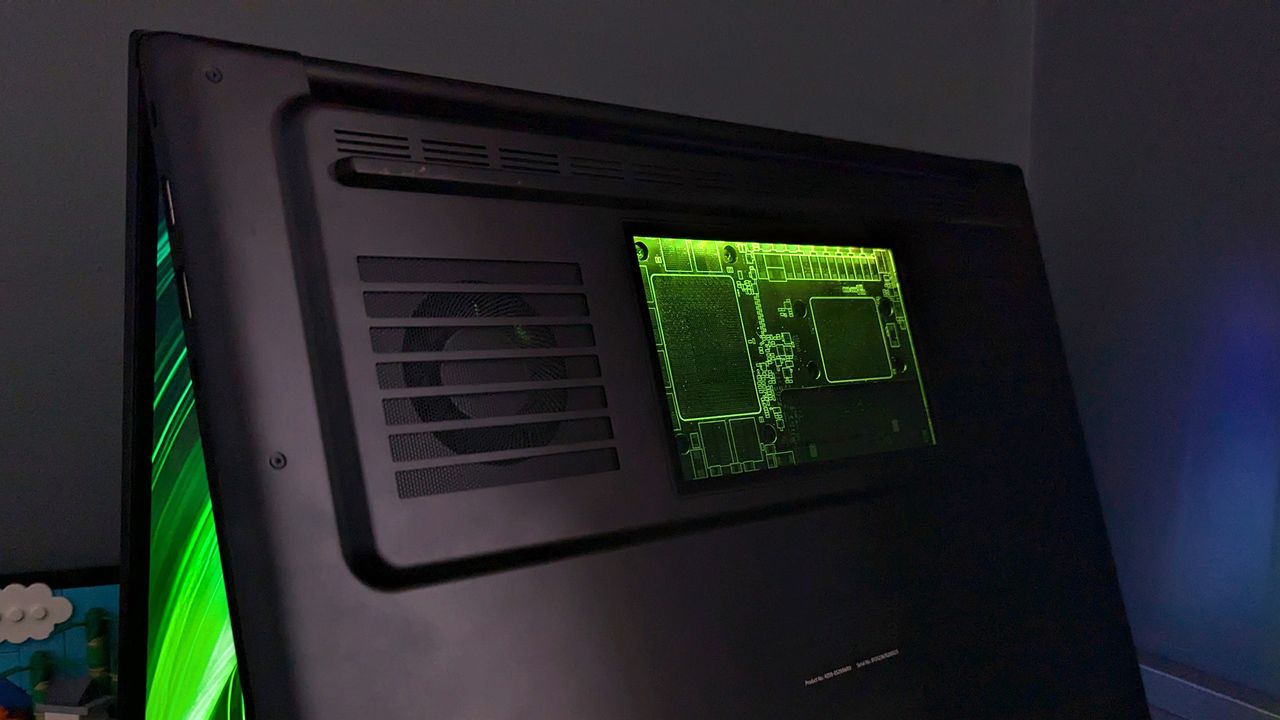
Razer Blade 18 (2025) on with RGB activated.

AI is here to stay, and it's far more than just using online tools like ChatGPT and Copilot. Whether you're a developer, a hobbyist, or just want to learn some new skills and a little about how these things work, local AI is a better choice.

Ollama is one of the easiest and most popular ways to dabble with LLMs on your local PC. But one thing you need — that you don't when using ChatGPT — is decently powerful local hardware. Ollama, especially, because it only supports dedicated GPUs right now. But even if you're using LM Studio with integrated GPUs, you still need some decent hardware to get good performance.

Sign up to read this article
Read news from 100's of titles, curated specifically for you.
Already a member? Sign in here
Related Stories
Top stories on inkl right now
One subscription that gives you access to news from hundreds of sites
Already a member? Sign in here
Our Picks
Fourteen days free
Download the app
One app. One membership.
100+ trusted global sources.