
Get all your news in one place.
100's of premium titles.
One app.
Start reading
The Economic Times
The Economic Times
Sneha Kulkarni

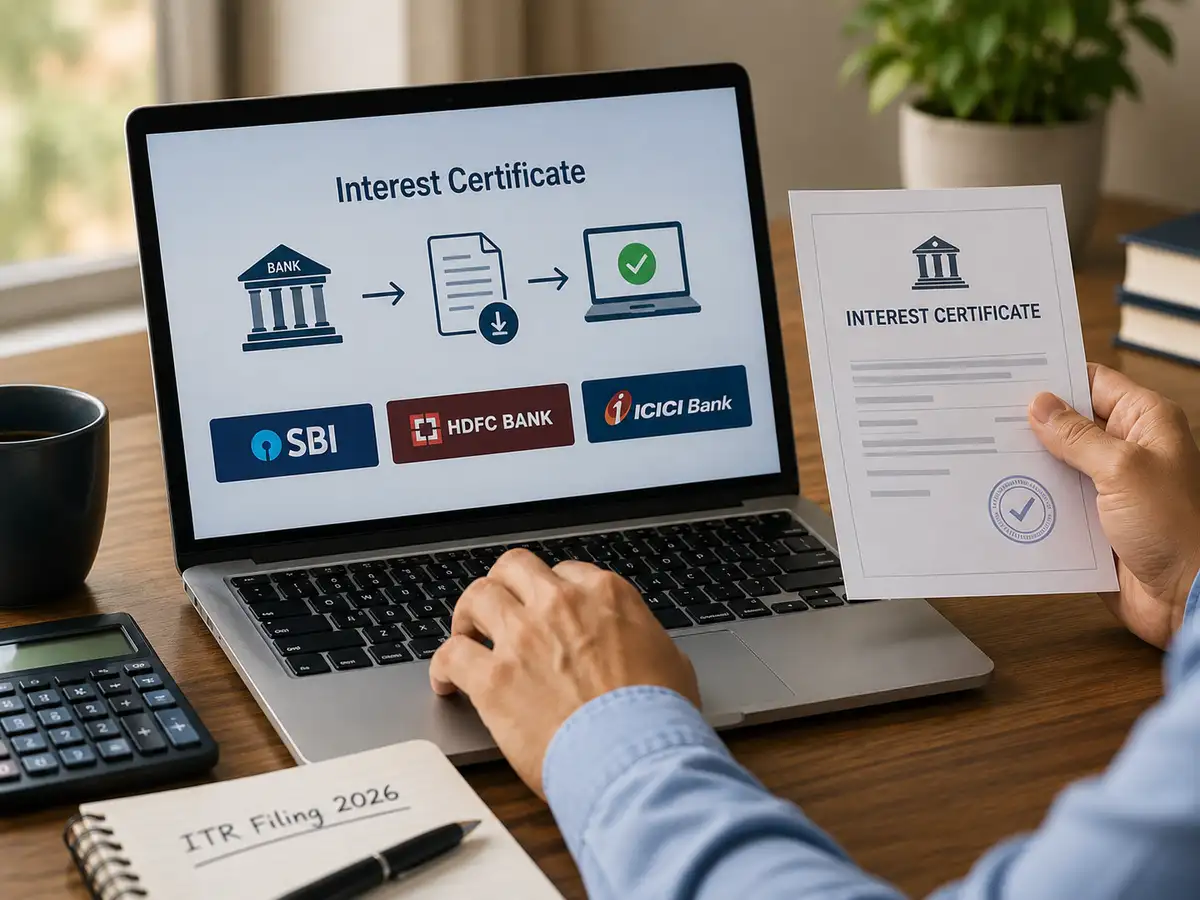
ITR filing 2026: How to download interest certificate from SBI, HDFC Bank, ICICI Bank, Axis Bank and India Post

When you are filing your Income Tax Return (ITR) for the Financial Year 2025-26 (FY 25-26), you will need an interest certificate to back up any claims for interest income or deductions on loan interest. It is essential for verifying interest amounts, whether for financial audits or for just keeping your personal records in check.

An interest certificate is a document issued by a bank where you hold your deposit(s). It shows the exact amount of interest credited to or charged on your account during the financial year, making it an important document for filing your income tax return and maintaining accurate financial records.

What is an interest certificate?

An interest certificate is a formal document provided by your bank that outlines the total interest you've earned on your deposits. Whether it has come from savings, fixed, or recurring deposits.

How to download interest certificate from ICICI Bank website

Step 1: Visit the ICICI Bank net banking page and log in using your user ID and password.

Step 2: Go to the payments & transfer tab and click on the tax centre.

Step 3: Click the download option under the interest certificate section.

Step 4: Select your account number and the required interest period (financial year) from the drop-down menu.

Step 5: Click download PDF to save the document to your device.

How to download interest certificate from HDFC Bank website

Step 1: Log in to the HDFC Bank NetBanking page.

Step 2: Go to the accounts section.

Step 3: Under quick links, select download interest certificate.

Step 4: Choose the account and the required financial year or the date range.

Click Download to save the certificate to your device.

How to download interest certificate from SBI website

Step 1: Go to the SBI personal banking website and log in using your user ID and password.

Step 2: On the top menu bar, click on the e-Services option.

Step 3: Select my certificates from the drop-down menu.

Step 4: Click on ‘Interest Certificate’

Step 5: Select the relevant Financial Year and click Submit.

Click on View/Download in PDF to save the certificate to your device

How to download interest certificate from Axis Bank website

Step 1: Login to Axis Bank Internet Banking

Step 2: Click on Deposits

Step 3: Click on Interest Certificate under Services

Step 4: Download/E-mail.

How to download interest certificate from India Post website

Step 1: Visit the official DOP internet banking portal (ebanking.indiapost.gov.in).

Step 2: Enter your User ID and Password to log in. If you are not registered, sign up for internet banking at your nearest post office.

Step 3: Once logged in, locate the Accounts Tab on the portal’s dashboard.

Step 4: Click on the Interest Certificate option listed under the Accounts Tab.

Choose Financial Year

Select either the Previous Financial Year or the Current Financial Year for which you need the certificate.

Step 5: Download the Certificate

Click to generate and download the Interest Certificate in PDF format.

Save the file to your device for future reference or print it if required.

Sign up to read this article
Read news from 100's of titles, curated specifically for you.
Already a member? Sign in here
Related Stories
Top stories on inkl right now
One subscription that gives you access to news from hundreds of sites
Already a member? Sign in here
Our Picks
Fourteen days free
Download the app
One app. One membership.
100+ trusted global sources.