Get all your news in one place.
100's of premium titles.
One app.
Start reading
Tom’s Guide
Tom’s Guide
Technology
Richard Priday

Can’t find Apple Intelligence after downloading iOS 18.1? Here’s how to find it if you’re outside the U.S.

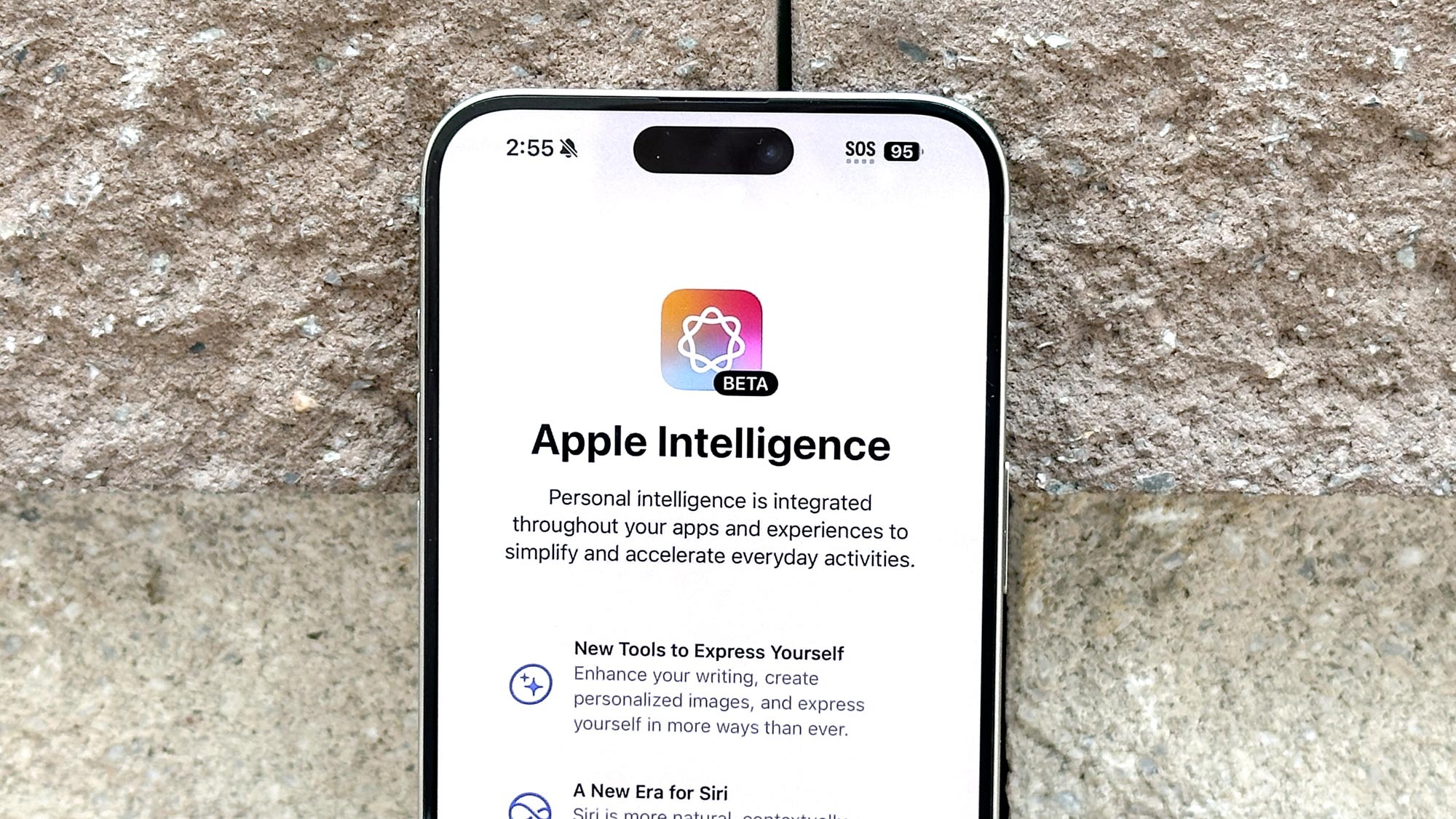
Apple Intelligence installation screen shown on iPhone 15 Pro Max.

Apple Intelligence is available worldwide (excluding the EU and China) thanks to the recent release of iOS 18.1. And that's true even if you're not in the U.S. if you're willing to make a few tweaks in your iPhone options menu.

Currently, Apple Intelligence only supports English US, meaning to get access you'll need to change the region in your phone. While this does involve a bit of menu navigating it's pretty easy. However, it's worth noting that this will change you're time and date format, so you'll need to change those back.

Sign up to read this article
Read news from 100's of titles, curated specifically for you.
Already a member? Sign in here
Related Stories
Top stories on inkl right now
One subscription that gives you access to news from hundreds of sites
Already a member? Sign in here
Our Picks
Fourteen days free
Download the app
One app. One membership.
100+ trusted global sources.