
Get all your news in one place.
100's of premium titles.
One app.
Start reading
iMore
iMore
Technology
John-Anthony Disotto

iPhone not showing up in Finder? Here's the fix!

MacBook Pro with macOS Catalina.

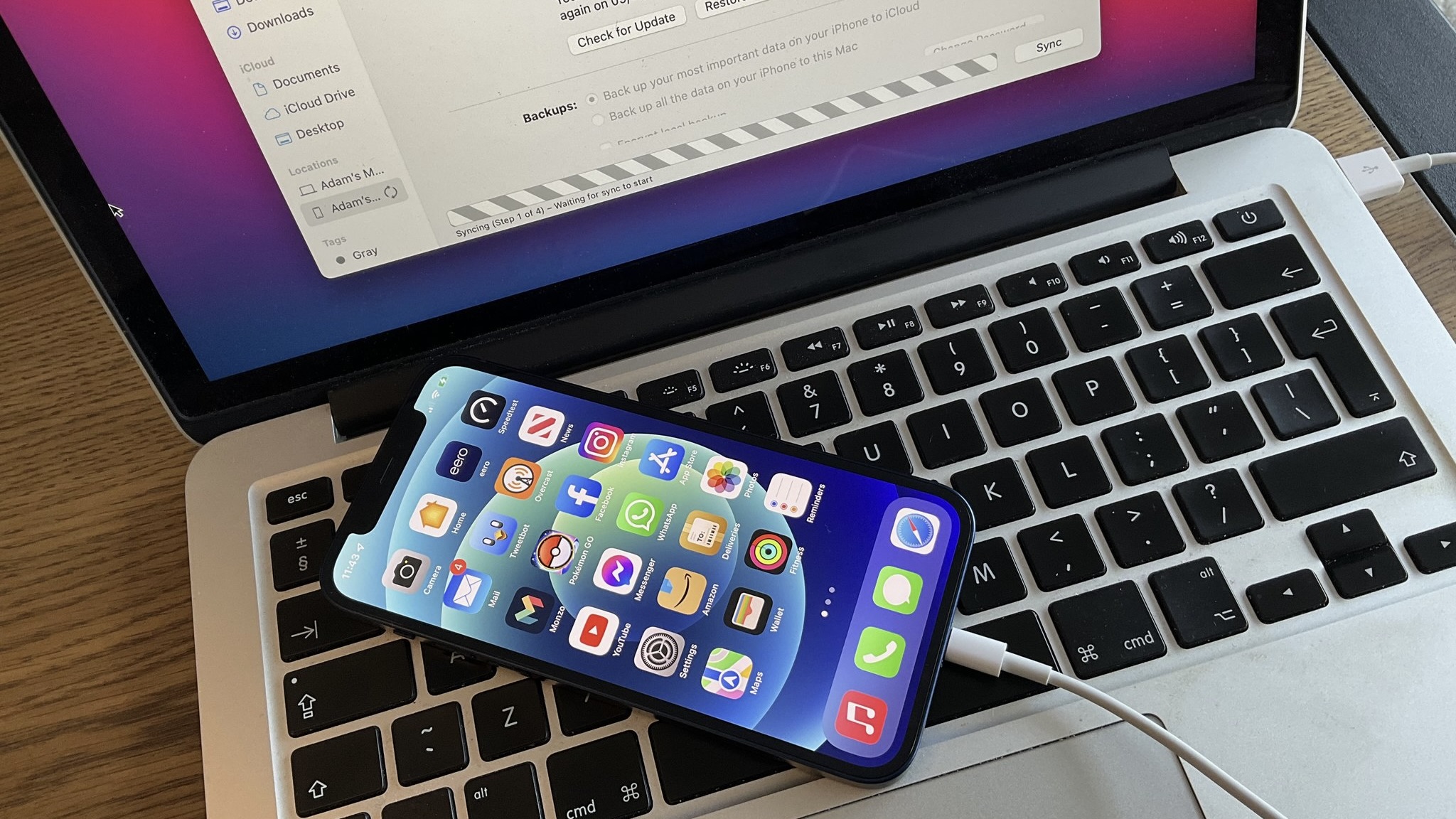
Connecting your iPhone to your Mac via Finder is a super handy way of transferring files and getting information out of your device. Though it has only gotten easier to navigate with time, some users have reported their iPhone not showing up in Finder.

Years ago, users used to have to download extra software just to move things across without using iTunes. Luckily, with macOS Catalina launching in 2019, it became much easier. Unfortunately, with how easy it is to connect, it can be quite frustrating when it doesn't just work. 

Sign up to read this article
Read news from 100's of titles, curated specifically for you.
Already a member? Sign in here
Related Stories
Top stories on inkl right now
One subscription that gives you access to news from hundreds of sites
Already a member? Sign in here
Our Picks
Fourteen days free
Download the app
One app. One membership.
100+ trusted global sources.