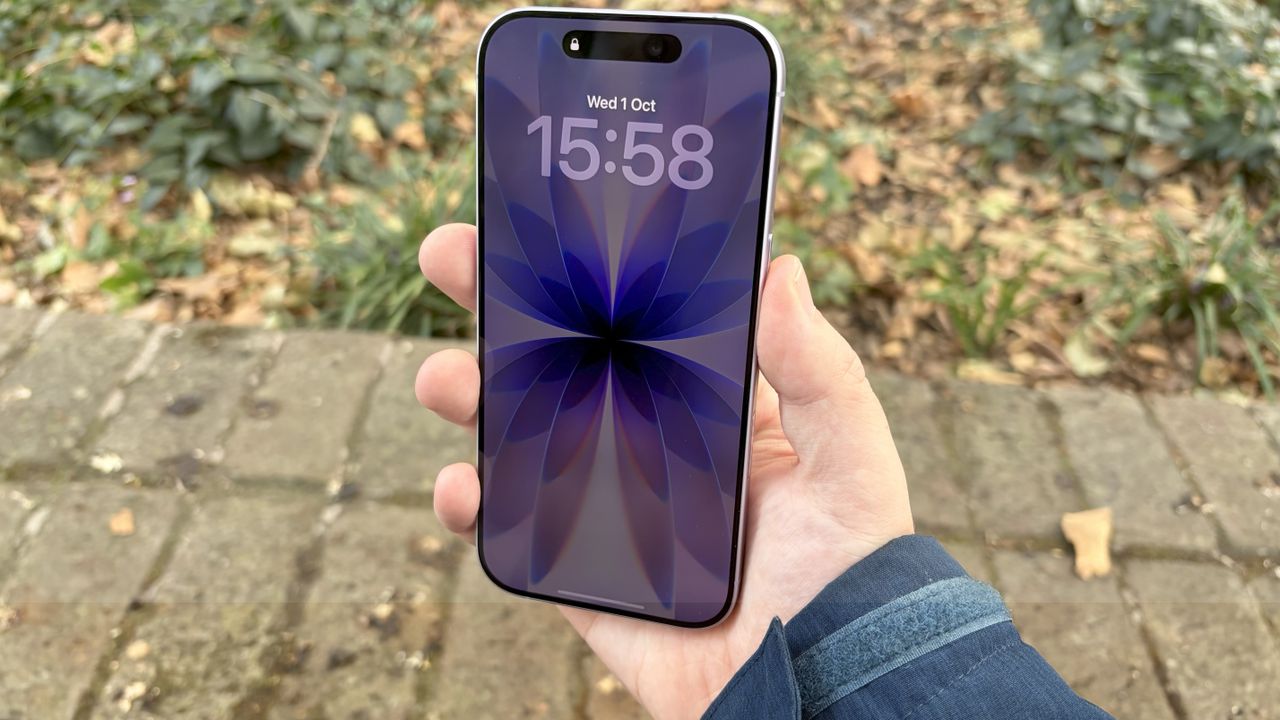
The iPhone 17 has had a lot of new features this year, including a bunch of display upgrades that were previously exclusive to the Pro models. Among them is the Always On display, powered by the new ProMotion display and its 1-120Hz refresh rate.
If you've never had a Pro iPhone before, and have never had the opportunity to use the always-on display as a result, you may be wondering how the whole thing works. How do you turn it on? What does it see? And will it affect your battery life? Here's everything you need to know, including how to turn on the iPhone 17 Always On display.