Get all your news in one place.
100's of premium titles.
One app.
Start reading
Tom’s Guide
Tom’s Guide
Technology
Kaycee Hill

iOS 26 lets you match app icons to your iPhone color — here's how to enable it

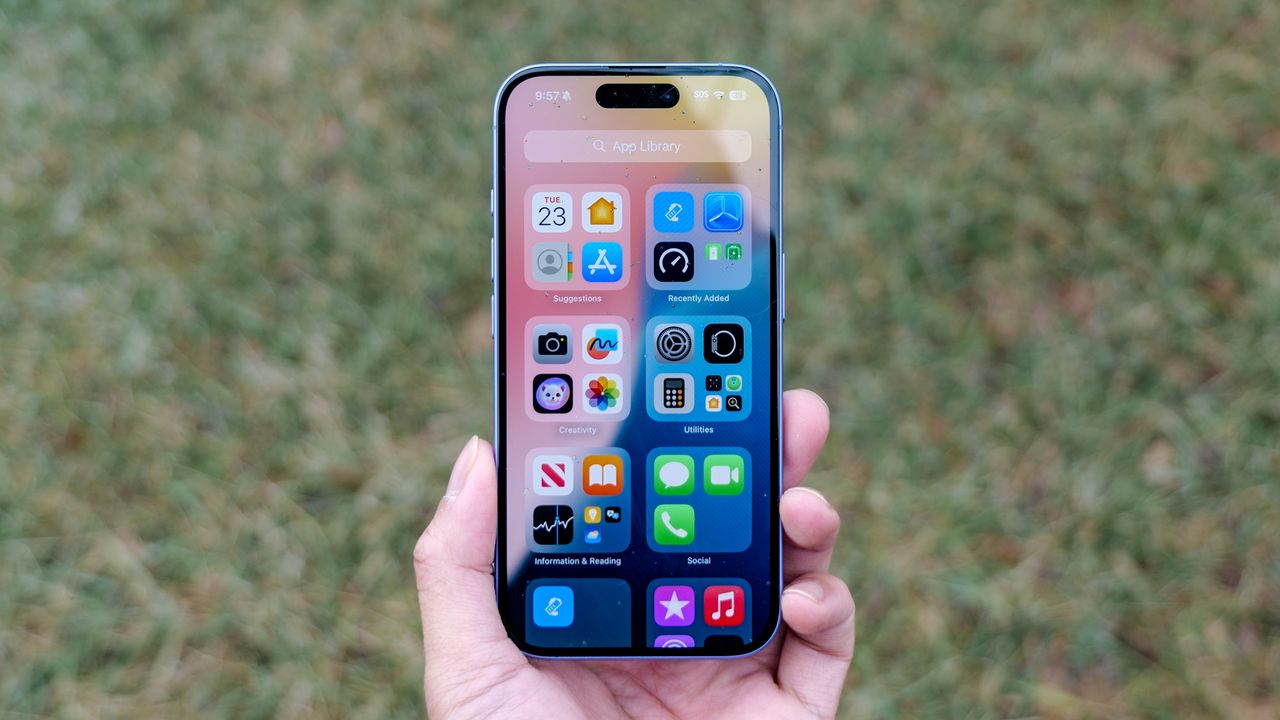
IPhone showing iOS 26 interface.

iOS 26 adds a new Home Screen customization option that automatically tints app icons to match your iPhone's color or the color of your case. Instead of manually choosing a tint color for icons, iOS can now detect your device color and apply matching tint automatically.

This feature creates a cohesive aesthetic across hardware and software. If you have a blue iPhone, app icons can tint blue to match. Swap to a different colored case, and the icons can match that instead. Here's how to set it up.

Sign up to read this article
Read news from 100's of titles, curated specifically for you.
Already a member? Sign in here
Related Stories
Top stories on inkl right now
One subscription that gives you access to news from hundreds of sites
Already a member? Sign in here
Our Picks
Fourteen days free
Download the app
One app. One membership.
100+ trusted global sources.