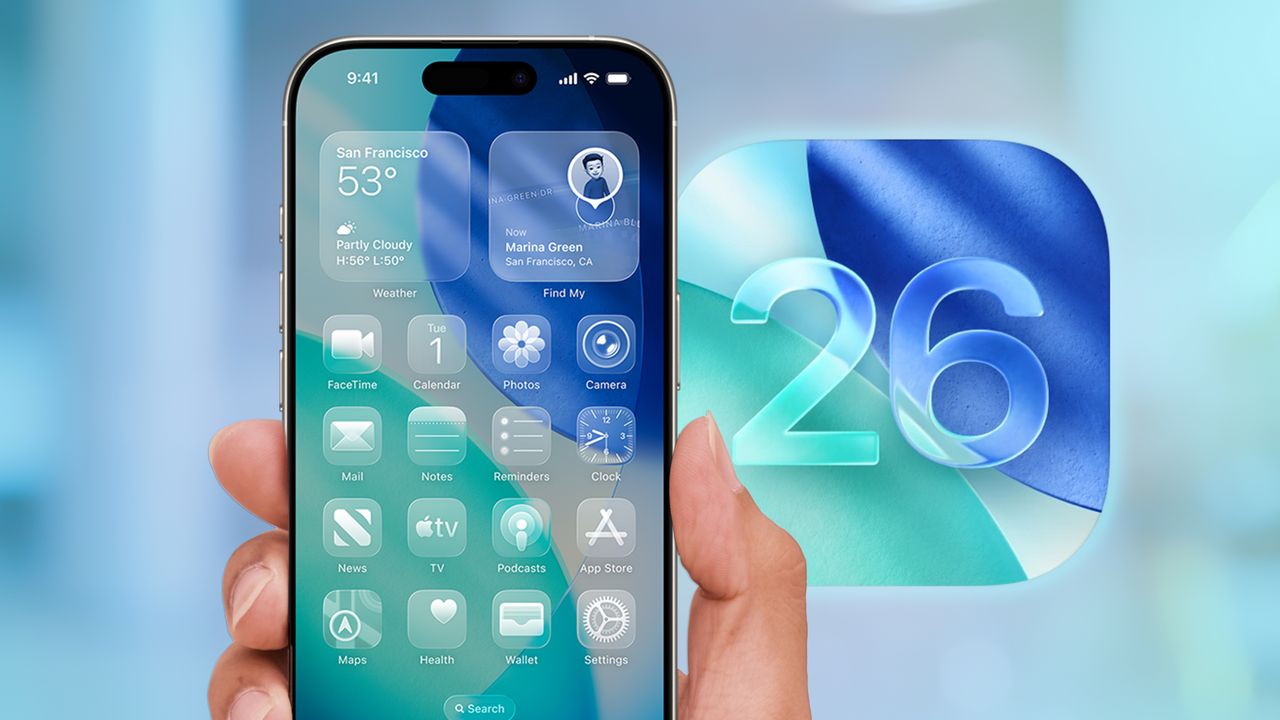
Any iOS update is going to have its share of unfamiliar features with new twists and turns that you may not immediately grasp. Apple's iOS 26 update is a case in point, as this year's version of the iPhone software rolls out new capabilities and enhancements to old features while also switching up the interface for the first time in a dozen years.
For the most part, these are positive changes, as I observe in my iOS 26 review, but they will take some getting used to. Fortunately, I've been working with iOS 26 since Apple released the initial developer beta in June, and I can help you get the lay of the land now that the full iOS 26 release is available to download.