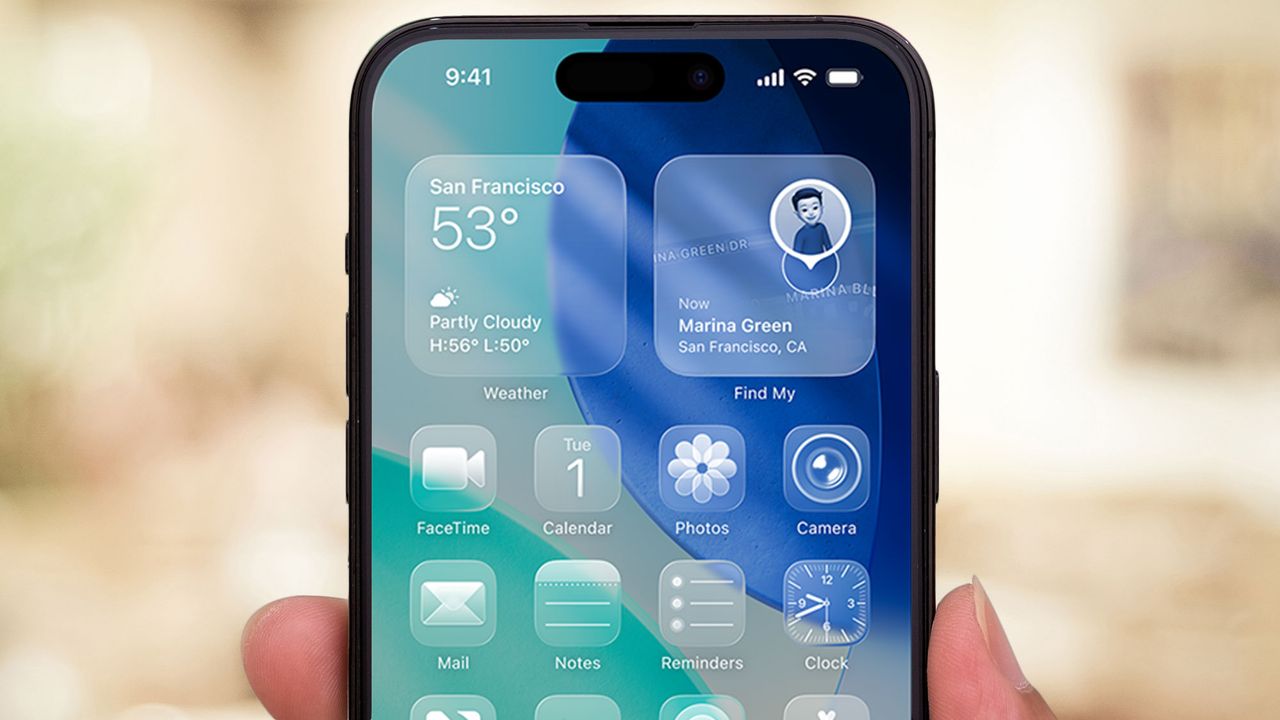
Apple’s latest iOS update brings a small but mighty feature that many users have been waiting for: the ability to adjust the transparency of the Liquid Glass design introduced in iOS 26. While previously users could only completely disable transparency through accessibility settings, iOS 26.1 now offers a dedicated menu with more nuanced control.
With this new setting in iOS 26.1, Apple has added more flexibility to the visual experience, allowing users to choose between the highly translucent design or a more opaque version that may improve readability while still maintaining the distinctive Liquid Glass aesthetic.