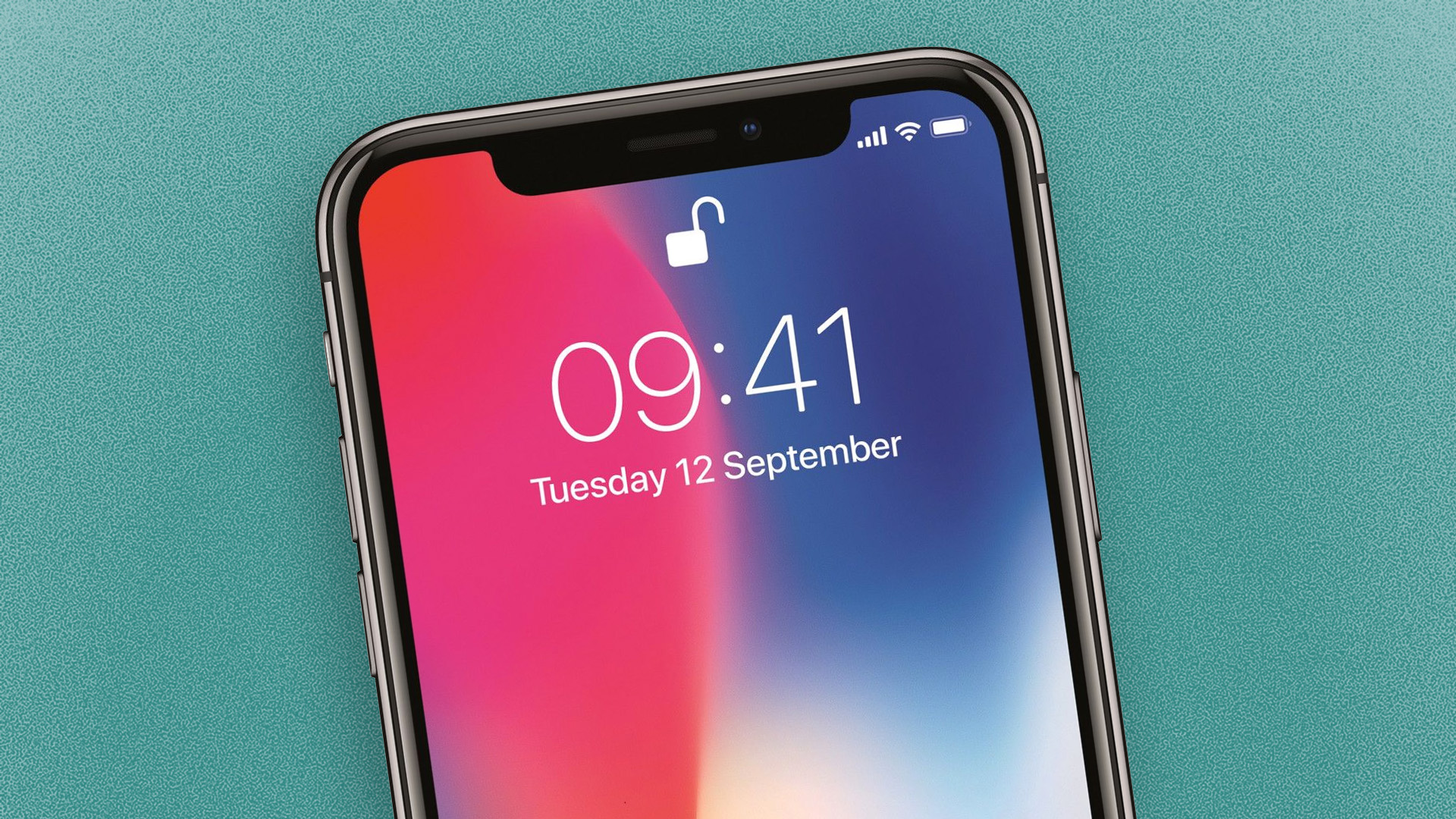
Apple has just released iOS 17.3, and the latest iPhone software update comes with an important feature that can prevent thieves from accessing sensitive data stored on your device. With that enabled, it could help keep your vital info safe and secure from prying eyes.
The feature is called Stolen Device Protection. When enabled, it adds extra security steps to a range of features. For example, accessing things like stored credit card data and account passwords now requires biometric authentication (such as Face ID or Touch ID), without the option to use a passcode. That means only you can retrieve these items, even if you lose your phone to someone who knows your passcode.