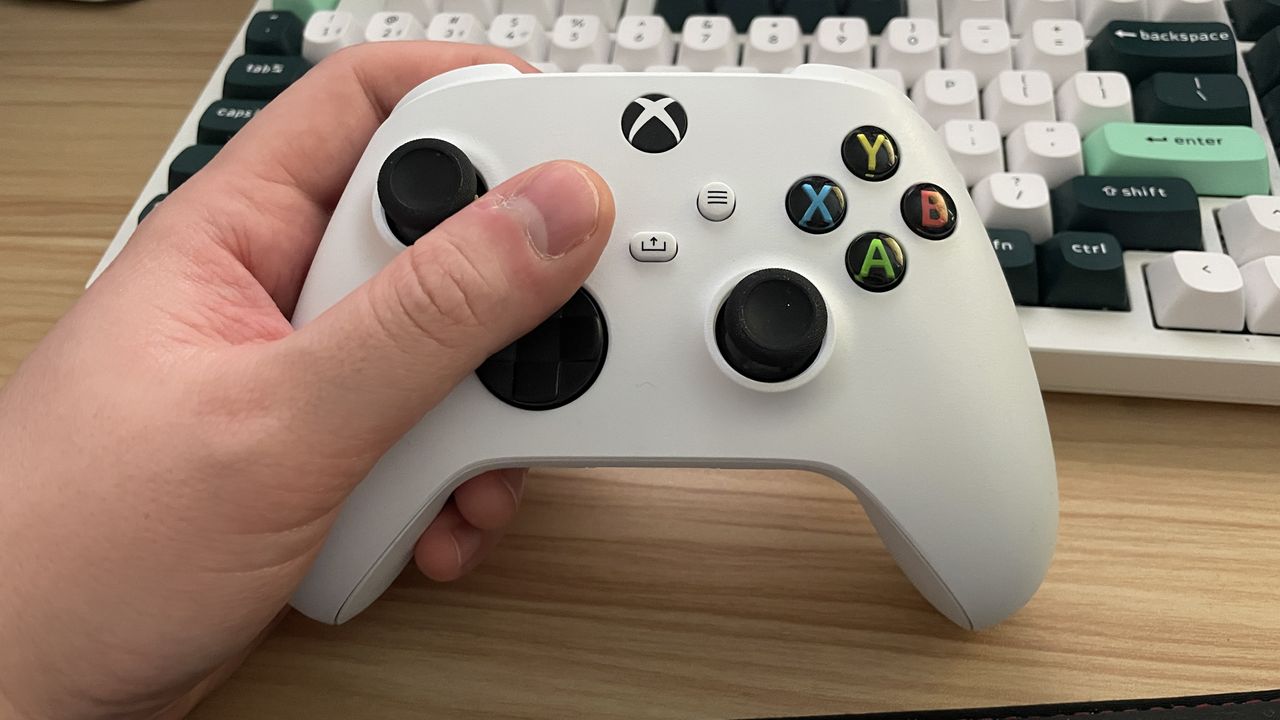
Xbox controllers are still some of the most-used gamepads for PC gaming, and for good reason. They're affordable and the quality is pretty great for the price. So this one will likely apply to more than a fair few of you: Microsoft has shared that some people on the latest Windows 11 Insider build "are experiencing an issue where using their Xbox Controller via Bluetooth is causing their PC to bugcheck."
Thankfully, there's a fix. Microsoft explains: "Open Device Manager by searching for it via the search box on your taskbar. Once Device Manager is open, click on 'View' and then 'Devices by Driver'. Find the driver named 'oemXXX.inf (XboxGameControllerDriver.inf)' where the 'XXX' will be a specific number on your PC. Right-click on that driver and click 'Uninstall'."