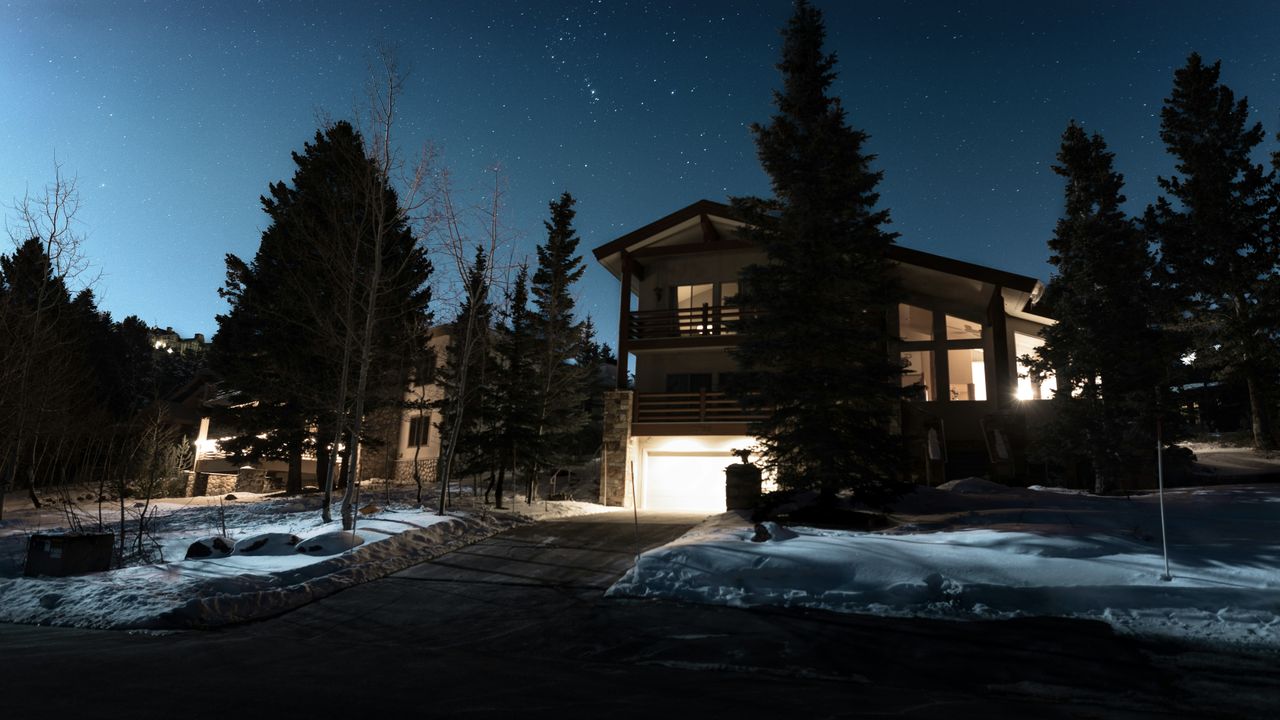
Philips Hue smart bulbs are undeniably some of the best you can buy, and a huge part of that is down to the wider Philips Hue ecosystem. There’s so much you can automate, but my favourite feature is actually one that tends to fly under the radar.
Just like you can put a smart thermostat into holiday mode, you can do something very similar with your best Hue lights. It’s called Mimic Presence, and it does exactly what you think – makes it look like you’re home when you’re not.
The feature lets you schedule your lights in different rooms to turn on and off throughout the day or evening, cycling through realistic light scenes. Instead of everything switching on at the same time, it mimics how you’d normally use each room, giving the impression that someone’s moving around the house.
How to use Mimic presence automation
Head to the Automations tab in the Hue app, tap Mimic Presence, choose which rooms or lights you want to include, and decide whether it should run all day or only when it’s dark. Hit play, and your lights will randomly turn on and off at believable times.
Before you go, it’s also worth checking out the underrated Amazon Alexa feature that turns your smart speaker into an intercom. That’s another one of my smart home favourites!