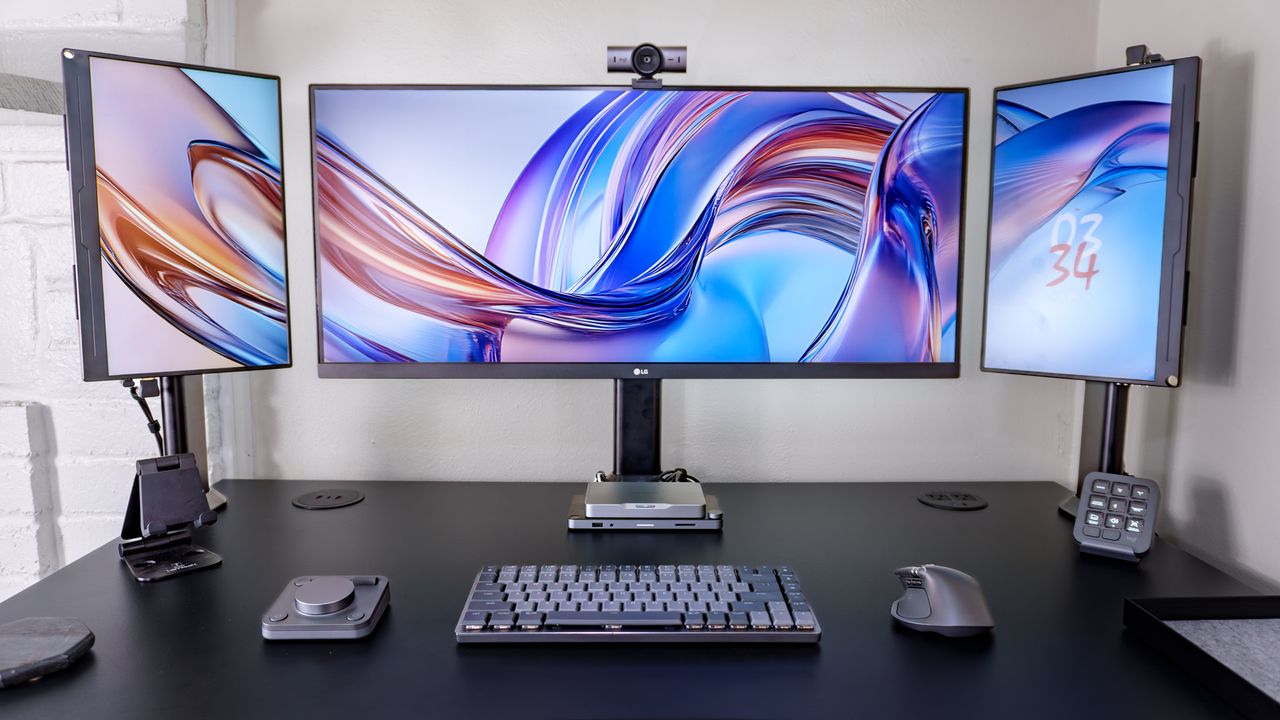
There’s something oh so satisfying about having the right tools for the job. With them, everything just seems to fall into place in such a way that you can do your best work almost from muscle memory. But what if you’re behind a screen all day working at a desk? Then the right keyboard, mouse and a few extra accessories can make all the difference.
As someone who both writes and tests new gadgets for a living, I always have one of the best mechanical keyboards underneath my fingers. Then to the right, I use a trackball mouse as doing so helps me avoid unnecessary wrist strain but that wasn’t always the case. I used to use a standard mouse before upgrading to what many call the gold standard for productivity: Logitech’s MX Master wireless mouse. However, it was my old MX Master 2S that inspired me to try out the company’s MX Ergo trackball which led to me ditching traditional mice for good.