Get all your news in one place.
100’s of premium titles.
One app.
Start reading
T3
T3
Technology
Lizzie Wilmot

I watched Netflix on the new Echo Show 8 – here are 3 things I discovered

Echo Show 8.

There were plenty of welcome upgrades when Amazon refreshed the Echo Show lineup late last year, from improved audio to a more responsive performance. However, one change that caught my attention has to do with Netflix support.

Now, this isn’t technically a new feature. Older Echo Show models have been able to access Netflix for a while, but many users reported problems over the years. An improved streaming experience is clearly something people have been waiting for, because after I posted my recent TikTok unboxing, a number of comments asked the same question: what’s it actually like to watch Netflix on the new Echo Show models?

I’ve broken down the three things I discovered below. Some of them might not be a surprise if you’ve used an Echo Show before, but they’re still worth knowing if you’re thinking of using one as an additional streaming screen.

1. Everything's built-in and easy to set up

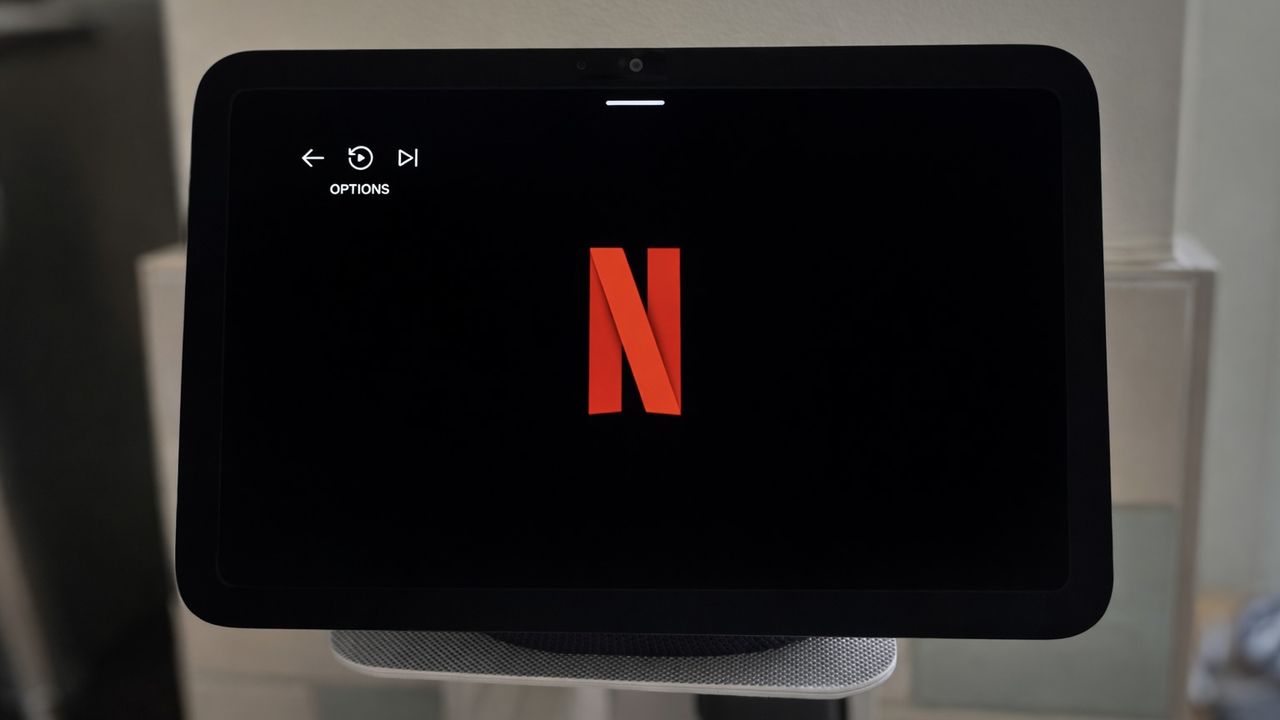
One of the nicest things about the Echo Show models is that Netflix is already built in, so there’s no need to download or install anything before you get started. All you need to do is say, “Alexa, open Netflix” and the home screen will immediately prompt you to sign in.

I was also pleased to see the familiar QR code login option, which makes the process very quick. If your Netflix account is already logged in on your phone, you can simply scan the code and it signs you in automatically. The whole process took less than a minute, which is exactly what you want.

(Image credit: Lizzie Wilmot / T3)

2. You can control what you’re watching with your voice

This probably won’t come as a huge surprise, but I was really pleased to see just how well voice controls work whilst streaming. Of course, you can do the basics like “Alexa, play” or “Alexa, pause” but you can also say things like “Alexa, skip forward 20 seconds” or “Alexa, switch to optimal volume.”

This ended up being my favourite part of watching Netflix on the Echo Show 8. I often had something playing in the background whilst working, but if I needed to concentrate for a few minutes or jump on a work call, I could simply say “Alexa, pause” without having to stop what I was doing.

3. The screen quality is slightly compromised

Now for the question most people have been asking: what’s the picture quality actually like?

I’ll be honest – it is a little compromised. The Echo Show 8 uses a 1280 x 800 resolution display, which isn’t the sharpest panel out there, and it doesn’t support HDR either. As a result, Netflix content doesn’t look quite as crisp or vibrant as it would on a TV or tablet.

That said, it’s not terrible by any means. For an 8-inch screen designed primarily as a smart display, it’s perfectly watchable. Shows still look clear enough, and for casual viewing or background entertainment it does the job just fine.

Where the Echo Show really surprised me, though, was the audio. The speakers sound fantastic for a device this size – the sound is clear, and even at higher volumes it doesn’t become echoey. You can read more about this in my full Amazon Echo Show 8 (4th gen, 2025) review.

(Image credit: Lizzie Wilmot / T3)
Sign up to read this article
Read news from 100’s of titles, curated specifically for you.
Already a member? Sign in here
Related Stories
Top stories on inkl right now
One subscription that gives you access to news from hundreds of sites
Already a member? Sign in here
Our Picks
Fourteen days free
Download the app
One app. One membership.
100+ trusted global sources.