Get all your news in one place.
100’s of premium titles.
One app.
Start reading
Tom’s Guide
Tom’s Guide
Technology
Nick Harris-Fry

I’ve worn a Garmin watch for 10 years and this hidden feature is something I use every day

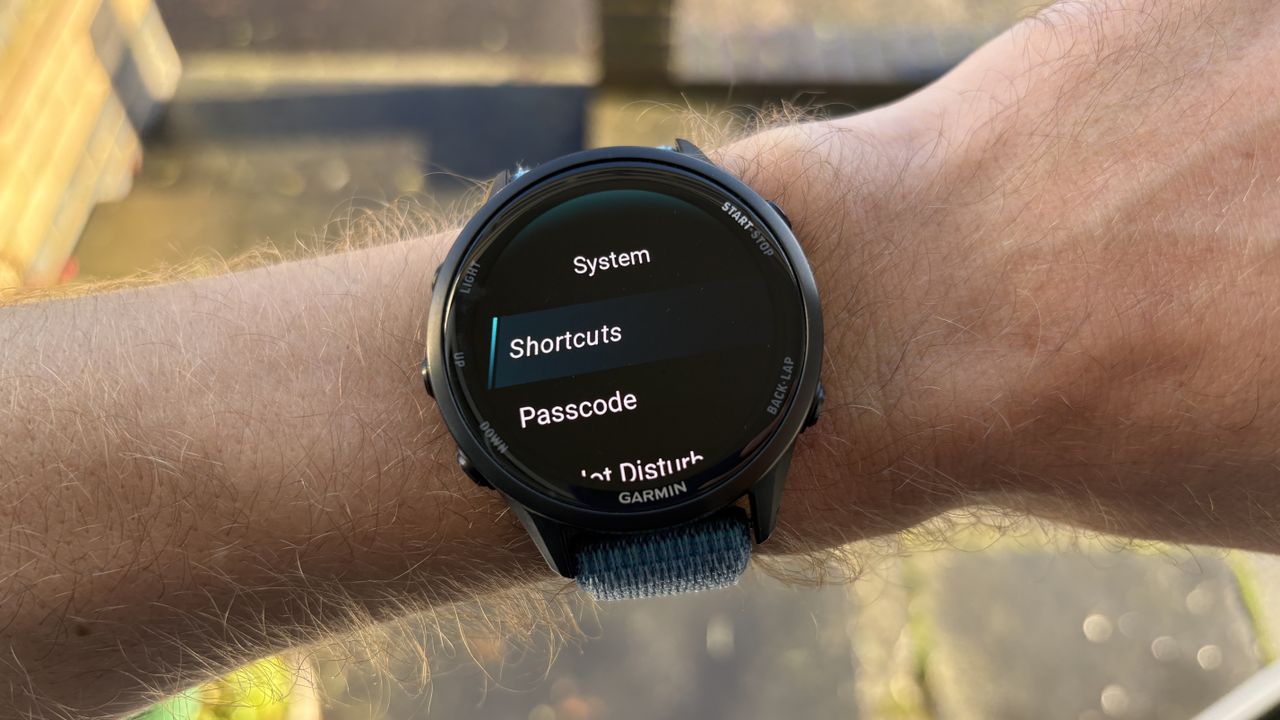
Garmin Forerunner 970 shortcuts.

The best Garmin watches are absolutely laden with features and even if you’ve used them for years, some hidden gems may have passed you by.

I know that myself, because I’ve used and reviewed Garmin watches for a decade and can still be surprised by the hidden features I find buried in their menus.

If you’re spending a lot of money on a watch, you want to use it to its full capabilities, and that means knowing all about the features available to you.

One feature I use daily but often notice that people with a Garmin don’t know about is shortcuts, which were known as "hot keys." If shortcuts aren’t familiar to you already, then you’re going to want to know about them.

How to use Garmin shortcuts

You can find Garmin shortcuts in the main settings menu under the system sub-menu. If you have an older watch or haven’t updated yours in a while, it may still be referred to as hot keys.

In the shortcuts menu, you can customize the controls on your Garmin watch so that, by holding down certain buttons or combinations of buttons, you can quickly access your most frequently used features.

For example, the music feature on Garmin watches is automatically allocated to the down button on devices with five buttons, so if you hold that button, it takes you to the music player.

The shortcut I set up on every Garmin is to hold the start button to bring up my timers, which I use all the time for cooking in particular.

There’s a long list of features you can allocate to a button, though, including useful options like saving your location to navigate to later, or opening up your alarm clocks.

Including the shortcuts that involve pressing two buttons at once, you can set up seven on your watch if you have a Garmin with five buttons.

Shortcuts are great for analogue watch faces

(Image credit: Future)

If you use a Garmin watch face with lots of data on it, you can get quick access to lots of features on the watch without needing shortcuts, though I still find the feature useful.

However, if you’re someone who prefers to pick an analogue watch face on your Garmin, or just a simple digital one that doesn’t have many complications showing data, then shortcuts become even more useful.

It’s a feature that allows you to keep your watch face free from clutter while you still have easy and quick access to all the data and features you regularly need.

Follow Tom's Guide on Google News and add us as a preferred source to get our up-to-date news, analysis, and reviews in your feeds.

More from Tom's Guide

Sign up to read this article
Read news from 100’s of titles, curated specifically for you.
Already a member? Sign in here
Related Stories
Top stories on inkl right now
One subscription that gives you access to news from hundreds of sites
Already a member? Sign in here
Our Picks
Fourteen days free
Download the app
One app. One membership.
100+ trusted global sources.