Get all your news in one place.
100's of premium titles.
One app.
Start reading
Tom’s Guide
Tom’s Guide
Technology
Philip Michaels

I've tried out different lock screen shortcuts on my iPhone in iOS 18 — these are my 9 favorites

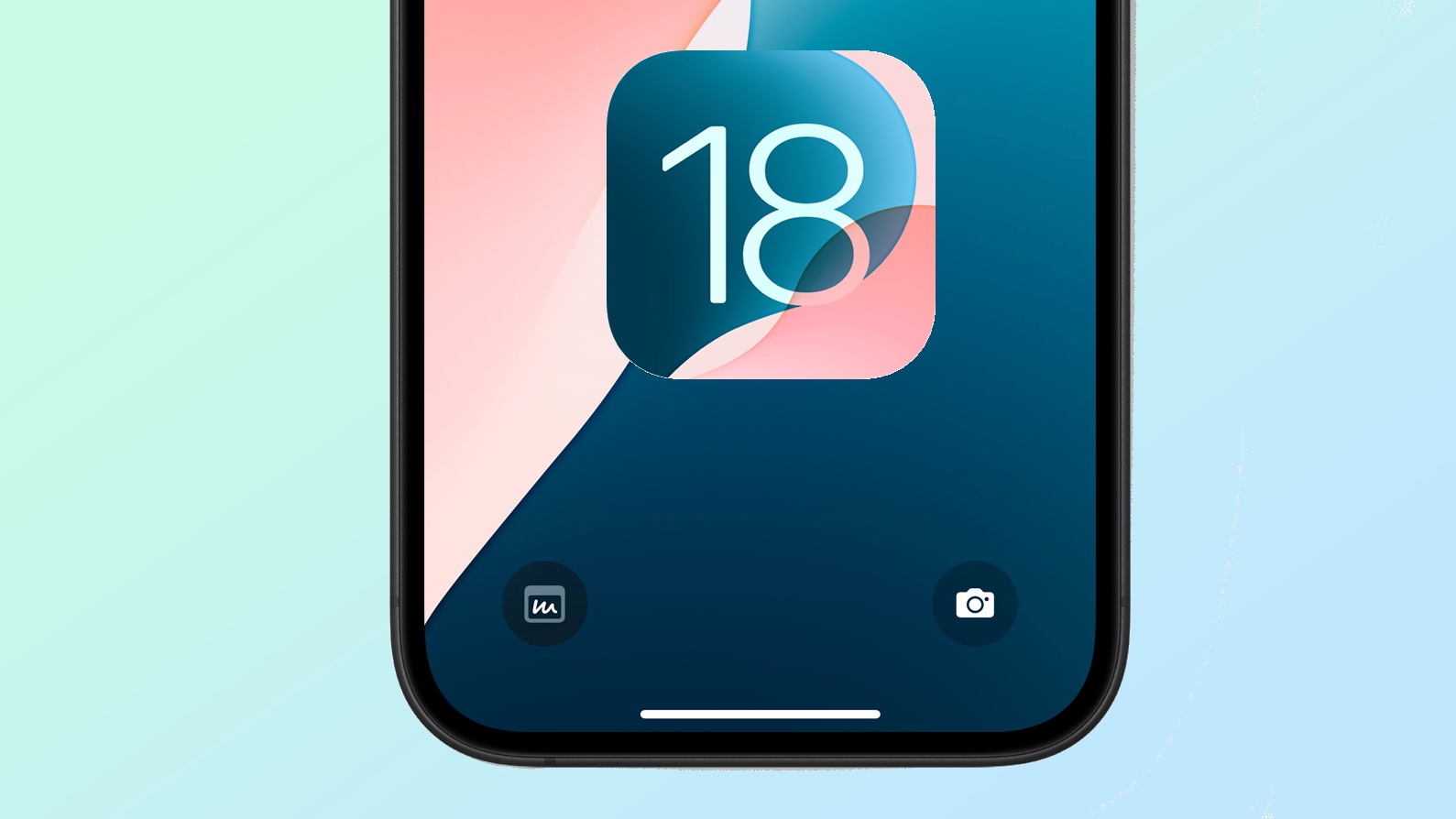
IPhone lock screen showing Control Center shortcuts and the iOS 18 logo.

Thanks to less heralded change in iOS 18, you've got more iPhone controls at your fingertips than ever before — and you don't even have to unlock your phone to use them.

As part of Apple's move toward adding more customization capabilities in this year's software update, iOS 18 gives you the ability to change the two controls at the bottom of your iPhone's lock screen. Up until now, controls for turning on the flashlight and launching the Camera app were locked into place. But as of iOS 18, you can swap those out for a seemingly limitless number of Control Center shortcuts.

Sign up to read this article
Read news from 100's of titles, curated specifically for you.
Already a member? Sign in here
Related Stories
Top stories on inkl right now
One subscription that gives you access to news from hundreds of sites
Already a member? Sign in here
Our Picks
Fourteen days free
Download the app
One app. One membership.
100+ trusted global sources.