
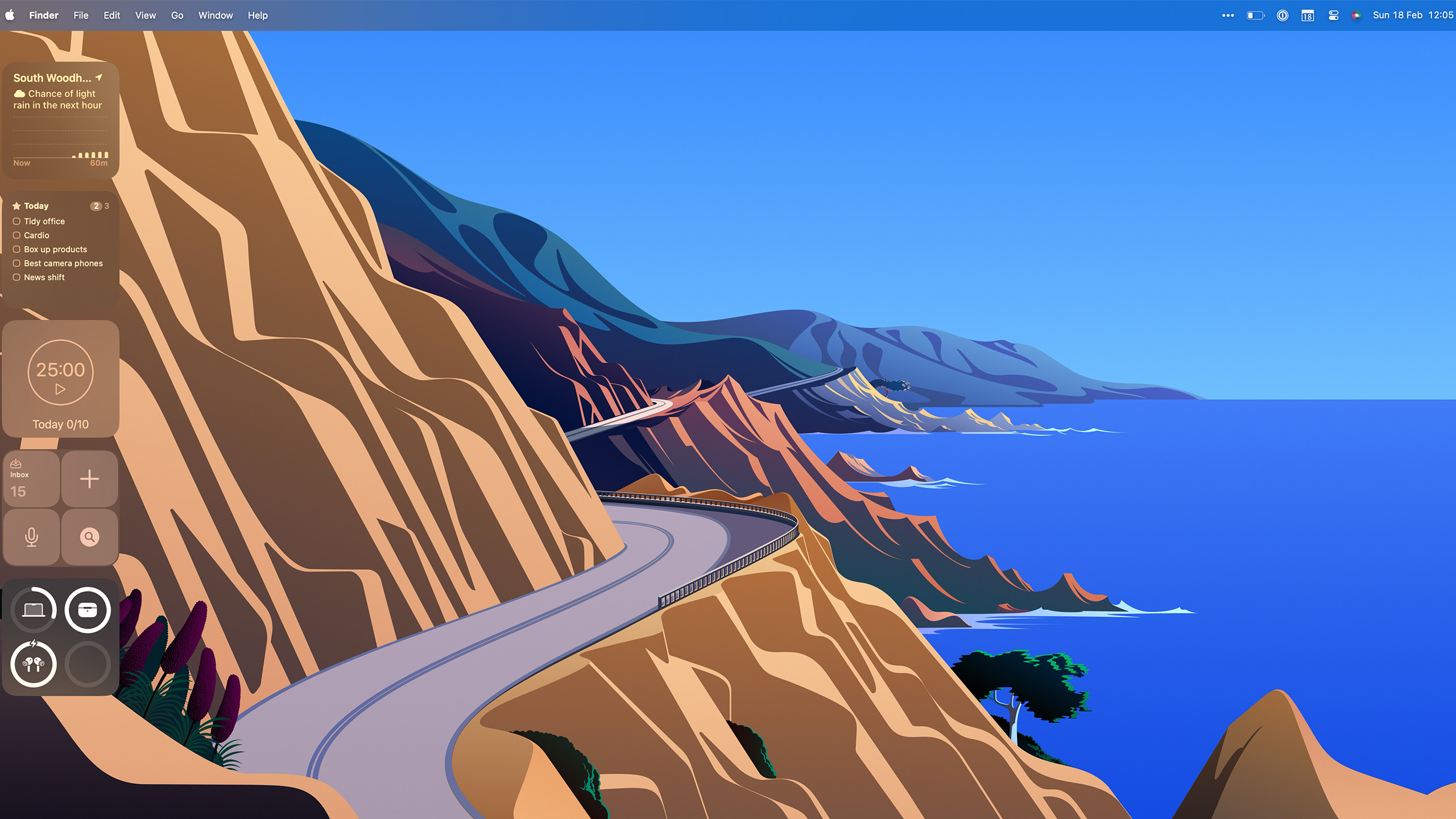
Apple certainly loves its widgets these days. After years of keeping them confined to the Dashboard and Notification Centre on macOS, they've made it to the big time on the desktop after appearances on iPhone and iPad.
They're more powerful than ever before, too, able to be arranged just about anywhere and much more open than they've ever been to developers. Whether it's a to-do list always a glance away, tracking the battery life of your peripherals, or adding some calming white noise, you may be surprised at how many widgets you have access to.