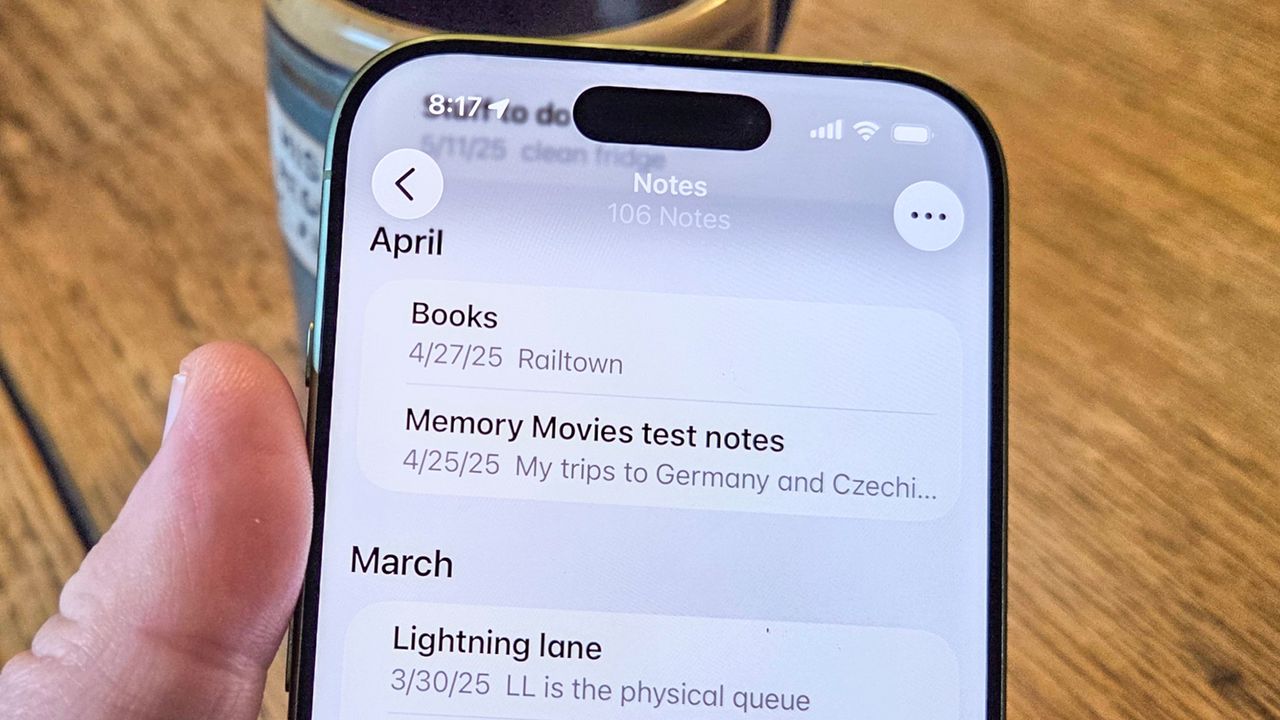
I turn to the Notes app on my iPhone all the time, whether it's to jot down ideas when there's no pen and paper handy, to make sure I've got a document I can access later via iCloud on my Mac or even to track down ingredients I need on an impromptu trip to the store. And Notes can handle all those tasks — and more — with aplomb.
Indeed, Notes on the iPhone has evolved over the years from a simple note-taking tool to a full-fledged writing document. If you wanted to compose an article or chapter or writing sample, complete with formatting, you could do so right on your phone. And I'd have to say I admire your commitment to the iPhone's on-screen keyboard.