
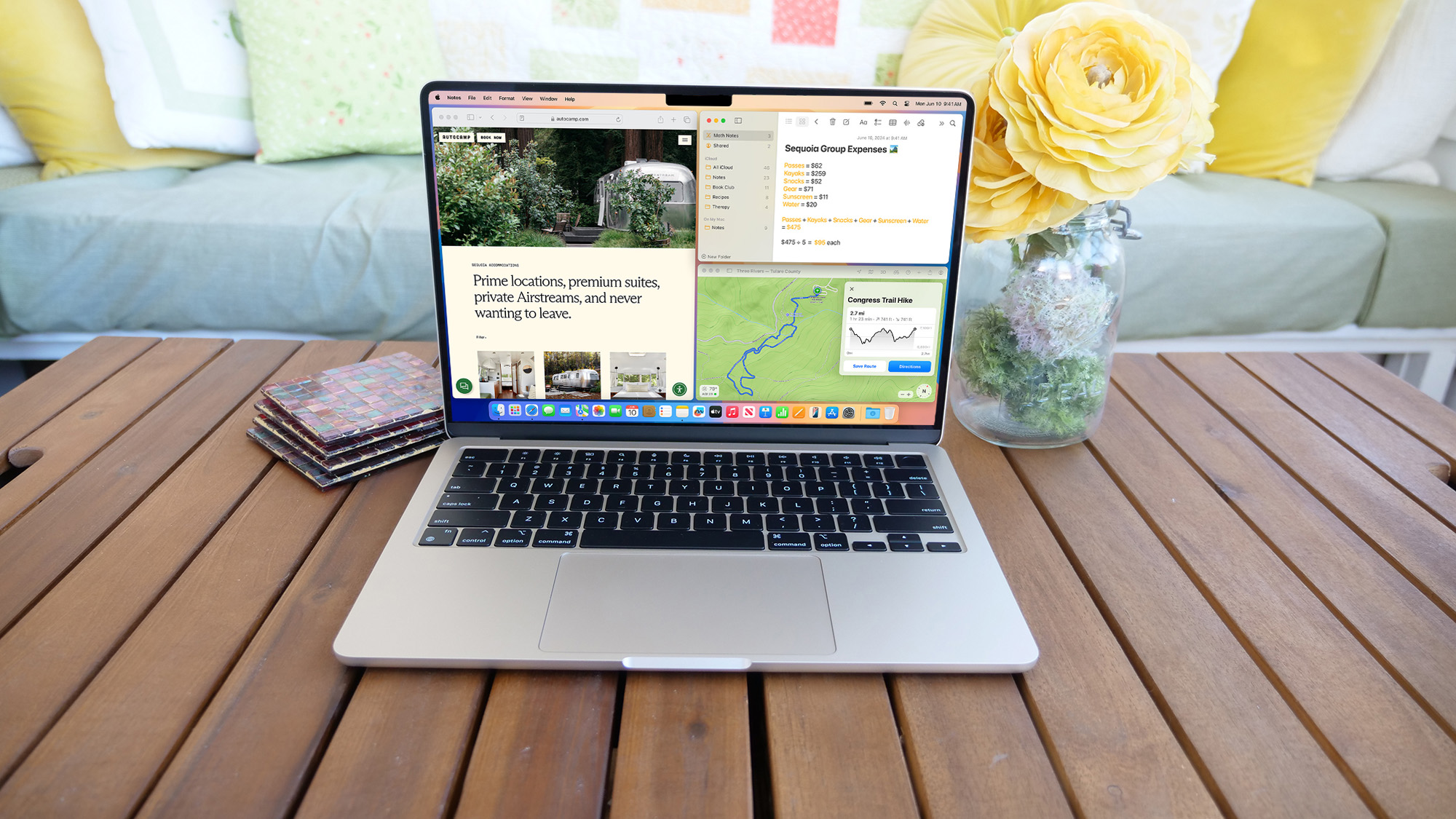
Over the last few macOS updates, one complaint has remained consistent: the poor, outdated state of Mac multitasking. Despite the computing advancements Apple, its desktop OS’s productivity options seem archaic compared to Microsoft Windows. Apple did bring an iPad-like Stage Manager tool on Ventura but its software chief and I both agreed it’s far from a tool most people would find handy. MacOS’s latest, 15th annual refresh, Sequoia fixes that and catches up to Windows in more ways than one.
While the previous couple of macOS updates did little to influence most Mac owners’ day-to-day workflow, Sequoia has the potential to dramatically upgrade their experience. From a new, convenient multitasking mode to a series of AI-powered features to the ability to manage an iPhone from a Mac, macOS Sequoia is one of the most practical updates Apple has rolled out for its computers. Many of these changes may be the result of peer pressure too, as they have been available on Windows 11 for a while now. I’ve been living with macOS Sequoia’s public beta for weeks now; here’s what’s it like to use it.