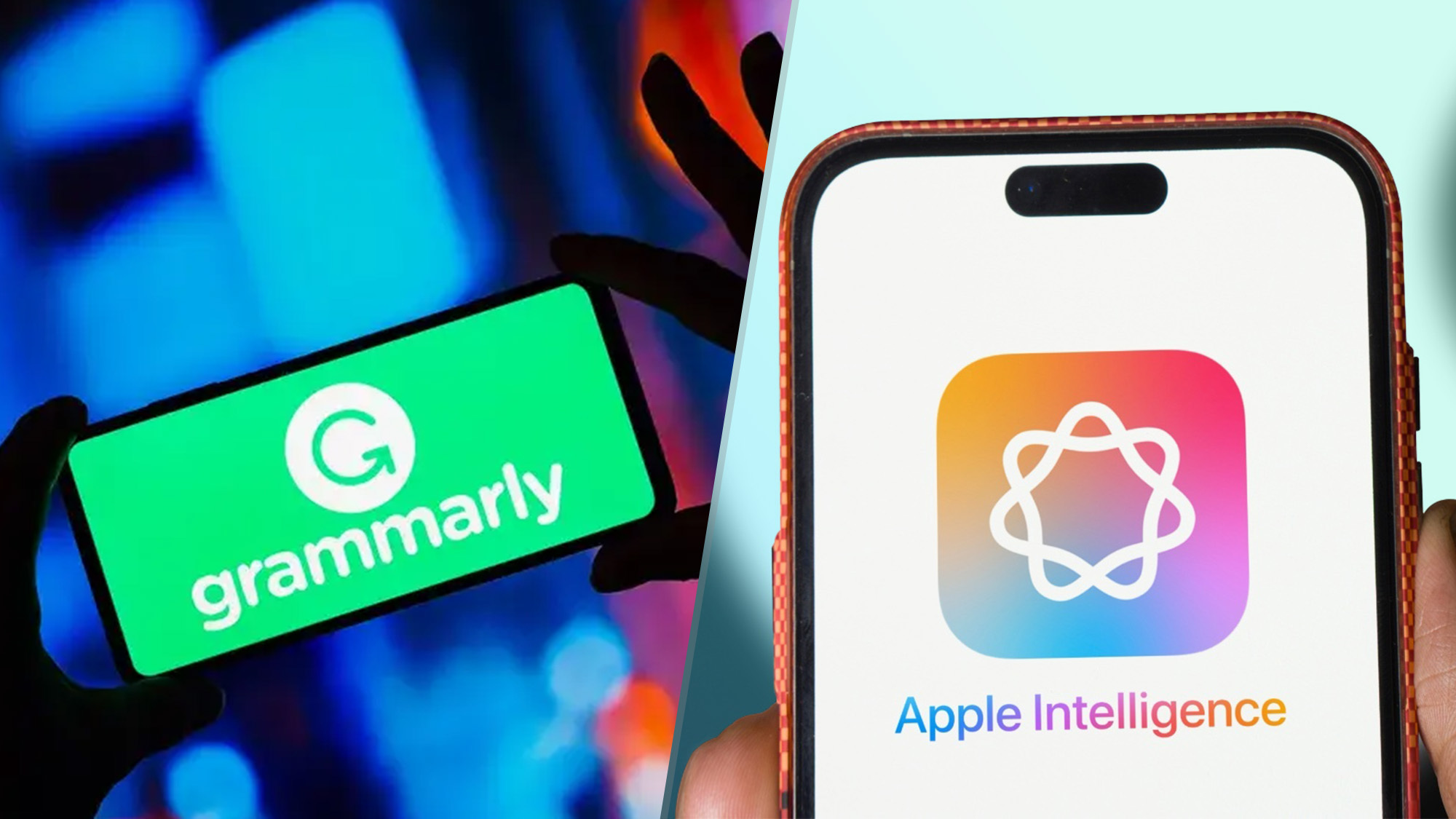
Because I write all day, every day, I rely on writing tools to correct my grammar, help with sentence structure, and make real-time corrections. When Apple Intelligence first launched and I discovered Apple Writing Tools, I wondered if it would replace Grammarly. At first glance, it seemed as if the two were different enough that I would not have to pick.
However, I decided to put the two players — Apple Intelligence and Grammarly — to the test to see how they compare when editing and refining text. Apple Intelligence is embedded within iOS 18.1 and works seamlessly across Apple devices, while Grammarly has established itself as a robust, platform-agnostic tool for grammar and clarity.
To see how these tools stack up, I tested them both on five common tasks: grammar correction, creative writing support, tone adjustment, contextual feedback, and real-time corrections. Here’s how each tool performed, and why I ultimately found Apple Intelligence to be the better choice.