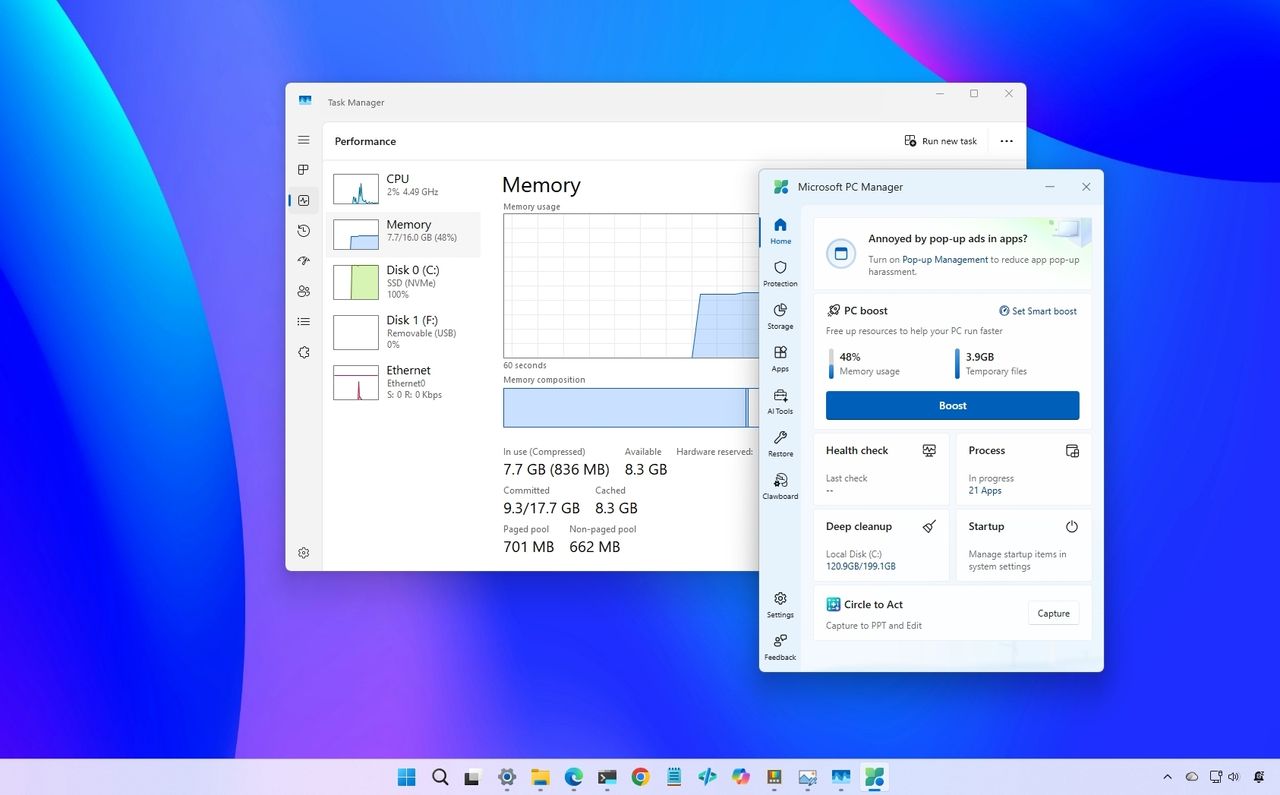
On Windows 11, I often see users concerned about high memory usage when they open Task Manager. It's not uncommon to see RAM utilization sitting at 70, 80, or even 90 percent. When that happens, many people assume their computer is slowing down, the operating system is using too many resources, or it's finally time to upgrade to more memory.
Microsoft PC Manager is one of the tools designed to address this concern. The app includes a one-click "Boost" feature that promises to free memory and improve performance instantly. However, before you start clearing memory every time you see a high percentage, it's important to understand what the system is actually doing behind the scenes.