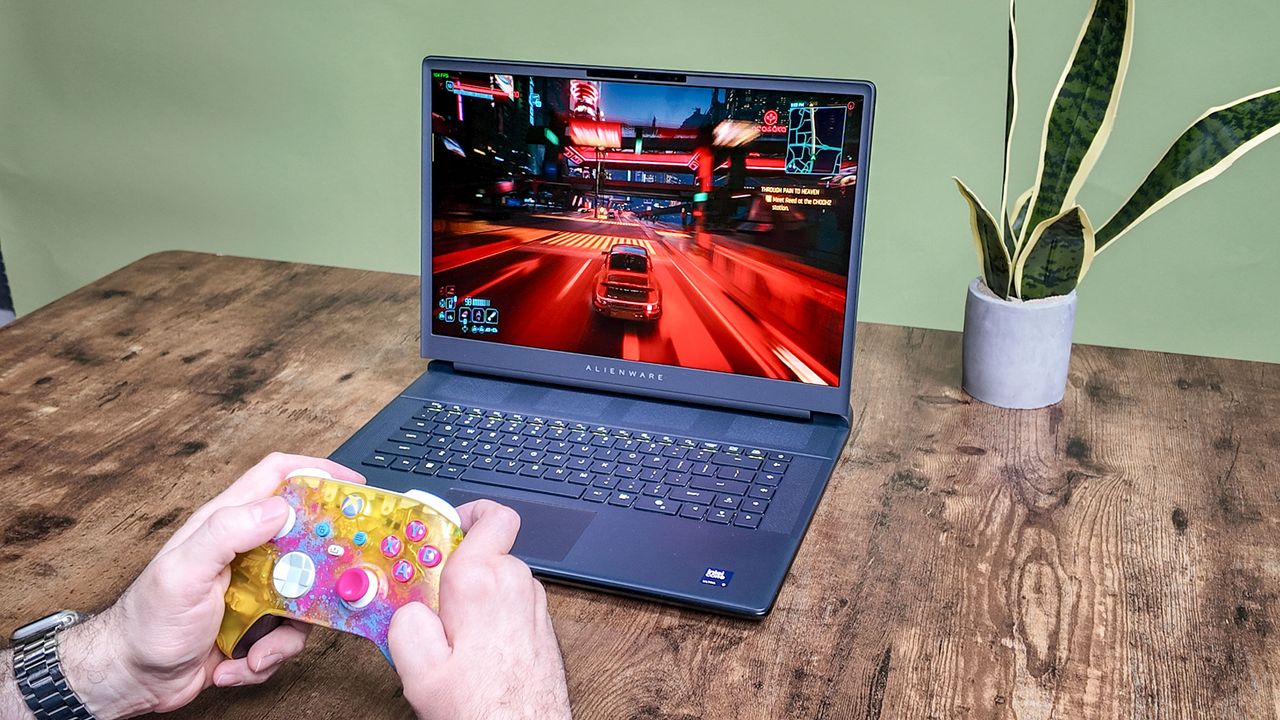
A core reason you’d want one of the best gaming laptops is to play your favorite PC games on the go. However, your experience with AAA games won’t be great on battery power. Not only will you generally get less than two hours of gameplay, but you'll suffer severe drops in frames per second (FPS). This is why most users keep their gaming laptops plugged in during use.
But what if you’re itching to play a game and there’s no wall outlet in sight? Are you stuck playing for just a couple of hours at 30 frames per second or lower? Not necessarily, so long as you make various adjustments to the laptop and game. Though the results won't always match what you'd get when plugged in, you’ll have a smoother gaming experience.