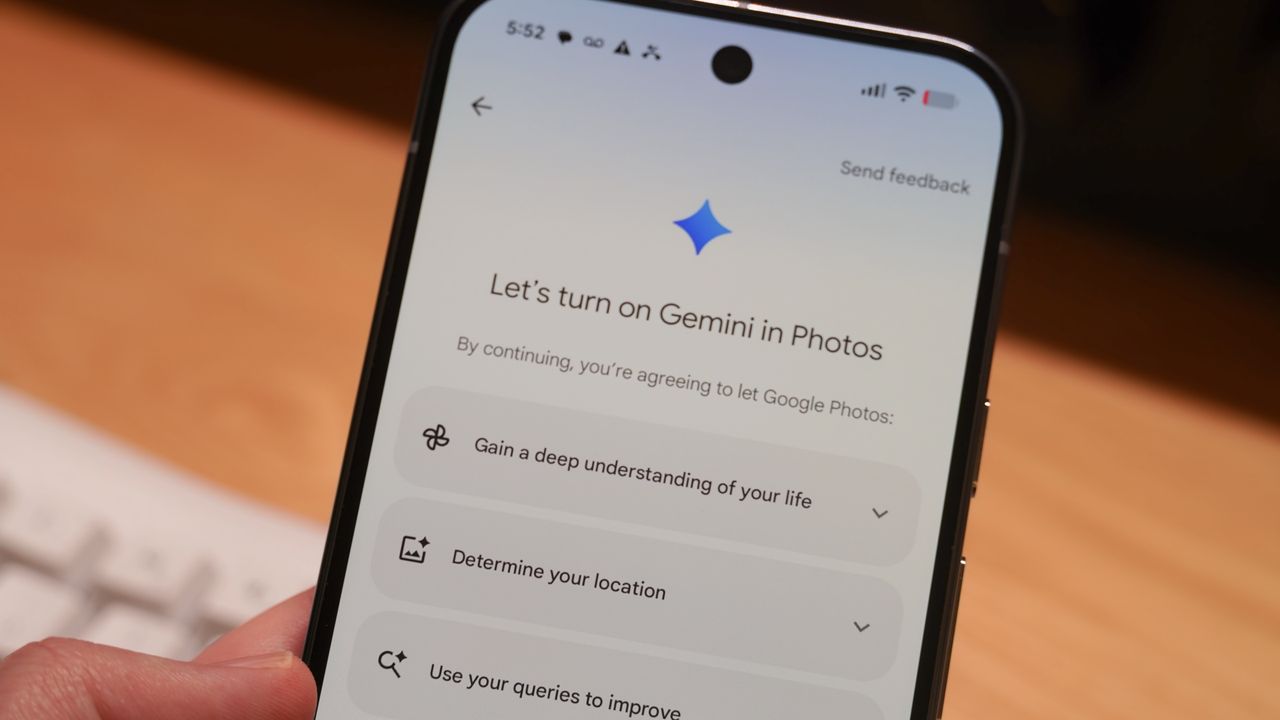
Google Photos offers a robust selection of image editing tools, and many of them are free and cross-platform. However, with the ever-accumulating assortment of editing features, it can be hard to keep track of them all. Recent updates to Google Photos completely overhauled the image editor, and longtime features like Magic Eraser or Magic Editor are in new places. If you're overwhelmed by the options available in Google Photos, there's a new feature you need to try.
It's called Ask Photos, and it's designed to help you command the tools found within Google Photos. Instead of seeking out the exact slider or button needed to carry out your edit, Ask Photos lets you write a natural-language prompt. Just like you can use conversational requests to control AI chatbots like Gemini, you can now ask Google Photos to edit your photos in a similar way. It works for classic editing features and generative editing tools powered by AI.