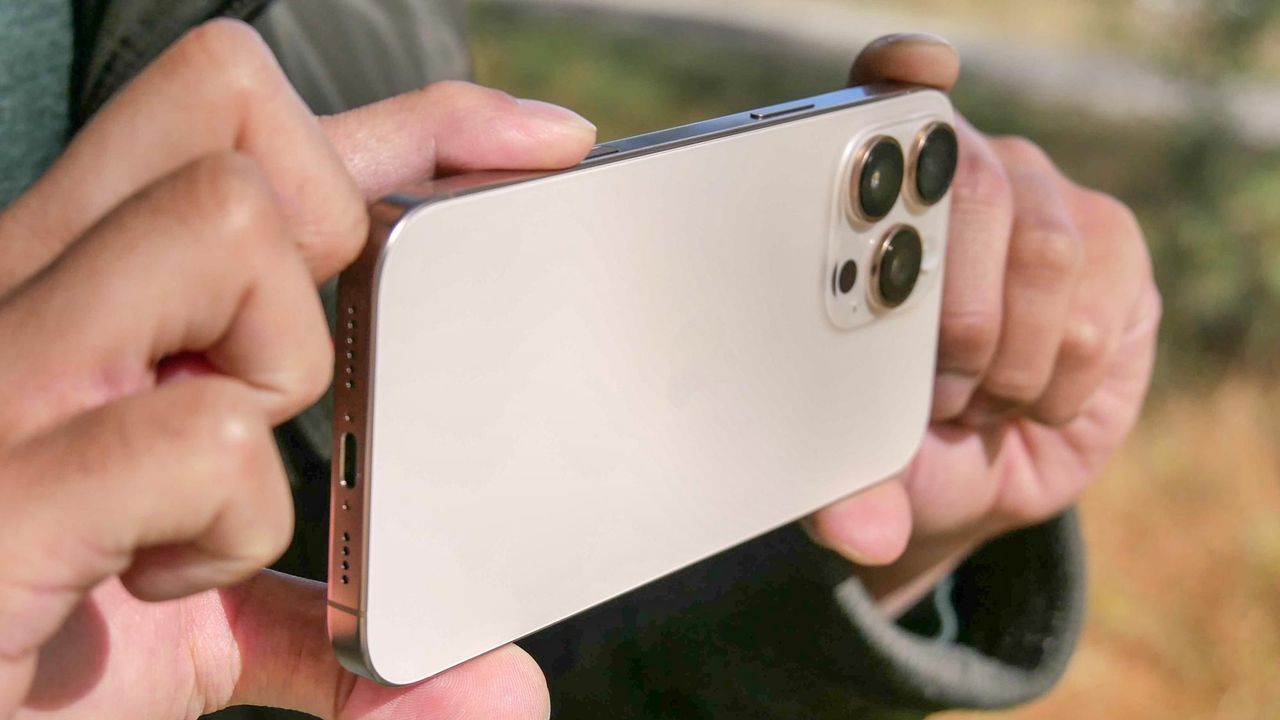
There was a time when the idea that you could take a photo with your phone was an outlandish absurdity. These days, our phones usually are our only cameras, and we use them day in, day out. While the best iPhones are all capable of delivering outstanding snapshots, there's still more you can do to make them better.
But while many of us might simply snap a photo and share it (or, if you're like me, forget about it until an algorithm some day pops it up and you try to remember why you took it in the first place), sometimes you want to take that extra step to adjust an image after the fact, whether it's to make it look closer to what you'd envisioned or to fix something that went wrong.