Get all your news in one place.
100’s of premium titles.
One app.
Start reading
Tom’s Guide
Tom’s Guide
Technology
Amanda Caswell

I just tried Flow's 4 new AI editing tools — and I can't believe what it can do now

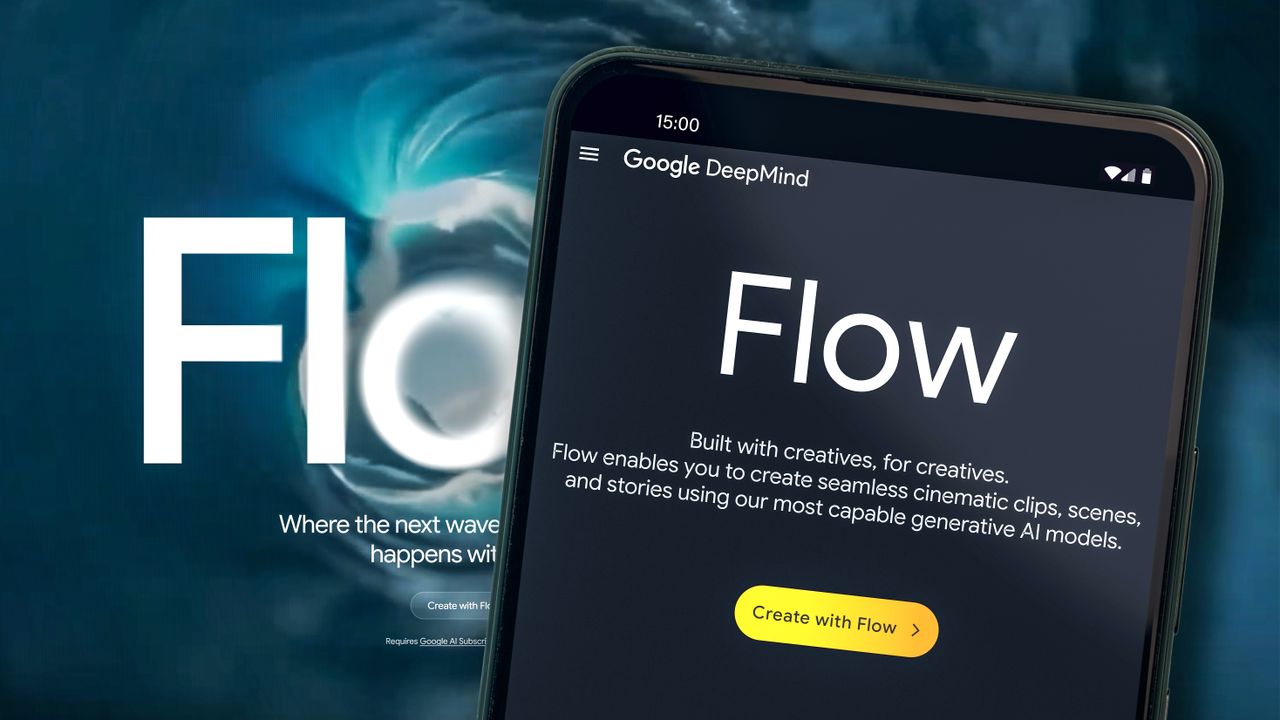
Flow on phone.

Flow, Google’s AI-powered video creation tool, is getting a major upgrade. The video platform built on top of models like Veo 3.1 , Nano Banana and Imagen, provides creators with workflows, assets, editing controls, scene and story‑layout layers.

Starting today, creators will have access to four new features aimed at giving them more control over how images and video clips look and move, all without needing to start over every time something needs an edit.
Since launching in May, according to Google, users have created more than 500 million videos in Flow, but until now, editing has been somewhat rigid. That’s changing with new updates designed to make your projects look more polished with fewer prompts.

Here's what it can do now:

1. Edit images with Nano Banana (and Nano Banana Pro)

(Image credit: Future)

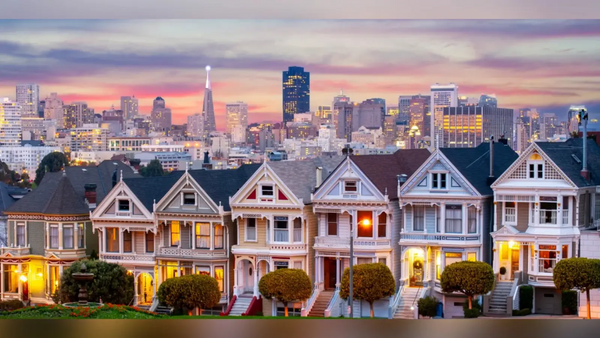
Flow now includes a dedicated Images tab where you can generate and edit photos that become characters, props or backdrops in your video. Free users get access to Google’s Imagen and Nano Banana models, while Pro subscribers can try Nano Banana Pro, the newer and more advanced version. The above images were made with Nano Banana Pro.

The goal with this latest update is to help users avoid the hassle of re-generating a full scene just to tweak a detail like adding rainbow hair to a unicorn.

Free tier and Pro tier can do the following:

  • Change outfits or poses
  • Adjust lighting or camera angle
  • Remove background distractions
  • Blend two images together in a single prompt

2. You can prompt with doodles now

(Image credit: Future)

This is a game-changer for anyone who doesn't like typing out prompts. Now, Flow lets you draw directly on an image, and the system will interpret your doodles using the Frames to Video feature.

That means you can sketch a hairstyle, shift a pose or drop in accessories, without a detailed prompt needed.

3. Remove or insert objects

Whether you want to delete a lamppost or add a missing soccer ball, Flow now lets you insert or remove objects inside a scene without touching anything else. The feature is still experimental, and it works best when the object isn’t moving much.

This kind of surgical editing is rare in AI video generation, and it signals a shift toward more creator-level control.

4. Reshoot your scene with new camera angles

Flow now supports more camera motion presets — including different perspectives and trajectory styles. That means if you don’t love the way a scene looks, you can reshoot it with a new camera motion instead of starting over.

This update is especially useful for clips that didn’t originally have camera movement baked in.

Why it matters

These tools mark an important shift for Flow — from a fast generation tool to a refinement platform. With added control over visuals, object placement, and camera angles, Google is clearly positioning Flow as a serious competitor in the AI content creation space.

And if you're using Flow to prototype ads, make social clips, or just tell stories, these editing upgrades could be game-changers.

Follow Tom's Guide on Google News and add us as a preferred source to get our up-to-date news, analysis, and reviews in your feeds.

More from Tom's Guide

Sign up to read this article
Read news from 100’s of titles, curated specifically for you.
Already a member? Sign in here
Related Stories
Top stories on inkl right now
One subscription that gives you access to news from hundreds of sites
Already a member? Sign in here
Our Picks
Fourteen days free
Download the app
One app. One membership.
100+ trusted global sources.