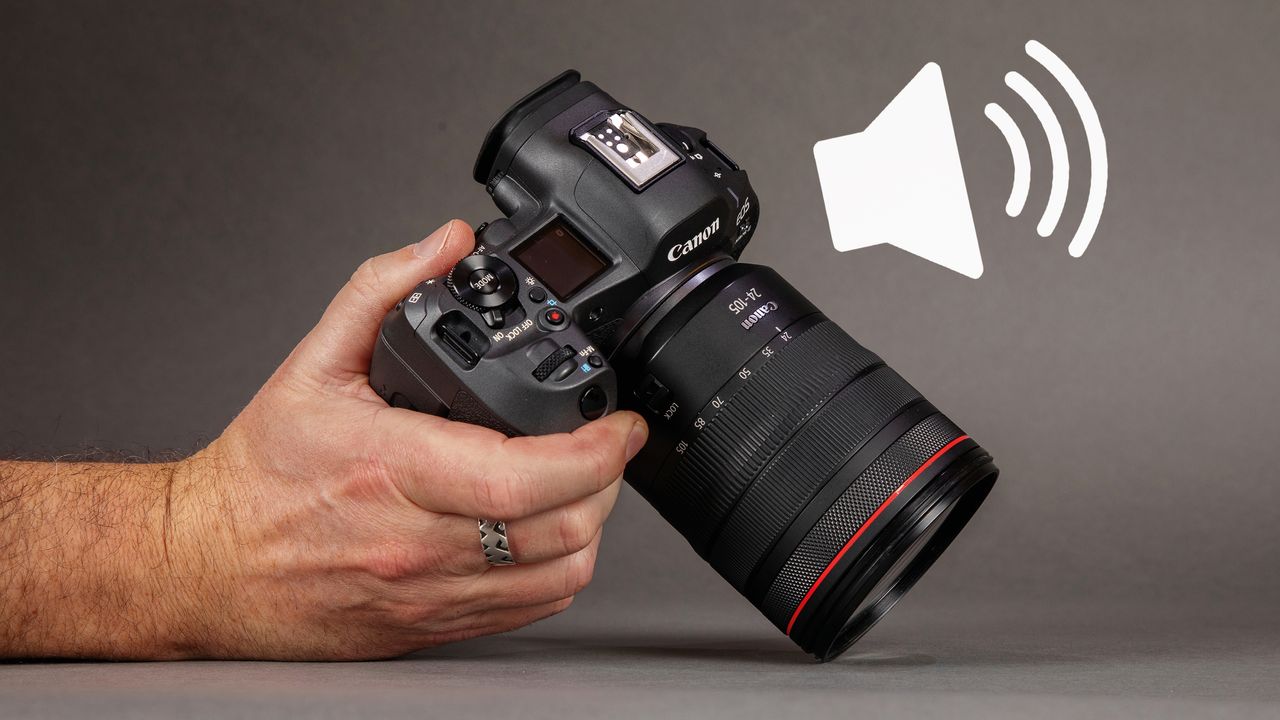
I enjoy using both Canon DSLRs and mirrorless cameras. But one of the reasons I still enjoy using DSLRs like the Canon EOS 5D Mark IV is the lovely noise it makes when taking a photo. I don't mean using Live View without the mirror, I mean taking a photo the "proper way" via the viewfinder.
That press of the trigger and rapid-fire double "clack". It’s like the reassuring "clunk" of the heavier doors of better cars. Cheaper, lighter cars have crap doors that sound plasticky when they close with a lightweight "click".

Modern mirrorless cameras don’t produce that reassuring click or clack of the curtains (or blinds) moving out of the way of the shutter during an exposure.
For example, there’s a weird "digital squelching" noise that my Canon EOS R5 Mark II makes when you press the shutter button. This noise makes sense when you’re in high-speed burst mode, but not in day-to-day normal photography with single shooting drive mode.

Thankfully on my R5 Mark II, there’s a quick fix: simply switch the shutter mode from electronic shutter to mechanical shutter!
To do this, go into the red Shooting menu and find the Shutter mode page, then select the louder, more satisfying Mechanical option. Bingo! Press the shutter button now and you get that instantaneous "clack clack"!
Mirrorless mechanical shutters sound like a pistol with a silencer, compared to DSLRs' louder mechanical shutters, but they still sound more soothing to my ears!
On the R5 Mark II, you have two other shutter modes: there's Electronic 1st-curtain or the near-silent crunchy-beeping Electronic Shutter (ES) if you prefer, or if you need to be quiet.

What about other brands? Nikon gives you more choice of shutter sounds on top-of-the-range Nikon Z series cameras like the Z8 and Z9 – perhaps too much choice.
With sounds such as DSLR, Digital and Film, that might sound (literally and figuratively) all good. But there’s even a customizable shutter sound on the Z9 that mimics a cat’s meow. To this I say, woof woof!