
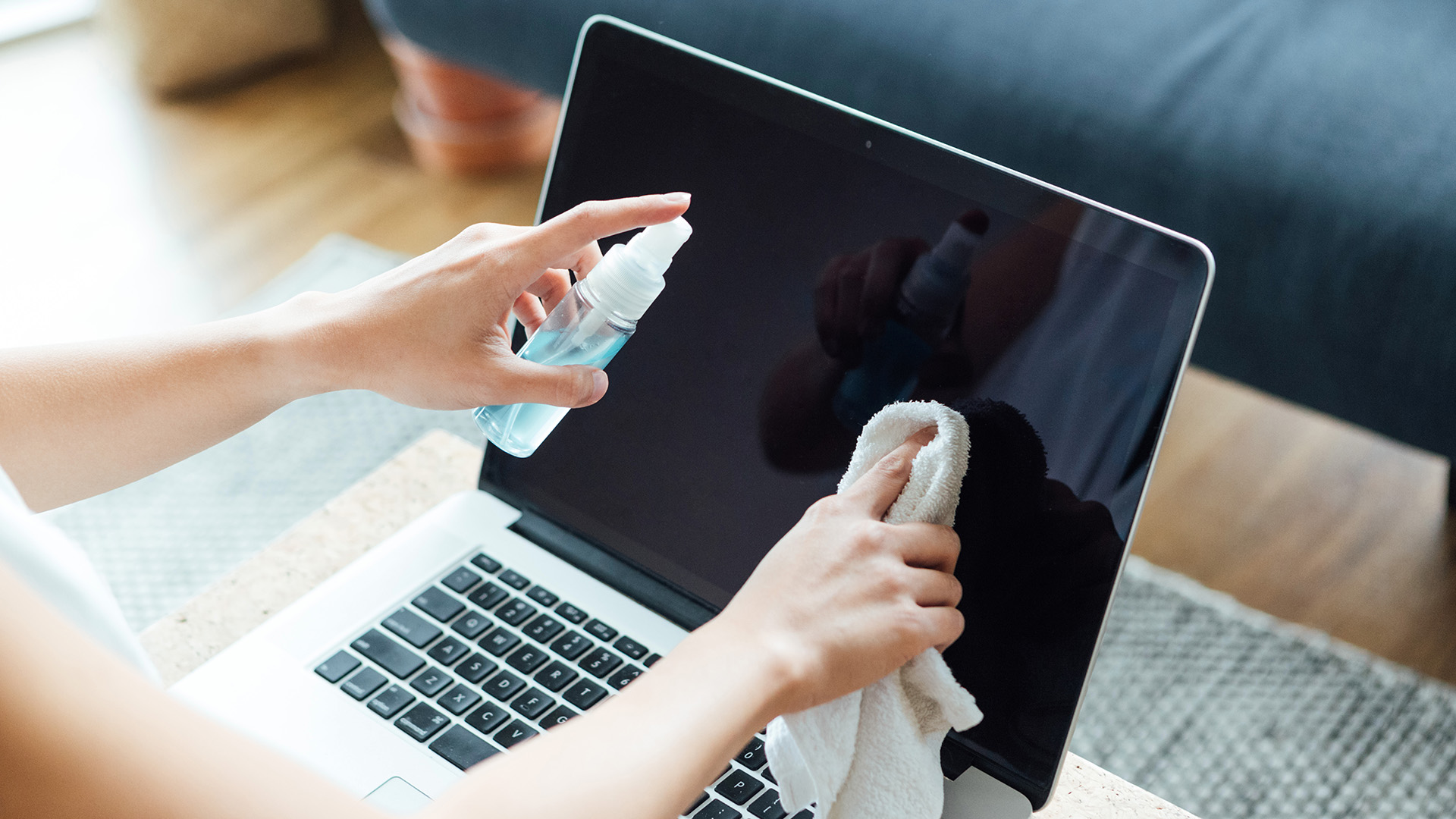
Knowing how to clean a laptop screen is essential if you want to be able to focus on your screen and keep your work environment tidy. Whether you are working, gaming, or watching videos or movies on your laptop, a dirty screen can be distracting and become a nuisance over time. My laptop screen had definitely seen better days, so I took the necessary steps to clean it. In the past, I have used a damp paper towel to clean my laptop screen but I often fond that this left streaks and debris, so I was on the hunt for a more effective method.
To clean my screen I simply used deionized water and a microfiber cloth. By using deionized water, no watermarks or streaks are left behind while the microfiber cloth will collect any dust or dirt that has built up over time. To keep the best laptops clean and functioning properly, it's essential to frequently clean the screen to prevent build-up under the keys that can damage the components.