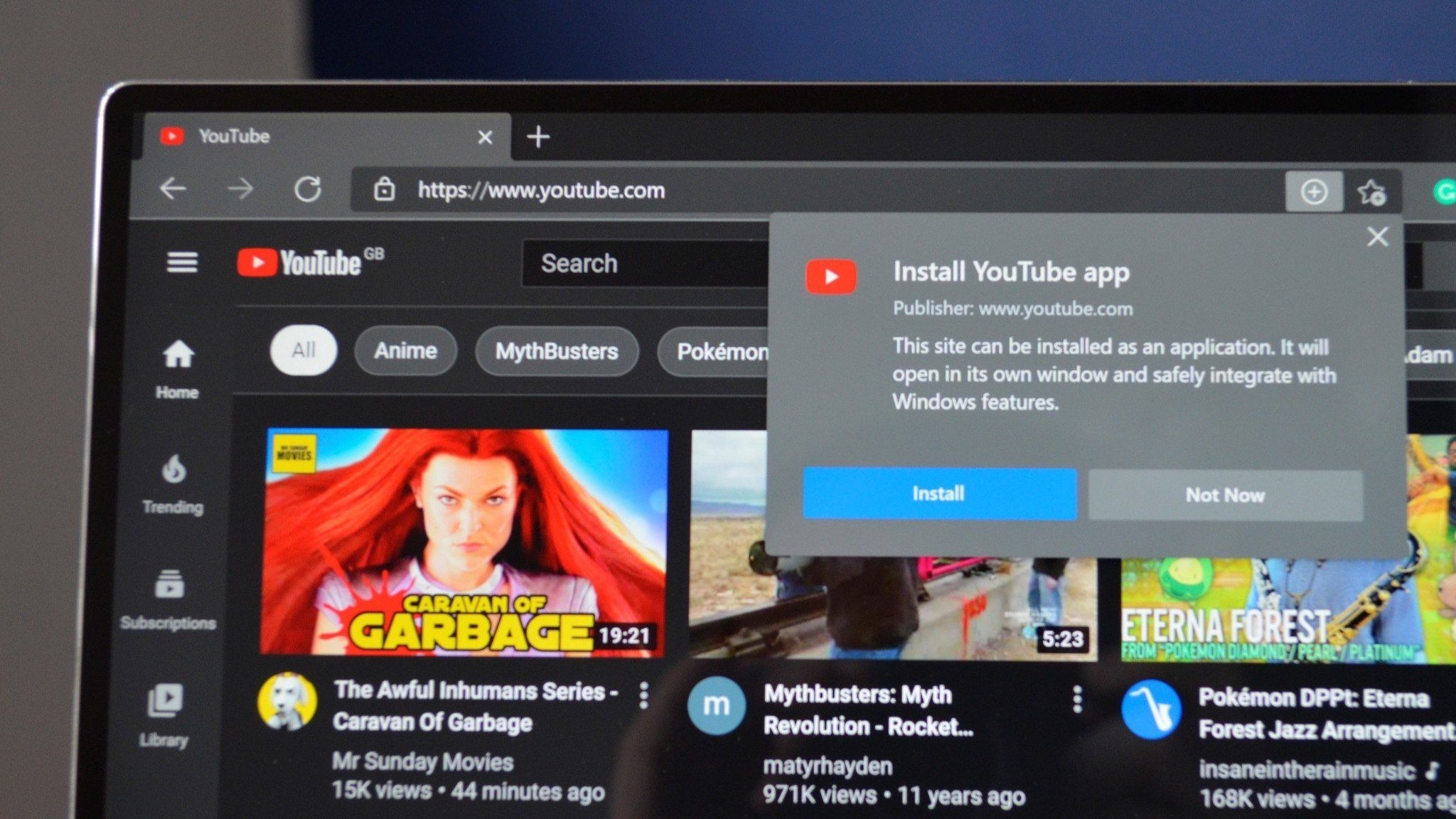
I watch a lot of YouTube videos. I doubt I'm alone in that "hobby," but there is one thing stopping me from enjoying my favorite content, stuttering. Some videos I try to play are unwatchable due to stuttering. The problem gets worse when I speed videos up 1.5x or 2x, but it occasionally pops up on run of the mill YouTube videos played at normal speed. Luckily, I found a way to fix the issue, at least in my experience.
If you hop over to edge://flags/ and search for "QUIC" you'll see a setting for "Experimental QUIC protocol." Toggle that to disabled, restart your browser, and open a YouTube video. If you're lucky like I was, your stuttering issues should be gone.